How I Made This AI Video w/o Editing Software
TL;DR
Learn how to create AI-generated conversations on Colossian.com for video content, without the need for editing or downloading additional files.
Transcript
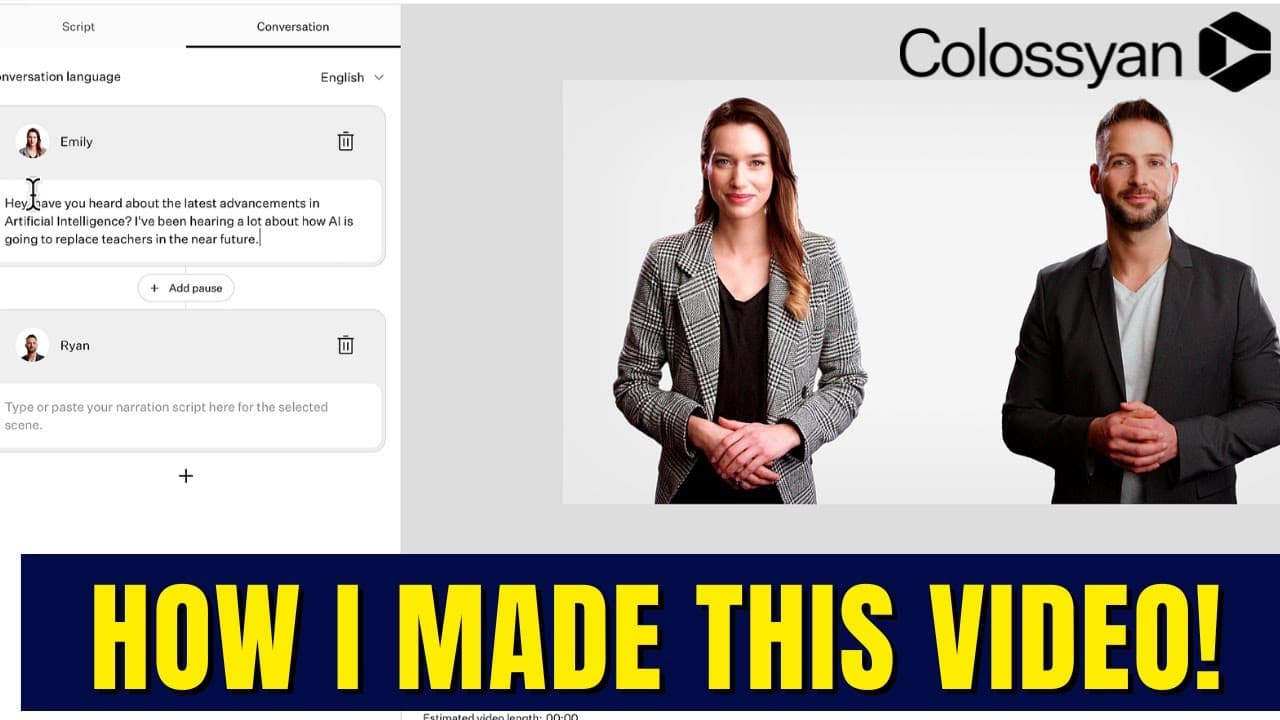
so you've probably seen the video on my channel that features two AIS discussing why artificial intelligence won't replace teachers in this video I'm going to show you how I created it and I did it on this site at colossian.com let me show you how so the first thing I had to do was to write a two-person script so I went to chat GPT and I generated ... Read More
Key Insights
- 💨 Colossian.com offers a convenient way to create AI-generated conversations for video content without the need for complex editing or file manipulation.
- 🫥 The conversation feature on Colossian.com allows for the easy selection of actors, voices, and the pasting of script lines.
- 👤 Users can preview and customize their videos, adding music and other elements, to create a personalized result.
- ⌛ Creating AI-generated conversations with Colossian.com saves time and effort compared to traditional video editing methods.
- 🎮 The platform provides a clean and visually appealing interface for creating videos with AI-generated conversations.
- 👊 AI technology, such as chat GPT, is enabling content creators to automate the process of generating engaging dialogue for their videos.
- ❓ Colossian.com facilitates the creation of AI-generated conversations by simplifying the steps and offering intuitive features.
Install to Summarize YouTube Videos and Get Transcripts
Explore YouTube Video Summarizer or Get YouTube Transcript Extractor
Questions & Answers
Q: What is the reason for choosing Colossian Creator over other options?
The content creator selected Colossian Creator because it offers a conversation feature, allowing for the easy creation of AI-generated conversations without the need for additional editing or file downloading.
Q: How does one select actors and voices in Colossian.com?
Colossian.com provides a selection of actors and voice options to choose from. The content creator showcases the process of selecting actors and previewing different voices before making a decision.
Q: How does one create a script using chat GPT and Colossian.com?
The content creator writes a two-person script using chat GPT, then copies and pastes each line into speech bubbles in Colossian.com's conversation feature. This process is repeated for all lines of the script.
Q: Can additional elements such as music, backgrounds, and text be added to the video on Colossian.com?
Yes, Colossian.com allows users to add music, change backgrounds, incorporate shapes, bring in custom media, and add text to their videos, providing customization options to enhance the final product.
Summary & Key Takeaways
-
The content creator demonstrates how to generate a two-person script using chat GPT and then creates a conversation on Colossian.com.
-
The video showcases the selection of actors and voices, pasting the script, and previewing and customizing the video.
-
Colossian.com provides an easy and quick solution for creating AI-generated conversations without the need for editing or downloading files.
Read in Other Languages (beta)
Share This Summary 📚
Summarize YouTube Videos and Get Video Transcripts with 1-Click
Try YouTube Summary with ChatGPT & Claude or YouTube Transcript Generator
Explore More Summaries from EdTech Hustle 📚






Summarize YouTube Videos and Get Video Transcripts with 1-Click
Try YouTube Summary with ChatGPT & Claude or YouTube Transcript Generator