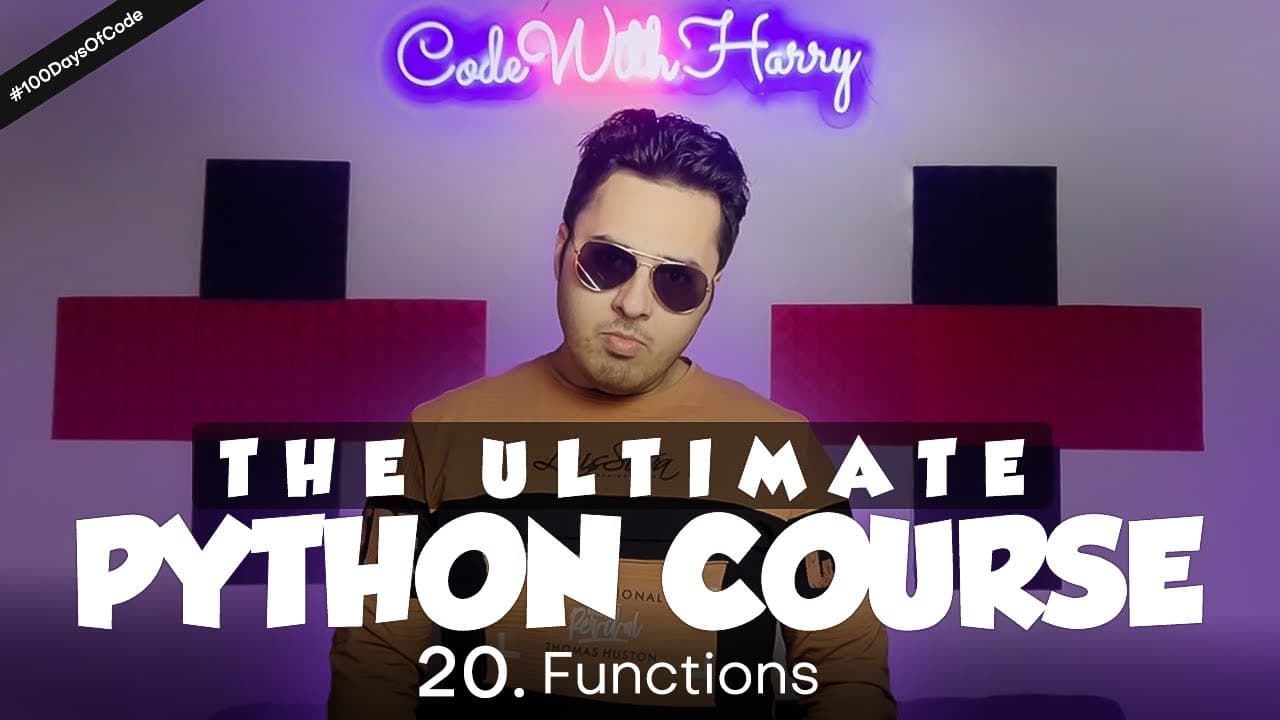
How Do You Define and Reuse Functions in Python? | Python Tutorial Day #20
TL;DR
Define a reusable Python function with def, a function name, parentheses for any accepted arguments, and an indented body, then call it wherever its logic is needed. The tutorial turns the repeated calculation into calculateGmean(a, b) and calls it for both 9 and 8 and 8 and 7. Functions reduce duplicated code and centralize updates; read on for arguments, indentation, comparisons, and pass.
Transcript
In today's video we'll learn about 'Functions' And "What are functions?" Sometimes we'd like to use our code's logic multiple times Let's suppose we want to print 1-15 15 times in our program And the code we wrote to perform this is of 10 lines We won't want to repeat these 10 lines in our program There are 2 reasons for this If we repeat these lin... Read More
Key Insights
- A function is a block of code that performs a specific task whenever it is called. It gives a reusable name to a piece of logic, allowing the programmer to invoke that behavior without rewriting the complete block each time.
- Repeated code increases both program length and maintenance work. If the same logic appears in 15 places, changing or correcting it may require updating all 15 copies, while a function centralizes that logic in one definition.
- Python functions are defined with the def keyword, followed by a function name and parentheses. The calculateGmean(a, b) example accepts two arguments, performs the tutorial's mean calculation, and prints the resulting value from its indented body.
- Function arguments provide values that the function can use during execution. The same calculateGmean definition is called with a and b, then with c and d, allowing one calculation block to process different pairs of variables.
- Indentation identifies which statements belong to a Python function. Statements in the function body require one indentation level, while statements inside an if or else within that function require another level to represent their nested structure.
- The isGreater(a, b) function packages comparison logic behind a short name. It prints that the first number is greater or equal when a is greater than b, otherwise it prints that the second number is greater.
- The pass statement acts as a temporary function body when implementation is postponed. Without a body, Python raises an indentation error, but pass lets the program continue while preserving the planned function name and accepted arguments.
- Functions help divide large programs into separate responsibilities. The tutorial describes an e-commerce program with logic for order processing, login checks, and pin-code serviceability, allowing different programmers to work on individual functions in parallel.
Install to Summarize YouTube Videos and Get Transcripts
Explore YouTube Video Summarizer or Get YouTube Transcript Extractor
Questions & Answers
Q: What is a function in Python?
A function is a block of code that performs a specific task whenever it is called. It gives reusable logic a name so the same code does not need to be copied throughout a program.
Q: How do you define and call a function in Python?
Write def followed by the function name, parentheses containing any accepted arguments, and an indented body. The tutorial defines calculateGmean(a, b) and calls it by writing calculateGmean(a, b), then calls the same function with c and d.
Q: Why should repeated Python code be moved into a function?
A function prevents the same logic from being copied every time it is needed. In the tutorial's example, repeating 10 lines in 15 places would increase the program's length and require a correction to be made in all 15 places, while one function centralizes the change.
Q: How do function arguments work in Python?
Arguments provide the values a function uses when it runs, although a function is not required to accept any arguments. In calculateGmean(a, b), a and b are the accepted arguments, allowing the same calculation to run with different pairs of values.
Q: How does calculateGmean reuse a calculation?
The tutorial places the expression (a*b)/(a+b) inside calculateGmean(a, b) and prints the resulting mean. Calling it with 9 and 8 and then with 8 and 7 produces the same results as writing the calculation separately for each pair.
Q: How does indentation affect a Python function?
Indentation identifies the statements that belong to the function body. Logic nested inside that body, such as the print statements under if and else in isGreater(a, b), requires another indentation level.
Q: What does the isGreater(a, b) function demonstrate?
isGreater(a, b) packages reusable comparison logic for two numbers. When a is greater than b, it prints that the first number is greater or equal; otherwise, it prints that the second number is greater.
Q: When should you use pass in a Python function?
Use pass when you want to declare a function but postpone writing its body. Python expects an indented body after the definition, so pass supplies a temporary valid body and lets execution continue.
Summary & Key Takeaways
-
Functions separate frequently used logic from the main program so the same block does not need to be copied at every point of use. The tutorial demonstrates this by placing a calculation inside calculateGmean(a, b), then calling that function with two different pairs of variables while producing the same displayed results.
-
A function definition begins with def, followed by its name, accepted arguments, and an indented body. Another example places comparison logic inside isGreater(a, b). Calling isGreater with different variables executes the defined comparison, showing how a short function call can represent a larger block of instructions throughout a program.
-
Python expects an indented body after a function definition, even when the programmer intends to implement the logic later. Writing pass provides a temporary body and allows execution to continue without an indentation error. In larger programs, separate functions also let programmers divide responsibilities and work on different pieces in parallel.
Read in Other Languages (beta)
Share This Summary 📚
Summarize YouTube Videos and Get Video Transcripts with 1-Click
Try YouTube Summary with ChatGPT & Claude or YouTube Transcript Generator
Explore More Summaries from CodeWithHarry 📚




Summarize YouTube Videos and Get Video Transcripts with 1-Click
Try YouTube Summary with ChatGPT & Claude or YouTube Transcript Generator