Can Atomic Pi Run Windows 10 Smoothly?
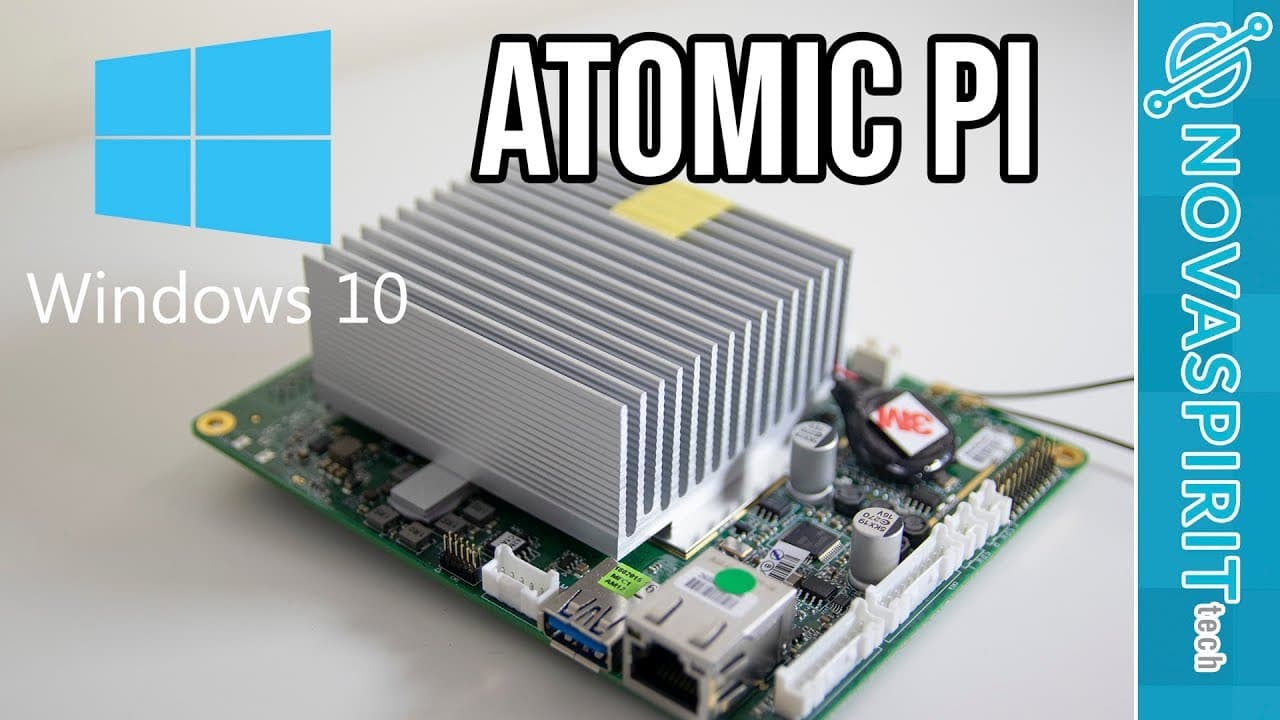
TL;DR
The Atomic Pi can run Windows 10, but its limited hardware (2GB RAM, 16GB storage) results in performance issues. While installation is straightforward, demanding applications lead to slowdowns, making it better suited for basic multimedia tasks rather than heavy processing or gaming.
Transcript
hey guys what is going on it's down here from Nova spirit Tech and today we are gonna be taking a look at Windows 10 on the atomic Pi so let's get started if you guys don't know what atomic pi is I'll leave a link in the description and probably a card right up here on a review I did on this guy it's basically a $35 or so right now so I think it's ... Read More
Key Insights
- 💄 The Atomic Pi successfully installs Windows 10, making it a versatile option for various projects.
- ✊ Resource constraints challenge the device's ability to run applications smoothly, especially those requiring significant RAM and CPU power.
- ☠️ External storage solutions like SD cards are crucial, as internal storage space is minimal after OS installation.
- 🛀 Benchmarking showed the Atomic Pi can perform basic tasks but struggles with multitasking and intensive applications.
- 🥺 Installing Windows 10 poses specific challenges due to the device's hardware limitations, leading to potential overheating.
- ❓ The integrated Intel HD 4000 graphics underperform, causing the device to be unsuitable for gaming or graphics-intensive tasks.
- 😒 The use of external fans has proven necessary to maintain performance stability during stress tests and extended use.
Install to Summarize YouTube Videos and Get Transcripts
Explore YouTube Video Summarizer or Get YouTube Transcript Extractor
Questions & Answers
Q: What is the Atomic Pi, and why would someone consider it?
The Atomic Pi is a low-powered x86 single-board computer priced around $35, aimed at hobbyists and developers. Its affordability makes it an attractive option for DIY projects, multimedia setups, or as a budget-friendly computing solution for light tasks and applications.
Q: What were the main challenges encountered when installing Windows 10 on Atomic Pi?
The main challenges included limited storage space post-installation (about 2GB) and the underperformance of integrated components. Additionally, issues with graphic drivers and performance throttling during intensive tasks required external fans to maintain stability and prevent overheating.
Q: How did Windows 10 perform in terms of benchmarks on the Atomic Pi?
Benchmark results were mixed, with Cinebench yielding inconclusive scores that suggested limited processing power. The single-threaded performance was notably low, and consistent overheating issues affected the results, indicating that while it can run, performance is not optimal for demanding tasks.
Q: Can the Atomic Pi handle multimedia tasks?
Yes, the Atomic Pi can handle multimedia tasks like streaming videos, though playback is limited to lower resolutions (up to 1080p). It can run applications like Netflix natively, making it suitable for media center setups despite overall poor graphic performance and processing capabilities.
Summary & Key Takeaways
-
The Atomic Pi can run Windows 10, but its limited hardware (2GB RAM, 16GB storage) restricts performance and usability.
-
Installation of Windows 10 is straightforward, taking around 20-25 minutes, but running resource-heavy applications can lead to significant slowdowns.
-
Benchmark tests reveal that while the Atomic Pi can handle multimedia tasks reasonably well, it struggles with higher processing demands and graphics performance.
Read in Other Languages (beta)
Share This Summary 📚
Summarize YouTube Videos and Get Video Transcripts with 1-Click
Try YouTube Summary with ChatGPT & Claude or YouTube Transcript Generator
Explore More Summaries from Novaspirit Tech 📚






Summarize YouTube Videos and Get Video Transcripts with 1-Click
Try YouTube Summary with ChatGPT & Claude or YouTube Transcript Generator