How to Create Videos with Canva's New Editing Features
TL;DR
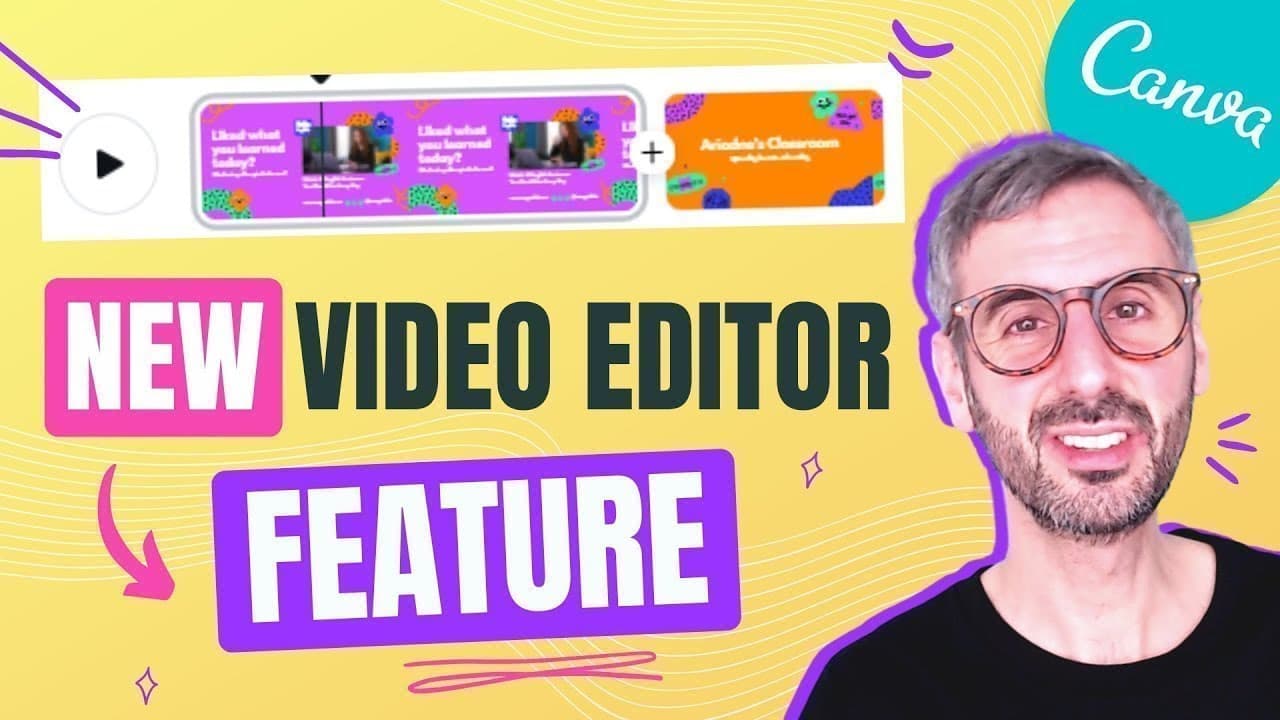
To create videos with Canva's new editing features, opt-in to the beta program, then follow these six steps: start your project, select video ingredients, create scenes with transitions, animate elements, record yourself, and collaborate with your team. Users can enjoy enhancements like a timeline, multiple audio tracks, and various templates, making video editing more user-friendly and dynamic.
Transcript
canva just announced a new set of video editing features and in this video we are going to look into that what is up everyone my name is ronnie welcome back to our channel this is the right place for you if you want to learn how to design with canva when i say design it's not just graphic design it's anything design you can learn how to create beau... Read More
Key Insights
- 🎮 Canva's new video editing features include a timeline, transitions, and multiple audio tracks, enhancing the video creation experience.
- 🥶 Users can opt-in for the video editing experiment on Canva and access the new features for free, regardless of their account type.
- 👥 The tutorial covers six steps to guide users in creating videos with Canva, from starting a project to collaborating with teams.
- 🎮 Users can animate elements, record themselves directly in the editor, and customize their video projects with Canva's new video editing tools.
- 😤 Collaborating with team members on video editing projects is made easy through Canva's sharing and collaboration features, promoting teamwork and creativity.
- 🎮 Canva's introduction of video editing features opens up new opportunities for creating various types of videos, from tutorials to vlogs, with endless possibilities for creativity.
- 🎮 Users are encouraged to explore Canva's video editing capabilities and share their feedback to further enhance the platform's video editing solutions.
Install to Summarize YouTube Videos and Get Transcripts
Explore YouTube Video Summarizer or Get YouTube Transcript Extractor
Questions & Answers
Q: What are the new video editing features Canva recently announced?
Canva introduced a video editing timeline, transitions, and the ability to add multiple audio tracks to enhance video projects. These features offer users a more robust video editing experience.
Q: How can users opt-in for the new video editing experience on Canva?
To opt-in for the video editing experience on Canva, users need to click on the video icon on their homepage, select a video document type, and click on the Canva Video Editor Open Beta pop-up to try the new features for free.
Q: What are the steps involved in creating videos with Canva's new video editing features?
The six steps to create videos with Canva include starting your project, selecting video ingredients from the Canva library, creating video scenes on the timeline, animating elements, recording yourself, and collaborating with teams.
Q: How can users collaborate on video editing projects using Canva?
Users can share their video editing projects with team members by sharing a link to edit the project. This collaboration feature allows team members to work on the project together and share feedback for seamless teamwork.
Summary & Key Takeaways
-
Canva announced new video editing features, introducing a video timeline, transitions, and multiple audio tracks.
-
Users can opt-in for the video editing experience on Canva, available for both free and pro users.
-
The tutorial covers six steps to create videos using Canva, including starting projects, selecting video ingredients, creating video scenes, animating elements, recording yourself, and collaboration tools.
Read in Other Languages (beta)
Share This Summary 📚
Summarize YouTube Videos and Get Video Transcripts with 1-Click
Try YouTube Summary with ChatGPT & Claude or YouTube Transcript Generator
Explore More Summaries from Design with Canva 📚






Summarize YouTube Videos and Get Video Transcripts with 1-Click
Try YouTube Summary with ChatGPT & Claude or YouTube Transcript Generator