How Bun 1.3 reshapes its future and tools
TL;DR
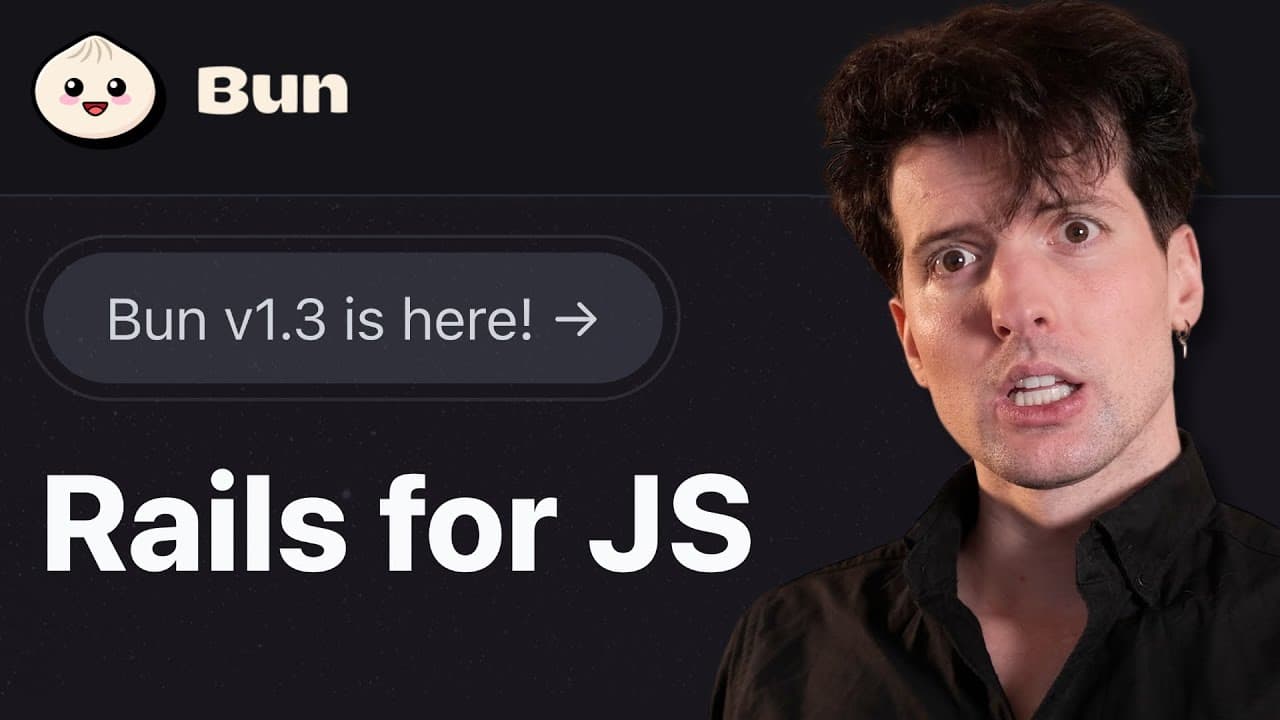
Bun 1.3 introduces migration of lock files from npm, pnpm, and yarn to Bun's own lock file, and makes isolated installs the default, drastically reducing phantom dependencies. It also adds new Bun install commands and emphasizes Node.js compatibility with a larger test suite, aiming for production readiness and lower idle resource use.
Transcript
It's been a little bit since we talked about bun, the alternative bundler, runtime, package installer, and all the things we need in JavaScript. And on one hand, that's because there hasn't been much to talk about. But on the other hand, it's because we haven't had a major release. And that just changed with Bun 1.3. Obviously, we're going to talk ... Read More
Key Insights
- Bun 1.3 adds automatic migration of lock files from npm, pnpm, and yarn to Bun's lock file, enabling zero configuration switches to Bun install.
- Bun install now uses isolated installs by default to prevent phantom dependencies and to speed up installs in large monorepos.
- The release expands Node.js compatibility with more tests, reinforcing Bun as a viable drop-in replacement for Node.js in production workloads.
- Six new bun install commands are introduced, including bun update interactive, bun why, bun audit, bun info fetch, bunpm pkg, and bunpm version, enhancing package management workflows.
- Bun 1.3 reports a 100 times reduction in idle CPU usage and a 40% reduction in idle memory usage due to garbage collection integration with Bun’s event loop.
- The video notes a desire for better monorepo and workspace support, signaling a future focus area for Bun development beyond just installation improvements.
- The launch and discussion include industry and developer feedback, showing a collaborative push towards a more scalable and secure JavaScript tooling ecosystem
Install to Summarize YouTube Videos and Get Transcripts
Explore YouTube Video Summarizer or Get YouTube Transcript Extractor
Questions & Answers
Q: How does Bun 1.3 improve installation in large projects?
Bun 1.3 improves installation by making isolated installs the default, which prevents transitive phantom dependencies from leaking into packages that do not declare them. This change is especially valuable in large monorepos where unintended dependencies can cause fragile builds. It also introduces automatic lock file migration from npm, pnpm, and yarn, allowing seamless switching to Bun install without changing dependency versions.
Q: What are the new Bun install commands and what do they do?
The update introduces six new commands to Bun install: bun update interactive helps browse and choose versions to update; bun Y explains why a package is installed by tracing the dependency path; bun audit checks for security vulnerabilities after installation; bun info fetch retrieves package metadata from registries; bunpm pkg manipulates package.json properties; and bunpm version updates the package version. These tools streamline dependency management and auditing.
Q: Why is Node.js compatibility emphasized in Bun 1.3?
Node.js compatibility is emphasized to position Bun as a drop-in replacement for Node.js in production environments. Bun 1.3 expands test coverage with 800 new tests from the Node.js test suite, and the team continues to align Bun features with Node.js behavior. This compatibility reduces migration friction and increases confidence for teams considering Bun for existing projects.
Q: What is the impact of integrating Bun’s garbage collector with the event loop?
Integrating Bun’s garbage collector directly with its event loop yields significant efficiency gains, notably a 100 times reduction in idle CPU usage and a 40% reduction in idle memory usage for common production workloads. These improvements translate to lower hosting costs and more predictable resource usage, which is important for scalable deployments and real-world workloads.
Q: What is Bun 1.3's stance on monorepo support and workspaces?
The release acknowledges that monorepo and workspace support in Bun is not yet on par with competitors like PNPM. The developers have heard user feedback and express a future focus on improving monorepo tooling to manage multiple packages more effectively, which would broaden Bun’s appeal for large, complex codebases.
Q: How does Bun 1.3 address migration between package managers?
Bun 1.3 introduces seamless migration by automatically migrating lock files from npm, PNPM, and yarn to Bun's text based lock file. This means teams can switch to bun install with zero configuration while keeping dependency versions intact. It reduces diffs and friction when changing package managers in ongoing projects.
Q: What is the significance of the Bun time naming and how was it discussed?
The video includes a lighthearted moment about whether to call the runtime phase the bun time. The host notes a previous suggestion and confirms that bun time is now canon in official communications. This shows a culture of playful collaboration around naming while reinforcing Bun’s branding and identity.
Q: What future directions does the creator suggest for Bun beyond 1.3?
Beyond 1.3, the creator suggests focusing on stronger monorepo tooling, improved workspace support, and broader tooling that helps agents and automated processes understand and modify dependencies safely. The aim is to make Bun not just a fast installer, but a comprehensive, scalable toolset for large JavaScript projects and automation pipelines.
Summary & Key Takeaways
-
Bun 1.3 focuses on stability, compatibility, and production readiness while improving developer experience with new install commands and automatic lock file migration.
-
The release highlights performance gains like lower idle CPU and memory usage through integrated garbage collection and event loop optimizations, and a broader Node.js compatibility story.
-
The future direction discussed centers on improving monorepo support, extensibility, and tooling to make Bun more attractive for large codebases and automated agents.
Read in Other Languages (beta)
Share This Summary 📚
Summarize YouTube Videos and Get Video Transcripts with 1-Click
Try YouTube Summary with ChatGPT & Claude or YouTube Transcript Generator
Explore More Summaries from Theo - t3․gg 📚






Summarize YouTube Videos and Get Video Transcripts with 1-Click
Try YouTube Summary with ChatGPT & Claude or YouTube Transcript Generator