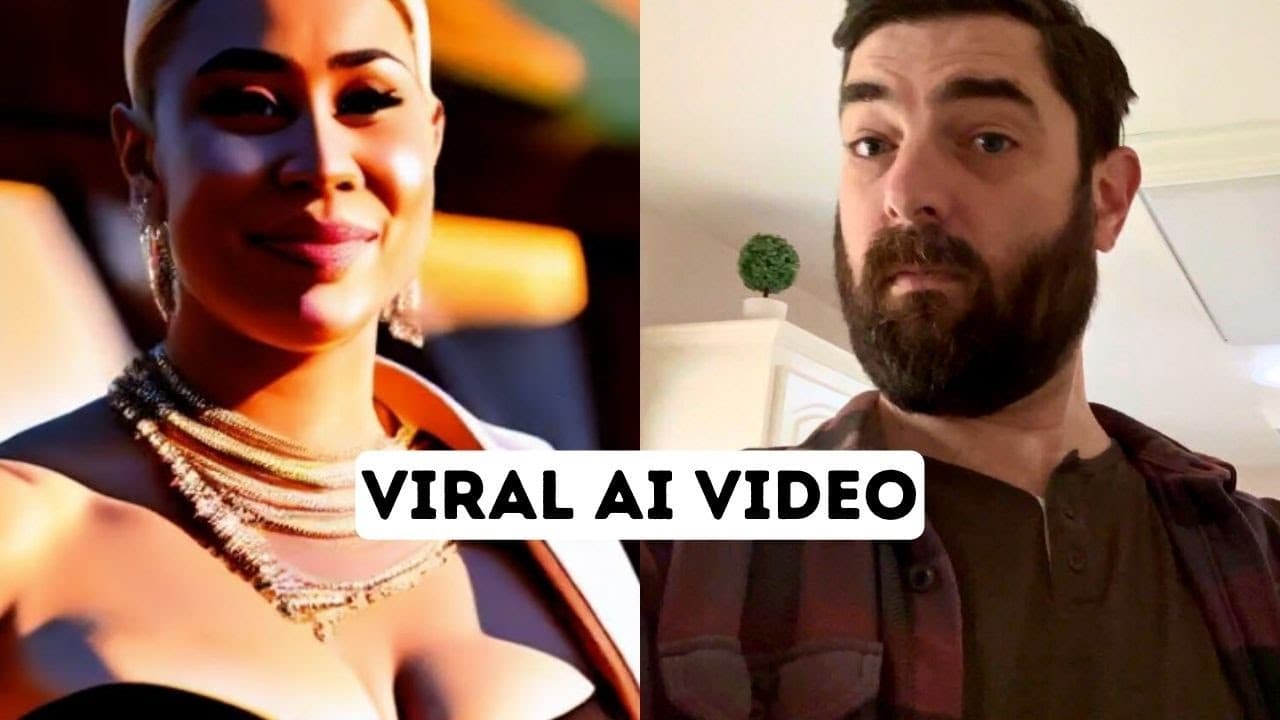
How to Create a Viral AI Video Like the Pros
TL;DR
To recreate a viral AI video, use Runway ML to generate different scenes based on your original clip, and edit them in DaVinci Resolve. Split the video into 15-second segments, count your scenes, and apply various AI styles to create dynamic content. Be aware that this process can be costly due to the credits required in Runway ML.
Transcript
all right so maybe you've seen this video that's been circulating all over Twitter that the CEO of Runway shared it has over 1.7 million views on it and it's pretty impressive check it out a long long time ago at lady wins lovely tea party which is in the smoking ruins and Ashes of New York City a fierce woman ain't playing no games and is out to k... Read More
Key Insights
- 🎑 The viral video being recreated features impressive AI-generated scenes.
- 🧞 Runway ML's gen 1 tool is used to generate the AI styles for each scene.
- 🥶 DaVinci Resolve is a recommended free video editing software for piecing together the scenes.
- 🧘 The process involves splitting the video, generating AI styles, and editing the scenes together in DaVinci Resolve.
- 😒 Recreating the video can be costly due to the consumption of credits in Runway ML and the use of other tools for additional components.
- 💯 The tutorial acknowledges that achieving perfect results may require more time and iterations.
- 🔨 The content creator encourages viewers to share their recreations on Twitter and provides a platform, Future tools, where AI tools and news are curated.
Install to Summarize YouTube Videos and Get Transcripts
Explore YouTube Video Summarizer or Get YouTube Transcript Extractor
Questions & Answers
Q: What is the purpose of the tutorial?
The purpose of the tutorial is to show viewers how to recreate a viral video using AI tools and video editing software.
Q: Which AI tool is used in the tutorial?
The tutorial uses Runway ML, specifically the gen 1 tool, to generate AI styles for the different scenes in the video.
Q: Can the entire video be created in one continuous scene?
No, Runway ML's gen 1 tool limits videos to 15 seconds. Therefore, the tutorial demonstrates how to split the original video into two parts and generate AI styles for each.
Q: What free video editing software is recommended in the tutorial?
The tutorial recommends using DaVinci Resolve, a free video editing software available for both Mac and PC.
Q: Are the AI-generated scenes in the tutorial perfect?
The tutorial acknowledges that the AI-generated scenes may not be perfect, as the fingerprints may look "funky." However, the goal is to demonstrate the process rather than achieving perfection.
Q: What are the approximate costs involved in recreating the video?
The tutorial mentions that recreating the video can be expensive. The costs mainly come from using Runway ML, where generating multiple clips and scenes can consume a lot of credits. The tutorial also mentions the costs of using other tools like 11 Labs and Motion Array for additional audio and music components.
Summary & Key Takeaways
-
The content creator shares a video that went viral on Twitter, showcasing impressive AI-generated scenes.
-
The tutorial demonstrates how to recreate the video by using tools like Runway ML and DaVinci Resolve to generate different scenes and edit them together.
-
The process involves counting the number of scenes, splitting the video into multiple parts, generating AI styles for each scene, and editing them together in DaVinci Resolve.
Read in Other Languages (beta)
Share This Summary 📚
Summarize YouTube Videos and Get Video Transcripts with 1-Click
Try YouTube Summary with ChatGPT & Claude or YouTube Transcript Generator
Explore More Summaries from Matt Wolfe 📚



Summarize YouTube Videos and Get Video Transcripts with 1-Click
Try YouTube Summary with ChatGPT & Claude or YouTube Transcript Generator