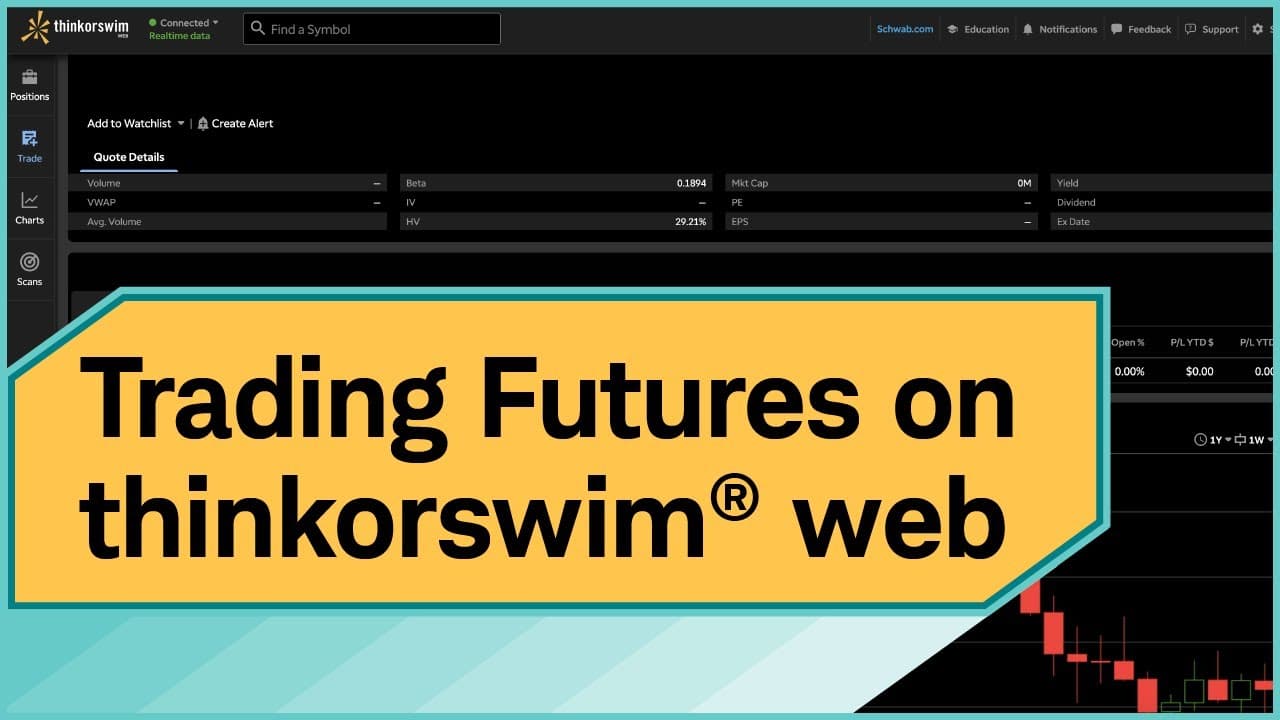
How to Trade Futures on thinkorswim Web Step-by-Step
TL;DR
To trade futures on thinkorswim web, log in and use the search bar to find your desired futures contract. You can place trades directly without downloading an app and practice with paperMoney for risk-free experience. The platform also offers real-time tracking through the Active Trader ladder and allows easy order management for opening and closing positions.
Transcript
Trading futures on thinkorswim® web allows you the ease of placing trades without having to download an application. The platform is straightforward. It takes many of the essential tools from the thinkorswim software and makes them easier to access and learn. I'm going to show you how to enter, check in on, and exit a futures trade using... Read More
Key Insights
- 🕸️ thinkorswim web provides an accessible platform for trading futures without the need to download an application.
- 👤 Users have the option to practice trading using paperMoney, a virtual trading experience.
- 🤢 The search bar on thinkorswim web allows users to easily find and select specific futures contracts.
- 💁 The Active Trader ladder and Level II quotes provide real-time information for tracking futures trades.
- 🕸️ Options on futures can also be traded on thinkorswim web, with the ability to select various options strategies.
- 🪈 The order editor on thinkorswim web allows users to specify order type, quantity, price, and time in force.
- 🤗 The Positions tab provides a summary of open positions and allows users to check profit and loss values.
Install to Summarize YouTube Videos and Get Transcripts
Explore YouTube Video Summarizer or Get YouTube Transcript Extractor
Questions & Answers
Q: Can I trade futures on thinkorswim web without downloading an application?
Yes, thinkorswim web allows you to trade futures directly on the platform without the need for a separate download. It provides a straightforward interface for placing trades and accessing essential tools.
Q: What is paperMoney, and how can it benefit me when trading futures on thinkorswim web?
paperMoney is a virtual trading experience on thinkorswim that allows you to practice trading futures using real-time market data without risking any funds. It provides an opportunity to build confidence and test trading strategies before placing live trades.
Q: How can I search for a specific futures contract to trade on thinkorswim web?
To search for a futures contract, simply type the symbol in the search bar on thinkorswim web. For example, if you want to trade the E-mini S&P 500 futures, type "/ES" in the search bar, and a list of active contracts will populate. Select the desired contract to proceed.
Q: How can I track and monitor my futures trades on thinkorswim web?
You can use the Active Trader ladder and Level II quotes on thinkorswim web to track live information about your futures trades. The Active Trader tab provides up-to-date bid/ask prices, volume, and profit/loss values. Level II displays the best ask and bid prices for the underlying instrument.
Summary & Key Takeaways
-
The thinkorswim web platform offers an easy-to-use interface for trading futures without the need to download an application.
-
Users can access essential trading tools and easily toggle between live trading and paperMoney, a virtual trading experience with real-time market data.
-
The tutorial provides instructions on how to search for futures contracts, place trades, utilize options on futures, track trades using the Active Trader ladder and Level II quotes, and close positions.
Read in Other Languages (beta)
Share This Summary 📚
Summarize YouTube Videos and Get Video Transcripts with 1-Click
Try YouTube Summary with ChatGPT & Claude or YouTube Transcript Generator
Explore More Summaries from Charles Schwab 📚




Summarize YouTube Videos and Get Video Transcripts with 1-Click
Try YouTube Summary with ChatGPT & Claude or YouTube Transcript Generator