How to Run Windows 10 on Raspberry Pi 4
TL;DR
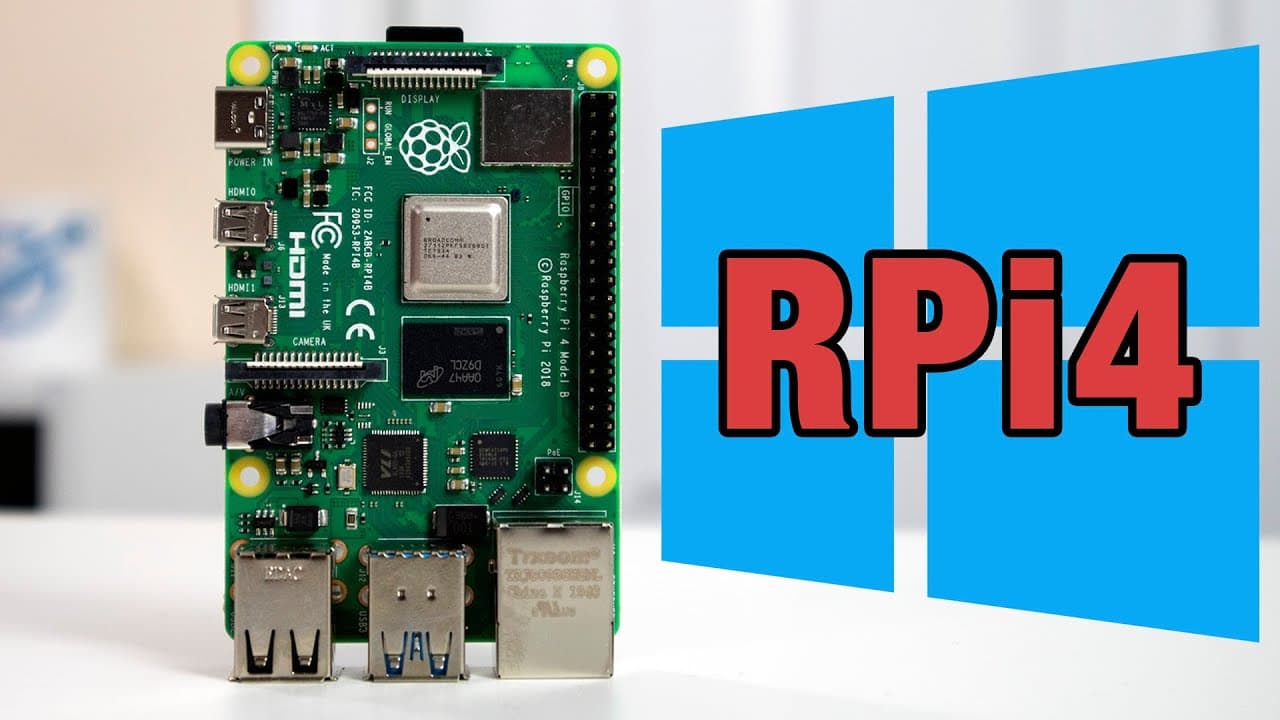
Windows 10 can now run on the Raspberry Pi 4 with up to three gigabytes of RAM and full access to USB ports, making it significantly more usable. However, some functions like internal Wi-Fi and HDMI audio are still not working, and while lightweight applications perform adequately, users may encounter limitations with heavier software.
Transcript
hey guys what's going on don here from nova spur tech and welcome back to the channel and today we are going to be checking out windows 10 on raspberry pi 4. so let's get started so before we begin i got a couple of people i want to mention which is a huge part of this project now first we have amar which is the guy who actually optimized the windo... Read More
Key Insights
- 👻 The introduction of patches has allowed Windows 10 to leverage up to three gigabytes of RAM on Raspberry Pi 4, providing a substantial performance boost.
- 👻 USB support has improved significantly, allowing users to connect multiple peripherals directly to the Raspberry Pi without needing additional hubs.
- 💯 Despite usability improvements, some core features like internal Wi-Fi, HDMI audio output, and hardware video decoding are still not functioning, limiting the overall experience.
- 👤 Users have reported mixed stability when using the system on various Raspberry Pi models, particularly with the two-gigabyte version experiencing frequent crashes.
- 😘 The performance of lightweight applications and low-end games is manageable; however, running more demanding software may cause important resource constraints.
- 💝 As of the latest updates, there are no options for activating Windows 10 on this setup, although future versions anticipate enabling this feature.
- 🧑🤝🧑 The installation process is evolving quickly, necessitating users to follow up-to-date instructions available on dedicated Discord channels for continued success.
Install to Summarize YouTube Videos and Get Transcripts
Explore YouTube Video Summarizer or Get YouTube Transcript Extractor
Questions & Answers
Q: Who were the key contributors to making Windows 10 operational on Raspberry Pi 4?
The main contributors include Amar, who optimized the Windows 10 image for usability on Raspberry Pi, Luke, who provided user-friendly installation images, and Pete Batard, who developed the crucial patch allowing access to more than one gigabyte of RAM, significantly enhancing the functionality.
Q: What are the current limitations of running Windows 10 on Raspberry Pi 4?
The main limitations include non-functional internal Wi-Fi, HDMI audio output, and a lack of hardware video drivers, which affects video playback and overall performance. Users are advised to manage expectations when running heavier applications or games, as the system still relies on software rendering for graphical tasks.
Q: How does the performance of Windows 10 compare on different models of Raspberry Pi?
Performance varies significantly between different Raspberry Pi models. The eight-gigabyte variant handles tasks well under Windows 10, while the one-gigabyte model is slow and not recommended for general use due to severe limitations. The two-gigabyte version has shown instability, leading to crashes when attempting to use the RAM patch.
Q: Can users run x86 applications on this configuration?
Yes, users can run x86 applications, such as Microsoft Word, effectively on Windows 10 running on Raspberry Pi, albeit these applications are limited to 32-bit versions due to the system's architecture. However, users should be careful with performance expectations as running heavier applications may lead to higher CPU usage.
Summary & Key Takeaways
-
The optimization of Windows 10 for Raspberry Pi 4 has made it usable with increased RAM allowance up to three gigabytes, thanks to recent patches.
-
Users can now access all USB ports on the Raspberry Pi 4, improving connectivity for peripherals, although some functions like internal Wi-Fi and HDMI audio are still non-functional.
-
While the performance of running applications and lightweight games is satisfactory, limitations remain, particularly with 64-bit applications and hardware rendering.
Read in Other Languages (beta)
Share This Summary 📚
Summarize YouTube Videos and Get Video Transcripts with 1-Click
Try YouTube Summary with ChatGPT & Claude or YouTube Transcript Generator
Explore More Summaries from Novaspirit Tech 📚






Summarize YouTube Videos and Get Video Transcripts with 1-Click
Try YouTube Summary with ChatGPT & Claude or YouTube Transcript Generator