How to Use Obsidian for Effective Note Taking
TL;DR
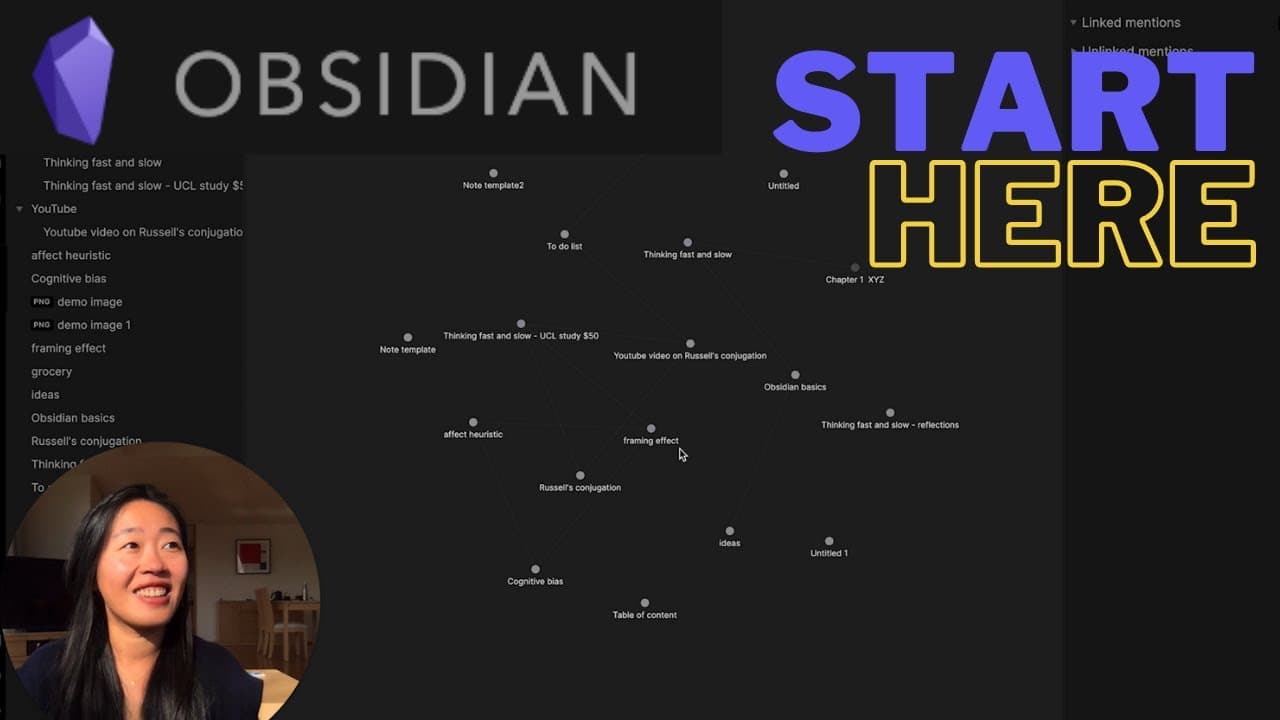
To effectively use Obsidian for note-taking, start by creating a 'vault' to organize your notes. Use the linking feature to connect related ideas and enhance your retrieval process. This structure allows for better knowledge management and helps in forming connections between thoughts.
Transcript
hey everyone it's vicki welcome back to my channel if you're new here i talk about mental models and frameworks for clear thinking and clear communications and today we are talking about the note-taking app obsidian if you know a lot but are not very good at retrieving it organizing your notes your ideas seeing the connection between all of them th... Read More
Key Insights
- 😀 Obsidian is a powerful note-taking app that helps you organize and connect your ideas.
- 😀 The app allows you to create "vaults" that function as workspaces for all your notes and information.
- 🍻 Obsidian's linking feature enables you to connect notes and create relationships between ideas.
Install to Summarize YouTube Videos and Get Transcripts
Explore YouTube Video Summarizer or Get YouTube Transcript Extractor
Questions & Answers
Q: What is Obsidian?
Obsidian is a note-taking app that helps you organize and connect your ideas in a digital workspace. It allows you to create and link notes, making it easier to navigate and retrieve information.
Q: How do I create a new note in Obsidian?
To create a new note in Obsidian, either click the "+" button or use the shortcut Command/Control + N. You can also create new notes in split-screen mode by using the shortcut Command/Control + Shift + N.
Q: How does linking notes work in Obsidian?
To link notes in Obsidian, use double brackets "[[ ]]" around the note title. When you type the brackets, Obsidian will suggest existing notes to link to. You can also create new notes from a link by pressing Command/Control and clicking on the link.
Q: Can I use tags in Obsidian?
Yes, you can use tags in Obsidian by adding a hashtag (#) before a word or phrase. Tags help categorize and search for specific information within your notes.
Key Insights:
- Obsidian is a powerful note-taking app that helps you organize and connect your ideas.
- The app allows you to create "vaults" that function as workspaces for all your notes and information.
- Obsidian's linking feature enables you to connect notes and create relationships between ideas.
- Tags in Obsidian help categorize and search for specific information, improving note organization.
Summary & Key Takeaways
-
Obsidian is a note-taking app that allows you to organize and connect your ideas and notes.
-
You create "vaults" in Obsidian, which function as workspaces for all your notes and information.
-
The app enables you to link notes together, creating connections between ideas and facilitating easy retrieval of information.
Read in Other Languages (beta)
Share This Summary 📚
Summarize YouTube Videos and Get Video Transcripts with 1-Click
Try YouTube Summary with ChatGPT & Claude or YouTube Transcript Generator
Explore More Summaries from Vicky Zhao [BEEAMP] 📚





Summarize YouTube Videos and Get Video Transcripts with 1-Click
Try YouTube Summary with ChatGPT & Claude or YouTube Transcript Generator