Is the Cloner Alliance Vue Pro HDMI Capture Device Worth Buying?
TL;DR
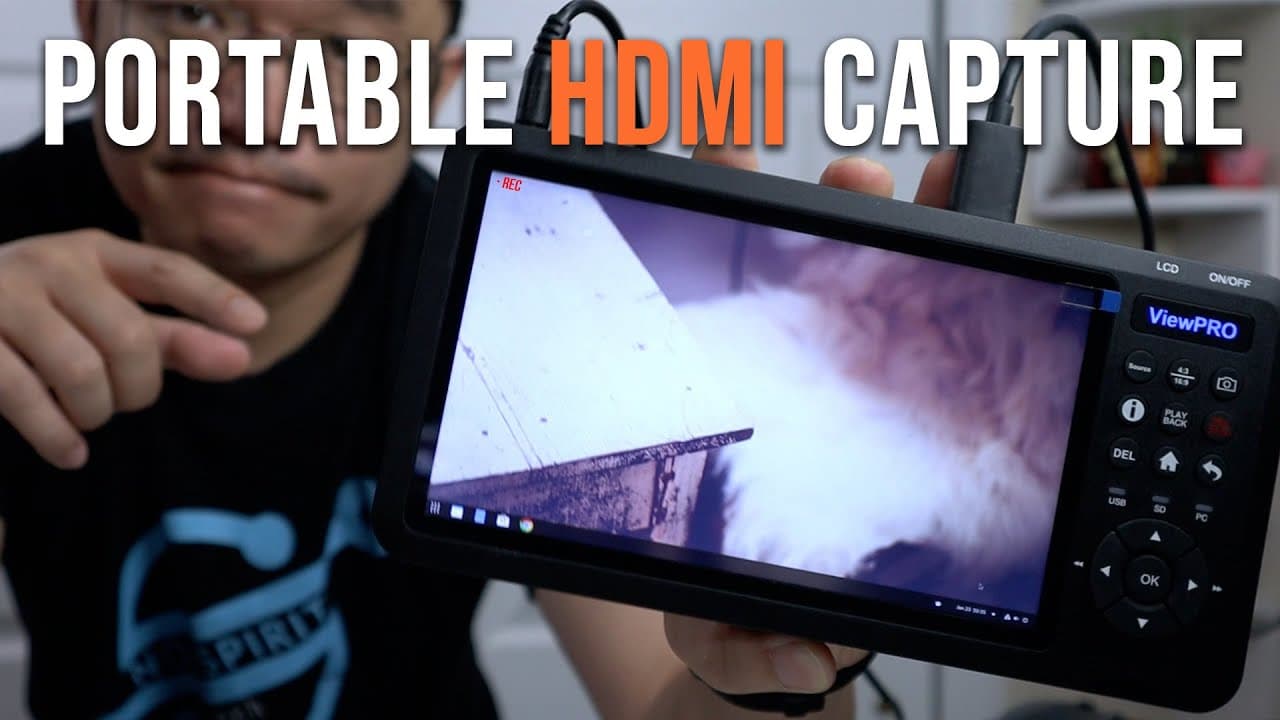
The Cloner Alliance Vue Pro is a portable HDMI capture device with a built-in 7-inch screen, allowing for easy content capture without a separate monitor. It supports NTFS and exFAT formats for larger file management but has audio mixing issues that may affect recording quality. Overall, it is a versatile tool for creators seeking flexibility and convenience in recording.
Transcript
hey guys what's going on it's don here from nova spirit tech and welcome back to the channel and today we're gonna be checking out the cloner alliance vue pro with its own summon screen external hdmi capture device so let's get started now do you want to thank clone airlines for sending this over to me for review and everything we talk about will b... Read More
Key Insights
- 👤 The Cloner Alliance Vue Pro integrates a user-friendly display with HDMI capturing, improving the recording process for various users.
- ♿ It is a solution for creators who require portability and flexibility when capturing content, especially in situations without immediate access to a separate monitor.
- 👻 The device supports advanced file system formats, allowing users to manage larger recordings conveniently, enhancing workflow efficiency.
- 🧡 Users have found the device useful for a wide range of applications including gaming, tutorials, and troubleshooting tech issues.
- 🧘 Despite its strengths, it does exhibit audio input challenges that may hinder those needing clear audio tracks for editing purposes.
- 🦺 The included protective case adds portability and safety, making it easier to transport without damage.
- 🙏 The schedule recording feature is beneficial for users who wish to capture content at certain times or from specific devices.
Install to Summarize YouTube Videos and Get Transcripts
Explore YouTube Video Summarizer or Get YouTube Transcript Extractor
Questions & Answers
Q: What are the main features of the Cloner Alliance Vue Pro?
The Cloner Alliance Vue Pro includes a 7-inch portable display, HDMI input for capturing video, the ability to record in high resolutions up to 4K, and storage options for larger files with NTFS and exFAT support. It also has audio input capabilities, built-in speakers, and offers various connectivity options, making it a versatile tool for creators.
Q: How does this device compare to other Cloner Alliance products?
Compared to previous models like the Cloner Alliance Evolve and Flint, the Vue Pro combines a capture device with a built-in screen, eliminating the need for an external monitor. It provides flexible recording options and supports multiple input formats, making it more convenient for various applications compared to earlier devices which required more peripheral setup.
Q: Can the Vue Pro record from multiple sources at once?
Yes, the Cloner Alliance Vue Pro can record from multiple sources using its HDMI input, VGA, and S-Video inputs. However, it mixes audio input into a single track, which can complicate audio editing during post-production if separate tracks are desired.
Q: How does the audio functionality perform with the Vue Pro?
The audio functionality has notable limitations; both microphone and HDMI audio input are recorded onto a single track. This complicates audio management during editing, as users cannot easily isolate or remove unwanted audio. Additionally, the device passes audio through to speakers, leading to possible echo issues during recordings.
Summary & Key Takeaways
-
The Cloner Alliance Vue Pro is a portable HDMI capture device that combines a 7-inch display with recording capabilities, allowing users to capture content without a separate monitor.
-
It supports various recording formats and storage options, including NTFS and exFAT, enabling the user to handle larger files conveniently.
-
While it excels in functionality and portability, it has some audio mixing issues that affect its usability during recordings.
Read in Other Languages (beta)
Share This Summary 📚
Summarize YouTube Videos and Get Video Transcripts with 1-Click
Try YouTube Summary with ChatGPT & Claude or YouTube Transcript Generator
Explore More Summaries from Novaspirit Tech 📚






Summarize YouTube Videos and Get Video Transcripts with 1-Click
Try YouTube Summary with ChatGPT & Claude or YouTube Transcript Generator