8 Calendar Mistakes to Avoid (for busy people)!
TL;DR
Efficient calendar management tips for professionals to boost productivity and save time.
Transcript
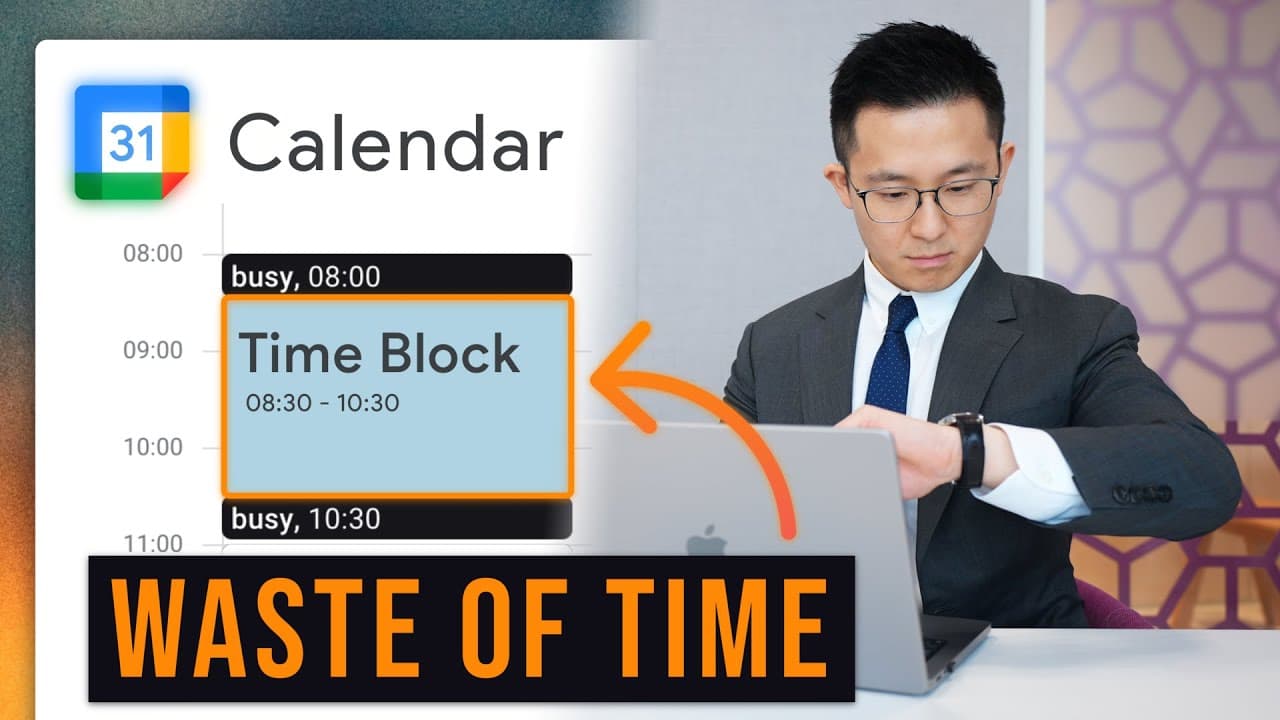
first up as someone working a full-time job in Tech with a YouTube channel on the side I actually do not time block my calendar I see videos like this I think it looks fantastic but I just wouldn't have the time to maintain and time Block 14 different calendars instead I use the Highlight method from the book make time at the start of my day I writ... Read More
Key Insights
- ❓ Implement the Highlight method for daily task prioritization.
- 😒 Use shortcuts like cal.new and text launchers for quick event creation in Google Calendar.
- 📅 Customize calendar settings for a personalized and efficient experience.
- ⌛ Regularly clean up recurring meetings to save time and enhance productivity.
- 💌 Utilize email notifications and checklists to avoid relying solely on memory.
- ⌛ Conduct a recurring meeting audit to assess time spent and optimize meeting efficiency.
- ✡️ Apply David Allen's concept of not relying on memory alone for task management.
Install to Summarize YouTube Videos and Get Transcripts
Explore YouTube Video Summarizer or Get YouTube Transcript Extractor
Questions & Answers
Q: What is the Highlight method for time management mentioned in the content?
The Highlight method involves selecting one crucial task daily to focus on by prioritizing what's most pressing, satisfying, and joyful.
Q: How can professionals create events quickly in Google Calendar?
Professionals can use shortcuts like cal.new or a text launcher to swiftly create events, attach documents, and enhance productivity.
Q: Why is it essential to tailor calendar settings according to individual behavior?
Customizing calendar settings allows for a personalized experience, like setting desired views, enabling event modifications, and displaying secondary time zones.
Q: How can professionals prioritize tasks and avoid relying solely on memory?
By setting up recurring reminders, creating checklists, and using email notifications, professionals can ensure tasks are not forgotten and enhance productivity.
Summary & Key Takeaways
-
Utilize the Highlight method for time management, focusing on one important task daily.
-
Quick tips like using cal.new for creating events and shortcuts in Google Calendar.
-
Avoid common mistakes like not customizing calendar settings and cleaning up recurring meetings.
Read in Other Languages (beta)
Share This Summary 📚
Summarize YouTube Videos and Get Video Transcripts with 1-Click
Try YouTube Summary with ChatGPT & Claude or YouTube Transcript Generator
Explore More Summaries from Jeff Su 📚






Summarize YouTube Videos and Get Video Transcripts with 1-Click
Try YouTube Summary with ChatGPT & Claude or YouTube Transcript Generator