How Does Kiro, Amazon's Cursor Competitor, Use Specs and Hooks?
TL;DR
Amazon’s Kiro uses spec-driven development to turn a feature prompt into three reviewable stages: requirements, a technical design, and dependency-ordered implementation tasks. Its event-driven hooks can also run agent work when files are saved, created, or deleted, while editable specs help documentation stay aligned with the codebase. Read on to see how each stage supports production work.
Transcript
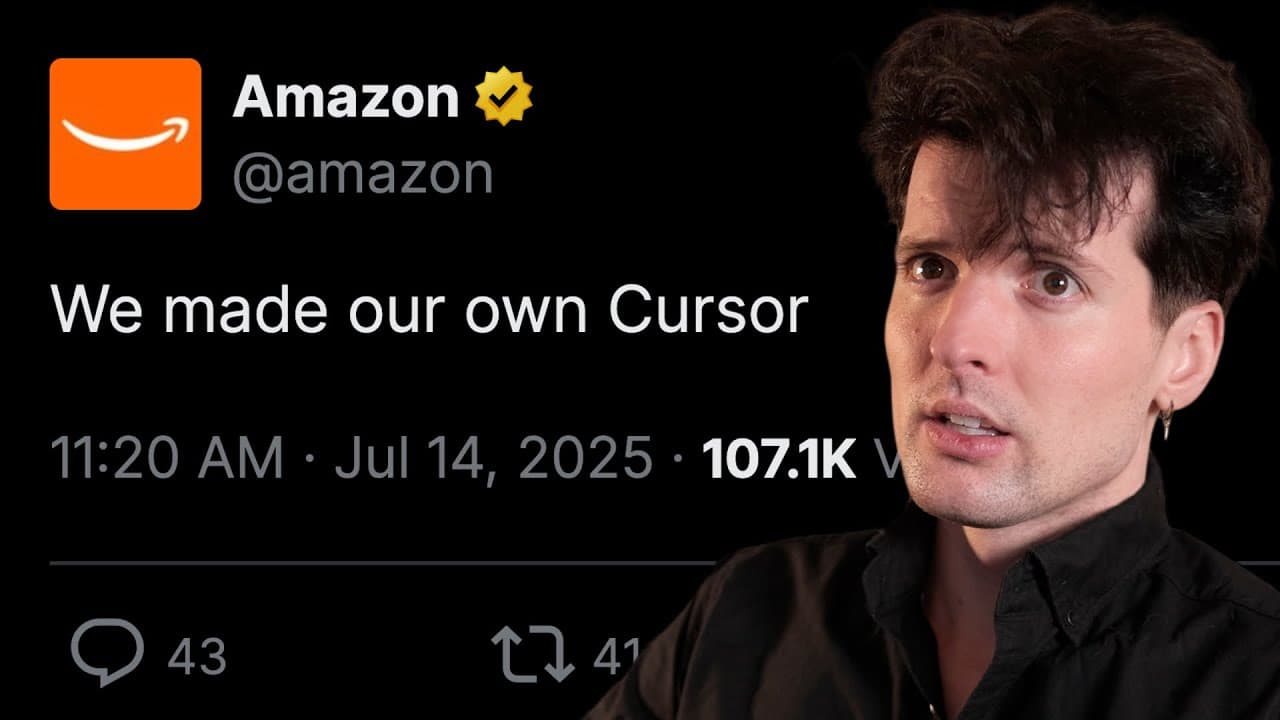
Good news everybody. There's yet another VS Code fork. I know you're tired of all this crap. I get it. We've seen Cursor, we've seen Windsurf, we've seen Trey, we've seen everything. But this one's different. This one's different because it was built by Amazon. Yes, really. And since I used to work at Twitch, which was owned by Amazon, I have been ... Read More
Key Insights
- Kiro is an agentic IDE built as a VS Code fork by Amazon, although the introductory material shown in the transcript uses little visible Amazon branding. It is positioned as an AI coding environment that supports both rapid prototyping and the more structured work required for production software.
- Spec-driven development is Kiro's central approach to making model assumptions explicit before implementation. Instead of moving directly from a short prompt to code, the workflow creates reviewable requirements, a technical design, and an implementation plan that developers can inspect and approve in stages.
- Kiro requirements expand a single feature prompt into user stories and acceptance criteria. In the product-review example, the generated requirements cover activities such as viewing, creating, filtering, and rating reviews, including edge cases that developers would normally need to identify during planning.
- Kiro's technical design is generated from approved requirements and an analysis of the existing codebase. The resulting artifact can include data-flow diagrams, TypeScript interfaces, database schemas, API endpoints, and a component hierarchy that describes how the proposed feature fits into the system.
- Kiro implementation plans divide approved work into tasks and subtasks, arrange them according to dependencies, and connect them to requirements. Tasks can address unit tests, integration tests, loading states, mobile responsiveness, and accessibility, helping developers identify missing work before declaring a feature complete.
- Kiro's task interface lets developers start tasks individually and follow their execution through progress indicators and inline completion states. Completed work can be audited by examining code differences and the agent's execution history, giving developers checkpoints throughout implementation rather than only at the end.
- Kiro specs can remain aligned with an evolving codebase through multiple update paths. Developers can write code and request corresponding spec updates, or manually revise a spec so Kiro refreshes its tasks, addressing the common maintenance problem of documentation becoming inconsistent with implemented behavior.
- Kiro hooks are event-driven automations that run agent tasks in the background. They can respond when files are saved, created, or deleted, and they can also use a manual trigger, functioning like an experienced developer who catches overlooked issues or completes recurring boilerplate work.
Install to Summarize YouTube Videos and Get Transcripts
Explore YouTube Video Summarizer or Get YouTube Transcript Extractor
Questions & Answers
Q: What is Amazon Kiro, and how does it differ from Cursor and other AI coding tools?
Kiro is an agentic IDE built by Amazon as a VS Code fork and positioned for development from prototype to production. Its distinguishing workflow uses explicit requirements, technical designs, and dependency-ordered tasks instead of relying only on repeated prompts and undocumented model assumptions. It also supports event-driven hooks, progress tracking, code-difference review, and agent execution history.
Q: How does Kiro’s spec-driven development workflow work?
Kiro first expands a feature prompt into user stories and acceptance criteria. After approval, it analyzes the existing codebase to produce a technical design, then generates sequenced tasks and subtasks linked to the requirements. Developers can approve the artifacts, execute tasks individually, monitor progress, and audit the completed work.
Q: How does Kiro turn a feature prompt into requirements?
Kiro converts a short feature request into a Markdown requirements artifact containing user stories and acceptance criteria. In the product-review example, it covers viewing, creating, filtering, and rating reviews, along with relevant edge cases. This makes intended behavior and model assumptions reviewable before implementation begins.
Q: What can Kiro include in a generated technical design?
Kiro generates the technical design from the approved requirements and an analysis of the existing codebase. The artifact can include data-flow diagrams, TypeScript interfaces, database schemas, API endpoints, and a component hierarchy. Developers can therefore review how the feature should work and fit into the application before coding starts.
Q: How does Kiro plan and execute implementation tasks?
Kiro divides the approved work into tasks and subtasks, orders them by dependency, and connects them to the requirements. Tasks can cover unit tests, integration tests, loading states, mobile responsiveness, and accessibility. Developers can start tasks individually, watch their status, and inspect code differences and execution history afterward.
Q: What are Kiro hooks, and when do they run?
Kiro hooks are event-driven automations that direct an agent to perform background work. They can run when a file is saved, created, or deleted, and they can also use a manual trigger. The transcript presents them as a way to catch overlooked issues or complete recurring boilerplate tasks.
Q: How does Kiro keep specifications synchronized with code?
Developers can write code and ask Kiro to update the corresponding specs. They can also edit a spec manually so Kiro refreshes the implementation tasks. These update paths are intended to reduce drift between planning documents and the system’s implemented behavior.
Q: How does Kiro help developers review and audit AI-generated work?
Kiro creates checkpoints at the requirements, technical-design, and implementation-task stages, allowing developers to inspect and approve artifacts before proceeding. During execution, developers can follow progress and inline completion states. Afterward, they can examine code differences and the agent’s execution history to understand what changed.
Summary & Key Takeaways
-
Kiro is presented as an agentic IDE designed to support development from early concepts through production. Although it can generate prototypes, its distinguishing workflow emphasizes explicit requirements, technical planning, implementation tasks, tests, and reviewable execution history instead of relying exclusively on repeated prompts and undocumented model assumptions.
-
Kiro's spec-driven workflow has three main stages. It expands a prompt into user stories and acceptance criteria, analyzes the codebase to create a technical design, and produces dependency-ordered tasks and subtasks. Developers can approve artifacts, execute tasks individually, monitor progress, inspect code differences, and review the agent's execution history.
-
Kiro hooks are event-driven automations that can ask an agent to perform background work when developers save, create, or delete files, or when they activate a manual trigger. The broader approach combines planning, implementation, automation, and documentation, with specs that can be updated from code changes or edited to refresh tasks.
Read in Other Languages (beta)
Share This Summary 📚
Summarize YouTube Videos and Get Video Transcripts with 1-Click
Try YouTube Summary with ChatGPT & Claude or YouTube Transcript Generator
Explore More Summaries from Theo - t3․gg 📚

Summarize YouTube Videos and Get Video Transcripts with 1-Click
Try YouTube Summary with ChatGPT & Claude or YouTube Transcript Generator