7 Interesting Canva Communities you should join on Facebook🤓
TL;DR
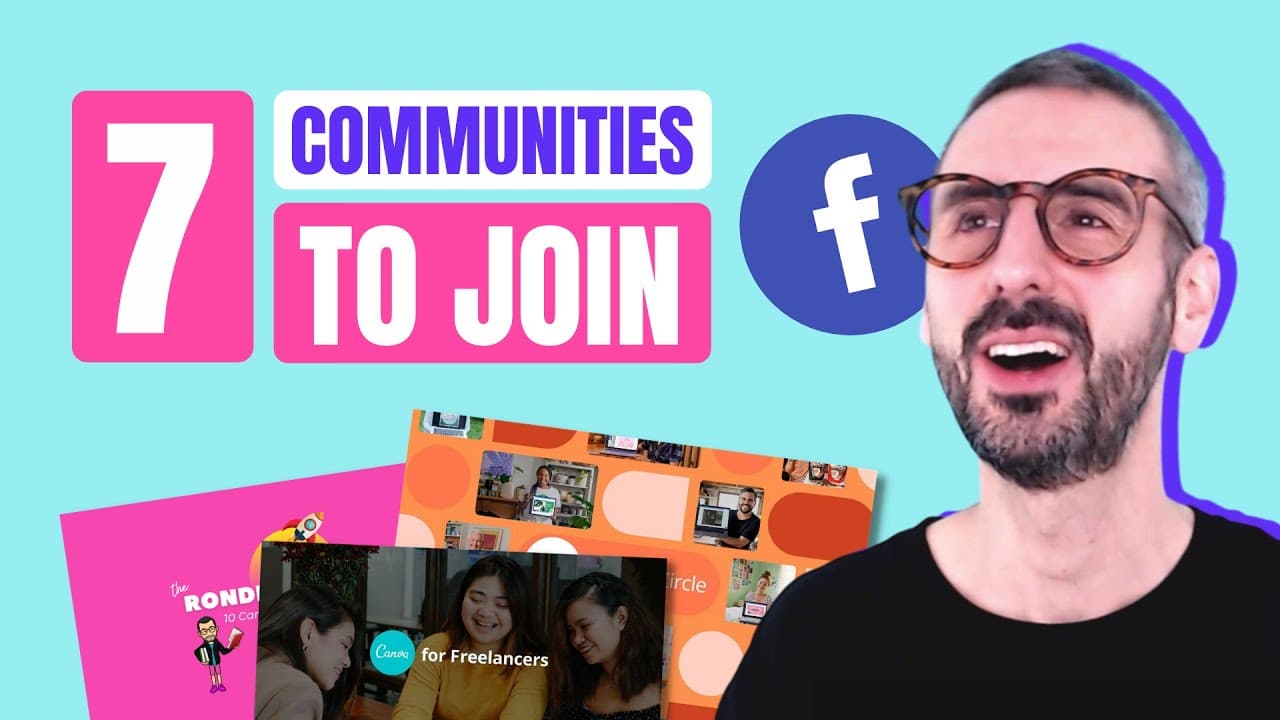
Explore 7 essential Canva Facebook communities for design inspiration, community engagement, tips, and tricks.
Transcript
those of you who know me know that i love community i love building communities i love being part of communities and this is really what got me where i am today you know the reason why i got hired by canva is because i had created this huge community on facebook and therefore i believe community is really at the center of everything so today in thi... Read More
Key Insights
- 💝 Canva Design Circle is the largest official Canva community on Facebook, offering the latest news, guides, and a platform for showcasing designs.
- 🎨 Learn to Design with Canva community provides complementary content to the official Canva communities, fostering discussions on designs, feedback, and job opportunities.
- 💁 Canva Lovers Tips Tricks and Troubleshooting community, managed by Canva certified creative Sandy Sevilla, provides solution-oriented support for Canva users seeking troubleshooting help, tips, and updates.
- 🎨 The Design with Canva community, started by Onowa UI, focuses on African design perspectives, tutorials, and branding, catering to global design enthusiasts.
- 💁 Canva for Freelancers, an official Canva community for solopreneurs and freelancers, offers practical tips, shareable designs, and keyword guides, supporting individuals in starting Canva-based businesses.
- 💁 Canva Hacks community, managed by Rizel, provides valuable tips, tricks, and hacks for Canva users, offering innovative solutions and workarounds for optimizing design processes.
Install to Summarize YouTube Videos and Get Transcripts
Explore YouTube Video Summarizer or Get YouTube Transcript Extractor
Questions & Answers
Q: What makes Canva Design Circle stand out?
Canva Design Circle is Canva's official Facebook group, offering the latest news, guides, discussions, and opportunities for sharing and receiving feedback on designs.
Q: What is the focus of the Canva for Freelancers community?
Canva for Freelancers is a practical community managed by Canva, geared towards solopreneurs, side hustlers, and freelancers seeking tips, templates, and support for starting a business.
Q: How does the Canva Teachers Community cater to educators?
The Canva Teachers Community is exclusively designed for educators, offering resources, webinars, and case studies on utilizing Canva for education, classroom activities, and professional development.
Q: Why should designers join the Canva Hacks community?
Canva Hacks community, managed by Canva experts, focuses on sharing tips, tricks, and workarounds for maximizing Canva features, making it a valuable resource for designers seeking innovative solutions.
Summary & Key Takeaways
-
Canva instructor shares 7 influential Canva Facebook communities for aspiring designers.
-
Includes official Canva communities like Canva Design Circle & specialized groups like Canva for Freelancers.
-
Communities offer educational content, discussion forums, tips & tricks, and networking opportunities.
Read in Other Languages (beta)
Share This Summary 📚
Summarize YouTube Videos and Get Video Transcripts with 1-Click
Try YouTube Summary with ChatGPT & Claude or YouTube Transcript Generator
Explore More Summaries from Design with Canva 📚






Summarize YouTube Videos and Get Video Transcripts with 1-Click
Try YouTube Summary with ChatGPT & Claude or YouTube Transcript Generator