How to Build an AI Agent in Python for Beginners
TL;DR
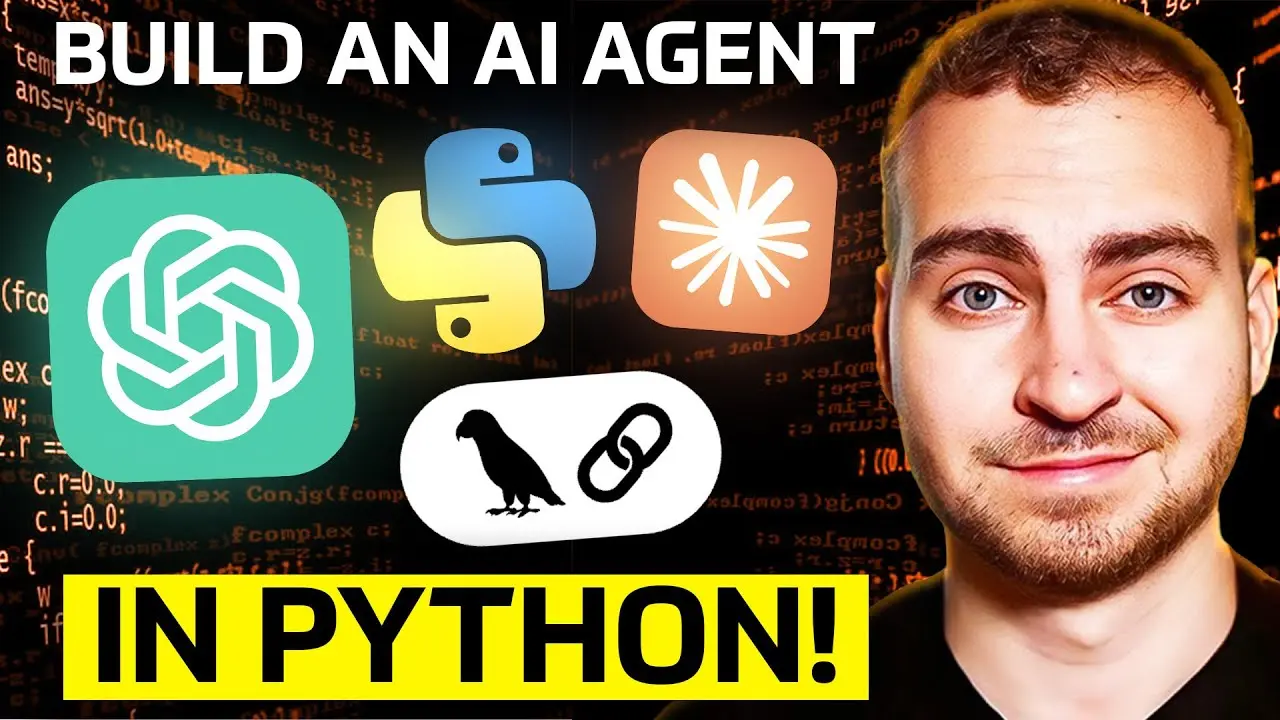
Build an AI agent in Python by creating an isolated virtual environment, installing the required packages, connecting an OpenAI or Anthropic language model through an API key, and adding tools through LangChain. The tutorial builds a research assistant that searches sources such as Wikipedia, returns a topic, summary, sources, and tools used, and saves its research to a timestamped text file. Read on for the exact setup and project structure.
Transcript
In this video, you'll learn how to build an AI agent from scratch in Python in just a few minutes. I'll walk you through everything step by step. This will be very beginner friendly, and you'll learn how to make something quite interesting in Python with some popular frameworks like Lang Chain. I'll show you how to use various LMS like Claude or GP... Read More
Key Insights
- Building an AI agent in Python involves using frameworks like LangChain to simplify the process.
- Python dependencies and a virtual environment are necessary for isolating the project and managing packages.
- API keys from OpenAI or Anthropic are required to access language models like GPT or Claude.
- The AI agent can be enhanced by integrating tools such as Wikipedia and DuckDuckGo for web searches.
- Structured output models allow for the predictable use of AI-generated content within your code.
- Prompt templates help guide the AI's responses, ensuring they are formatted and relevant.
- Developers can create custom tools by writing Python functions and wrapping them for agent use.
- The AI's functionality can be expanded by granting it access to various tools, enabling complex tasks.
Install to Summarize YouTube Videos and Get Transcripts
Explore YouTube Video Summarizer or Get YouTube Transcript Extractor
Questions & Answers
Q: How do you build an AI agent from scratch in Python?
Start by creating a Python project, installing the required dependencies in a virtual environment, and storing your model credentials in a .env file. Then connect an OpenAI or Anthropic language model through LangChain, add tools, and define a structured response that your Python code can use.
Q: What are the prerequisites for building this Python AI agent?
You need Python installed, ideally version 3.10 or above, and a code editor such as Visual Studio Code. You also need the project dependencies and an API key for a provider such as OpenAI or Anthropic.
Q: How do you create and activate the Python virtual environment?
Create an environment named venv with python -m venv venv; on Mac or Linux, you can use python3 instead. Activate it with source ./venv/bin/activate on Mac or Linux, or ./venv/scripts/activate on Windows.
Q: How do you install the AI agent's Python dependencies?
Place the seven required package entries in a file named requirements.txt. From the same project directory, run pip install -r requirements.txt, or use pip3; after activating venv, the packages are installed inside that isolated environment.
Q: How should the Python AI agent project be organized?
The tutorial places the main agent logic in Main.py and separates tool definitions into tools.py. It also creates a .env file for credentials such as the OpenAI or Anthropic API key.
Q: Can the agent use either GPT or Claude?
Yes. The tutorial shows ChatOpenAI for an OpenAI model such as GPT and ChatAnthropic for a Claude model, including Claude 3-5 Sonnet as the selected example. You choose the model and provide the corresponding API key through the .env file.
Q: What tools can the research assistant use?
The demonstrated research assistant has access to tools including Wikipedia and Google Search. It can also call a custom tool that saves its research output to a text file with a timestamp.
Q: What structured output does the research assistant return?
The finished assistant returns a topic, a summary, the sources it used, and the tools it used. Structuring these fields makes the result easier to access and use from Python code.
Summary & Key Takeaways
-
The video demonstrates building an AI agent in Python using LangChain, suitable for beginners. It covers setting up Python dependencies and a virtual environment, acquiring API keys, and using language models like GPT or Claude. The tutorial includes integrating tools such as Wikipedia and DuckDuckGo for enhanced agent functionality.
-
A key part of the process is structuring the AI's output using models, which allows for predictable and useful responses. The video also explains creating prompt templates to guide the AI's responses and ensure they are formatted correctly.
-
Custom tools can be created by writing Python functions, allowing the AI agent to perform specific tasks. The tutorial emphasizes the flexibility and power of integrating various tools to enable the AI to handle complex tasks effectively.
Read in Other Languages (beta)
Share This Summary 📚
Summarize YouTube Videos and Get Video Transcripts with 1-Click
Try YouTube Summary with ChatGPT & Claude or YouTube Transcript Generator
Explore More Summaries from Tech With Tim 📚
Summarize YouTube Videos and Get Video Transcripts with 1-Click
Try YouTube Summary with ChatGPT & Claude or YouTube Transcript Generator