How to Use the Structure Builder in Minecraft Sky Factory 4
TL;DR
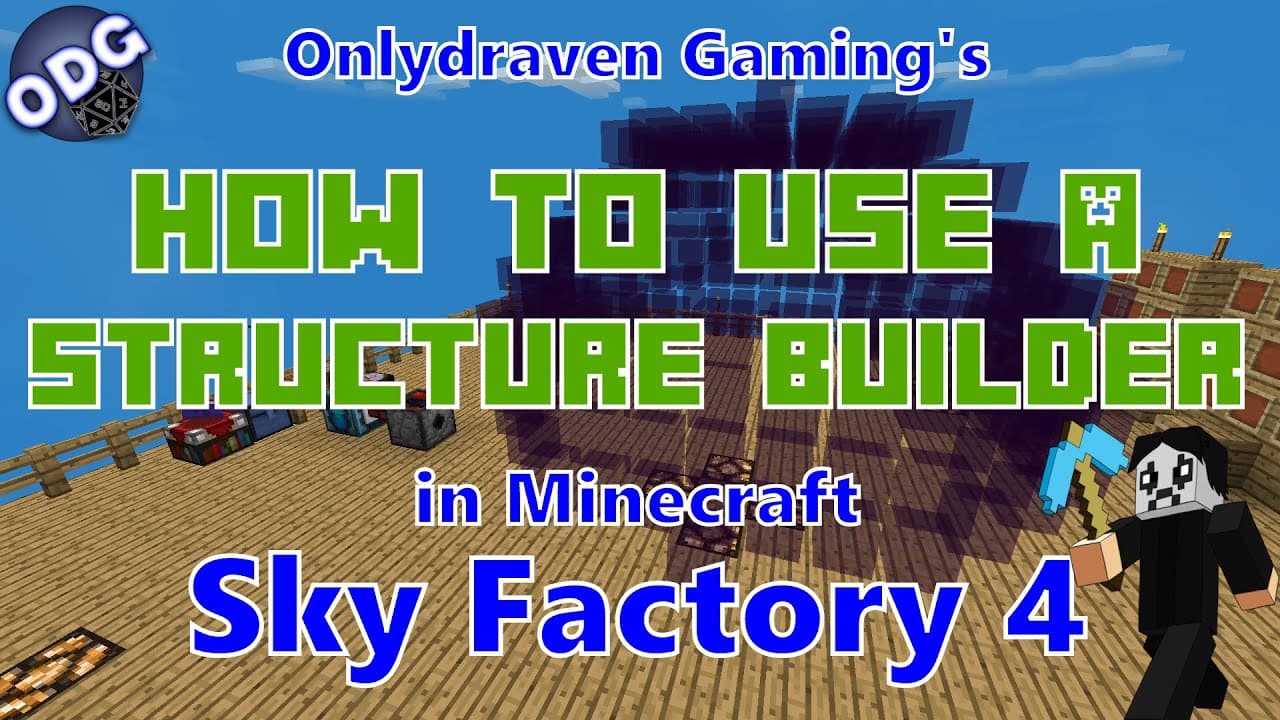
To use the Structure Builder in Minecraft Sky Factory 4, gather three obsidian, two redstone, a dispenser, a magma block, and two observers. Connect it to a power source, configure the desired shape and size, and use a GPS to sync the build location. The Structure Builder automates the construction of complex structures, such as walls, spheres, and domes, significantly enhancing building efficiency.
Transcript
future hello everyone onlydraven here again and today we're doing another tutorial in minecraft sky factory 4. today i'm going to be showing you how to make and use a structure builder which is an amazingly useful little box that will let you make different buildings shapes walls and such automatically now if you find this video helpful and you lik... Read More
Key Insights
- 🏛️ The structure builder in Minecraft Sky Factory 4 simplifies the building process significantly by automating the placement of blocks.
- 🏛️ Using the GPS effectively is crucial for determining where your structure will be built in relation to the builder’s location.
- 🎮 Players have the option to toggle the structure builder between required redstone and always on settings for flexibility in control.
- 🤗 The ability to create complex shapes like spheres and domes opens up new architectural possibilities within the game.
- 🏗️ Connecting the structure builder to a resource generator allows for an efficient way to construct large buildings without manual labor.
- 👤 Users must be mindful of the materials required for each shape, as the builder will not complete structures without sufficient resources.
- 👻 Building shapes can instantly impact gameplay by allowing players to create defensive walls or aesthetic structures quickly.
Install to Summarize YouTube Videos and Get Transcripts
Explore YouTube Video Summarizer or Get YouTube Transcript Extractor
Questions & Answers
Q: What materials do I need to create a structure builder?
To create a structure builder, you will need three pieces of obsidian, two redstone dust, one dispenser, one magma block, and two observers. Additionally, you will need a power source, which can be anything from creative energy batteries to generators or solar panels.
Q: How does the structure builder work in Minecraft Sky Factory 4?
The structure builder functions by showing a preview of the structure to be built based on the materials supplied. It builds shapes and walls automatically, given a continuous supply of materials and a power source. Users can adjust dimensions and shape types according to their building needs.
Q: What is the purpose of the GPS in relation to the structure builder?
The GPS is used to sync a specific location where the structure builder will replicate the selected pattern. This enables users to build at a desired location, regardless of where the structure builder is currently placed, providing flexibility in construction planning.
Q: Can I automate the building process with the structure builder?
Yes, the structure builder can be automated to continuously construct shapes as long as it has both a power source and a steady supply of materials. By connecting it to a generator or other sources, players can create extensive structures without needing to manually place each block.
Q: What types of shapes can the structure builder create?
The structure builder can create a variety of shapes, including walls, squares, spheres, domes, pyramids, and more. Players can adjust the size and dimensions for each shape, allowing for a wide range of construction possibilities.
Q: Will the structure builder continue to build if blocks are removed?
Yes, if the blocks are removed while the structure builder is active, it will attempt to rebuild those sections immediately as long as there are sufficient materials supplied. This feature allows for ongoing automated construction processes.
Q: Are there any limitations to what the structure builder can do?
Yes, the structure builder has some limitations, such as only being able to build in the direction it faces and requiring a consistent supply of materials. Additionally, it lacks a "back" function, meaning structures cannot be dismantled once placed.
Q: How can I provide feedback or suggest future tutorials related to this content?
Feedback and suggestions can be submitted directly through the comments section below the video, or via the website onlydraven.com, where there is a specific section for questions, suggestions, or comments regarding future tutorials.
Summary & Key Takeaways
-
The video tutorial explains how to create and use a structure builder in Minecraft Sky Factory 4, which allows players to automate building diverse shapes.
-
Key components required include obsidian, redstone, dispensers, and a power source, with additional use of a GPS for location syncing.
-
The structure builder can create various shapes and sizes, from walls and squares to complex spheres and domes, enhancing building efficiency in the game.
Read in Other Languages (beta)
Share This Summary 📚
Summarize YouTube Videos and Get Video Transcripts with 1-Click
Try YouTube Summary with ChatGPT & Claude or YouTube Transcript Generator
Explore More Summaries from Onlydraven Gaming 📚






Summarize YouTube Videos and Get Video Transcripts with 1-Click
Try YouTube Summary with ChatGPT & Claude or YouTube Transcript Generator