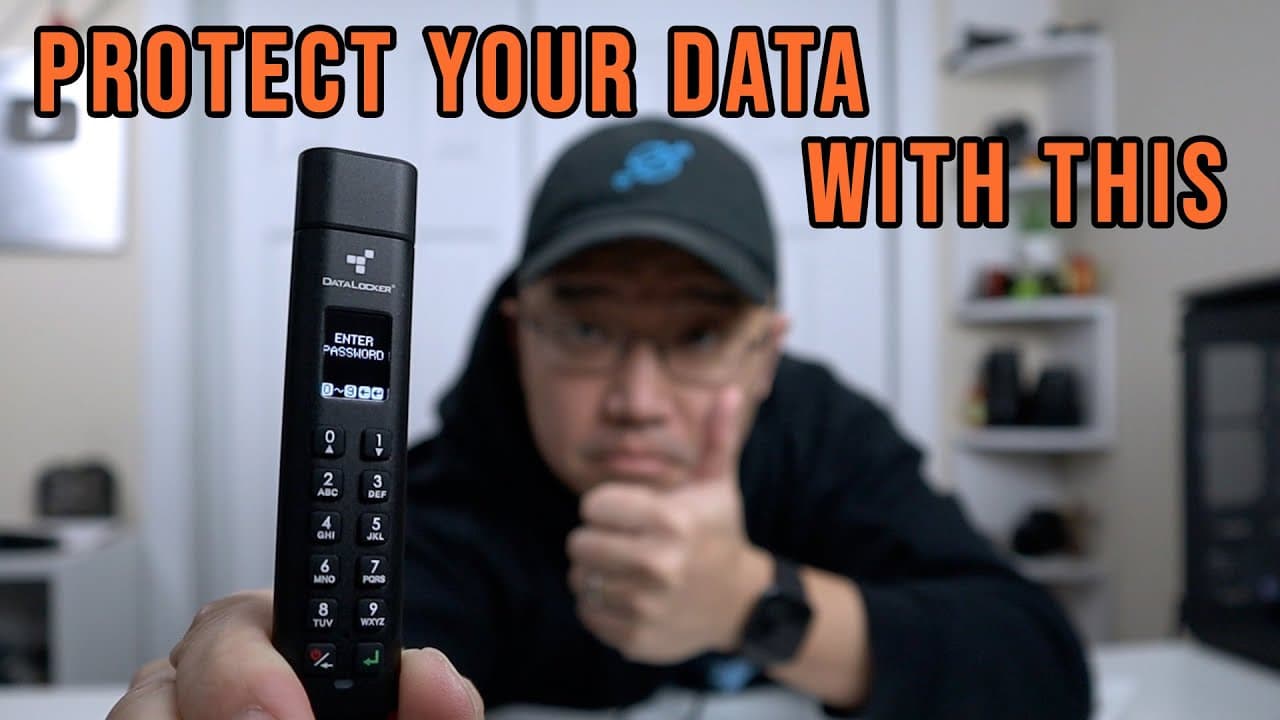
Protect Your Data with Datalocker Sentry K300!!
TL;DR
The Data Locker USB K300 provides secure storage with password protection and various user permissions.
Transcript
hey guys what's going on it's don here from nova spur tech and welcome back to the channel and today we are going to be checking out the data locker usb security k300 so let's get started now i come to a realization where i actually need one of these devices so i can actually store uh crypto key passwords my personal passwords and data that i want ... Read More
Key Insights
- 😒 The Data Locker K300 is an innovative secure USB solution for protecting sensitive information, suitable for personal and professional use.
- 🔑 It features a password lock that enhances security, which can be customized with a mix of character requirements for stronger passwords.
- 📳 Users can utilize various access modes, including 'read-only' mode, which prevents any deletion of files, ensuring data integrity.
- ⏲️ The auto lock feature can be set to different time intervals, providing convenience while still maintaining security.
- 🚨 Firmware updates are available to protect against emerging threats, emphasizing the need for regular maintenance to ensure device security.
- 🙏 The K300's adaptability makes it an excellent tool for tech enthusiasts wishing to replicate its functionalities using budget options like Raspberry Pi.
- 🔑 The device's capacious nature (up to 128 GB) combined with its protective features makes it suitable for storing sensitive documents, personal passwords, or cryptocurrency keys.
Install to Summarize YouTube Videos and Get Transcripts
Explore YouTube Video Summarizer or Get YouTube Transcript Extractor
Questions & Answers
Q: What specific features make the Data Locker K300 secure?
The Data Locker K300 offers a password-protected access system, where users can set unique passwords, configure user permissions, and apply security measures like auto-lock timeouts and data wipe after multiple failed login attempts. This ensures that only authorized users can access the stored data.
Q: Can the K300 be used for purposes beyond secure data storage?
Yes, the K300 can also be set up to boot into operating systems like Windows or Linux. Its multi-functionality allows users to leverage it not only for secure file storage but also for running live operating systems when needed, enhancing its versatility.
Q: Is the Data Locker K300 resistant to physical damage?
The K300 is designed to be waterproof, which offers protection against accidental immersion, such as dropping it in water. However, users must ensure it is completely dry before connecting it to a computer to prevent any damage to the device or data.
Q: How does the user permission system work?
The Data Locker K300 allows the creation of an administrator user and a standard user. The administrator has full access to all settings, while the standard user can have restricted permissions, providing a layered security approach tailored to different needs or environments.
Summary & Key Takeaways
-
The Data Locker K300 is a USB device designed for secure data storage, featuring a password lock to prevent unauthorized access. Users can set various permissions and modes for enhanced security.
-
This device supports USB 3.1, has a capacity of 128 GB, and is also waterproof, making it a practical choice for safeguarding sensitive files and data.
-
Users can manage access through a menu system with options for administrative and regular users, ensuring control over data management and accessibility.
Read in Other Languages (beta)
Share This Summary 📚
Summarize YouTube Videos and Get Video Transcripts with 1-Click
Try YouTube Summary with ChatGPT & Claude or YouTube Transcript Generator
Explore More Summaries from Novaspirit Tech 📚






Summarize YouTube Videos and Get Video Transcripts with 1-Click
Try YouTube Summary with ChatGPT & Claude or YouTube Transcript Generator