How to Use Google AI Tools for Work and Life
TL;DR
Start with the Google product already central to your work, then use Gemini, NotebookLM, or Google AI Studio to improve a specific task such as email, research, content preparation, or app building. Google’s advantage is its integration with Gmail, Calendar, Drive, and Search, which lets beginners gain value without replacing their existing systems or learning to code.
Transcript
Some of these tools I'm going to show you are really easy to use. Think that a lot of people sleep on what's available to you through Google and people just like get hyperfocused on Chat GBT or Claude without realizing that these incredible tools exist. And they have something called avatars. So when you set this up for the first time, you scan you... Read More
Key Insights
- • Google’s AI advantage is its integration with Gmail, Calendar, Drive, and Search. Users can add AI to products already embedded in their businesses and personal routines instead of changing email providers, rebuilding calendars, or transferring established systems to unfamiliar platforms.
- • Gemini is part of a broader Google AI suite that spans beginner and advanced uses. The suite can support email, research, content creation, project organization, and personal tasks, making it useful beyond the general conversational assistance commonly associated with ChatGPT or Claude.
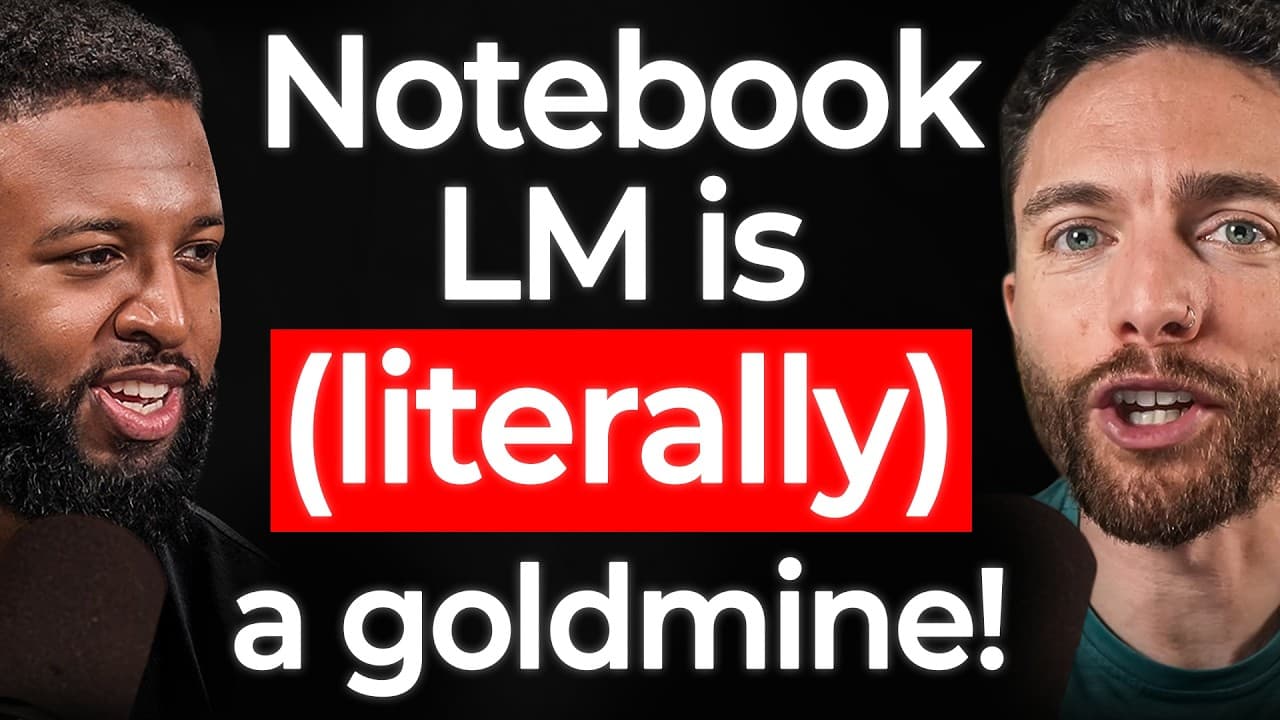
- • NotebookLM is a research and preparation tool that can help users learn from provided materials. The host says it changed how he researches and prepares for episodes, while the episode also demonstrates applications for learning, business research, and content-related workflows.
- • Google AI Studio is presented as a tool for building applications through prompting. The episode includes a live demonstration and discusses a reusable prompt for app creation, showing how a person without a programming background can explore building functional tools from an idea.
- • AI adoption became valuable to Paul when the tools grew more accessible to non-coders. He initially used AI for emails, sales copy, project organization, and business support, demonstrating that useful adoption can begin with ordinary administrative or creative tasks rather than technical projects.
- • First-to-market recognition helps explain why ChatGPT dominates public discussion about AI. Paul argues that users often treat its name as nearly synonymous with AI, even though testing alternatives may reveal that another tool fits an individual workflow more effectively.
- • Online business opportunities become clearer through small moments of validation. Paul describes making his first e-commerce sale as the signal to commit more deeply, while documenting the journey on YouTube created an audience that followed his later transitions across marketplaces and into AI.
- • A practical AI business opportunity is helping companies use tools they do not understand. Paul suggests learning accessible AI workflows and bringing that knowledge to businesses, because many organizations may benefit from capabilities such as research, content production, app creation, and digital avatars.
Install to Summarize YouTube Videos and Get Transcripts
Explore YouTube Video Summarizer or Get YouTube Transcript Extractor
Questions & Answers
Q: How should a beginner start using Google AI tools?
A beginner should start with one familiar product and one concrete problem. For example, use AI to improve email work, organize a project, prepare research, or draft sales copy. Google’s tools are designed to connect with services such as Gmail, Calendar, Drive, and Search, so users can experiment within routines they already understand instead of rebuilding their entire workflow.
Q: Why can Google AI be useful for business workflows?
Google AI can be useful because it connects AI capabilities with products many businesses already use, including Gmail, Calendar, Drive, and Search. This integration can support email management, research, content creation, organization, and app building without requiring a company to replace its existing email provider or calendar. The resulting workflow can be more seamless across connected Google products.
Q: What is the difference between Gemini, NotebookLM, and Google AI Studio?
Gemini is presented as a general AI tool within Google’s wider suite, while NotebookLM focuses on research, preparation, and learning from supplied materials. Google AI Studio is presented as a builder that can create applications through prompts. Together, the three tools cover conversational assistance, source-based knowledge work, and practical creation, although the best choice depends on the task being completed.
Q: How can NotebookLM help with research and learning?
NotebookLM can help users study supplied materials, organize research, and prepare for content or business tasks. The host says the tool changed his approach to researching and preparing for podcast episodes. The episode also frames it as a way to learn subjects and apply collected information in business, making it especially relevant when the work depends on a defined set of reference materials.
Q: Can a non-coder build applications with Google AI Studio?
Google AI Studio is presented as accessible enough for application building through prompts, including for people without a traditional programming background. The episode includes a live demonstration and discusses a prompt for building an app. Paul’s broader experience supports the non-coder perspective, since he describes himself as a regular user who applies AI to business and personal workflows rather than as a developer.
Q: How can AI help someone create an online business opportunity?
One approach is to learn useful AI tools and offer those capabilities to businesses that do not know how to apply them. The episode identifies opportunities involving research, content creation, workflow improvement, app building, and digital avatars. Paul’s advice is grounded in testing what is available, finding a method that produces real validation, and committing more deeply once the method proves useful.
Q: Why are Google AI tools discussed less than ChatGPT or Claude?
Paul attributes much of the difference to first-to-market recognition. ChatGPT became closely associated with the idea of AI, so many users begin and end their exploration there, while Claude also receives substantial attention. Google entered the conversation later, but its existing products give it a distinct advantage. Users may discover a better personal fit only after actively testing multiple tools.
Q: What business lessons come from Paul Lipsky’s career transition?
Paul’s transition shows the value of experimentation, concrete validation, commitment, and public documentation. He moved from legal work into e-commerce after a side business began earning more than his work as a lawyer. His first sale encouraged deeper commitment, and his YouTube channel documented later moves across Amazon, Facebook, TikTok, and AI, allowing his audience to follow each transition.
Summary & Key Takeaways
-
Google’s AI suite serves beginners and advanced users across business, content, and personal tasks. Its central advantage is integration with products people already use, including Gmail, Calendar, Drive, and Search. This reduces the need to replace established systems and allows AI to work within familiar routines.
-
Paul Lipsky’s path moved from law to e-commerce, YouTube, and AI education. He first found major value in AI for organizing projects, writing sales copy, and handling emails. His broader lesson is to test accessible opportunities, recognize concrete validation, and commit when a method demonstrably works.
-
The episode focuses on practical uses of Gemini, NotebookLM, and Google AI Studio. NotebookLM supports research, preparation, and learning from supplied materials, while AI Studio supports app building through prompts. The recommended starting point is one immediate, useful workflow rather than attempting to master every available tool simultaneously.
Read in Other Languages (beta)
Share This Summary 📚
Summarize YouTube Videos and Get Video Transcripts with 1-Click
Try YouTube Summary with ChatGPT & Claude or YouTube Transcript Generator
Explore More Summaries from The Calum Johnson Show 📚




Summarize YouTube Videos and Get Video Transcripts with 1-Click
Try YouTube Summary with ChatGPT & Claude or YouTube Transcript Generator