How to learn Git for beginners full course guide
TL;DR
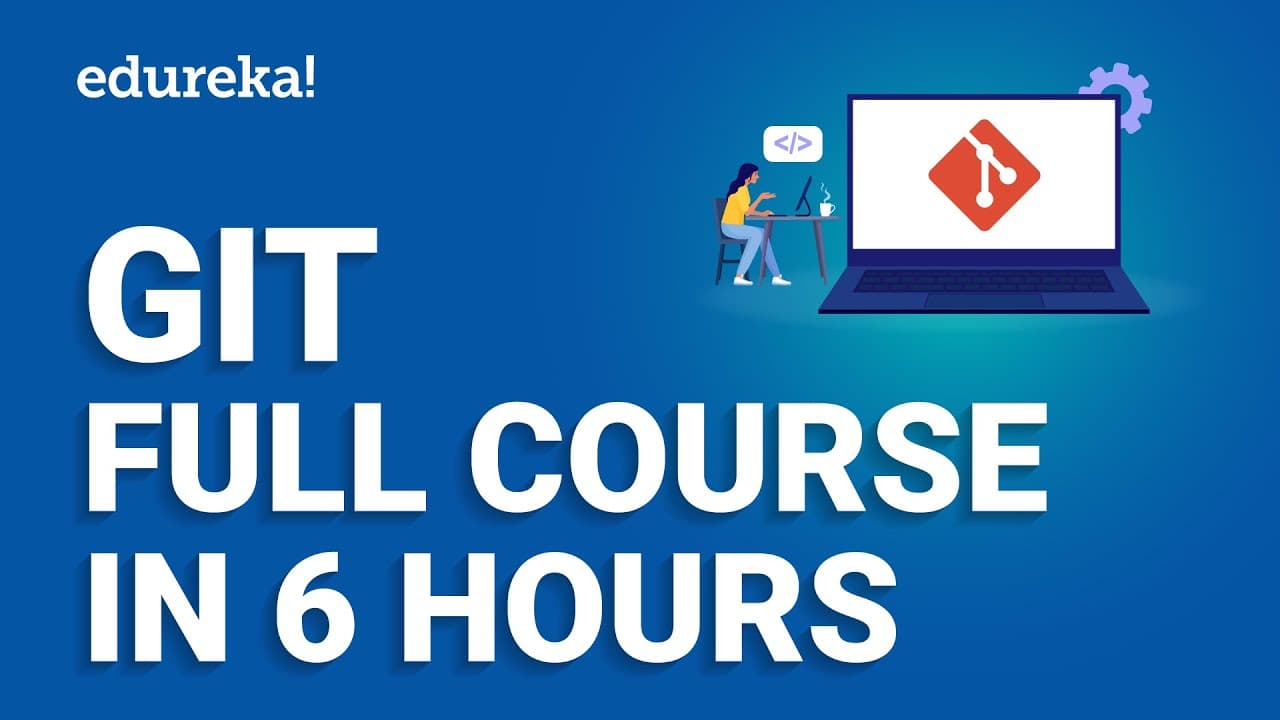
Git is a version control system that records changes to files over time and supports collaboration through local, central, or distributed workflows. The video covers what Git is, how to install it, core commands, branching, GitHub and GitLab workflows, and interview questions to help prepare for DevOps roles.
Transcript
many large organizations are now using git for Version Control as it allows them to scale their development efforts and improve collaboration across the team git is constantly being improved and updated and its popularity shows no sign of slowing down it continues to be a popular choice for Version Control and is likely to remain so in the coming y... Read More
Key Insights
- Git records changes to a project over time and stores them as versions in a repository.
- Git enables collaboration through centralized and distributed workflows, reducing reliance on a single server.
- Distributed version control allows each contributor to have a full local copy of the repository.
- Local operations are fast because they run on the local hard drive, improving developer productivity.
- Push and pull operations synchronize local repositories with the main repository on a server.
- Git supports branching and merging to manage feature work and integration points.
- GitHub basics and GitLab CI/CD pipelines are essential for modern DevOps workflows.
- Interviews and questions help reinforce fundamentals like rebasing, merging, and conflict resolution.
- More videos from this channel:
- More from this channel: edureka!
Install to Summarize YouTube Videos and Get Transcripts
Explore YouTube Video Summarizer or Get YouTube Transcript Extractor
Questions & Answers
Q: What is Git and why is it used in development teams
Git is a version control system that records changes to a file or set of files over time, enabling teams to collaborate by storing these changes in a repository. It supports local, centralized, and distributed models, allowing developers to work independently on their own copies and then synchronize with others. This structure helps track history, manage branches, and coordinate merges, reducing the risk of conflicts and data loss.
Q: How does a distributed version control system differ from a centralized one
In a distributed version control system every contributor has a full local copy of the repository, including its history. This enables most operations to run locally without network access, improving speed and resilience. Changes are pushed to a central repository or pulled from it when synchronization is needed, which helps teams work offline and recover from server failures more easily.
Q: What are the advantages of distributing Git repositories among team members
Distributed repositories provide speed because most operations run on the local machine, enable offline work, and allow easy sharing of changes for feedback before pushing to the central repository. They also improve resilience since any contributor can recover data if the central server fails. This setup supports parallel development and reduces bottlenecks.
Q: What topics are covered in the Git full course and why are they important
The course covers what Git is, installation and setup, core commands, branching and stashing, working with remote repositories, GitHub and GitLab workflows, CI/CD pipelines, and interview questions. These topics establish a solid foundation for version control, enable practical workflows for collaboration, and prepare learners for DevOps roles by linking concepts to real tools and processes.
Q: How does GitHub workflow relate to Git operations
GitHub workflow integrates with Git by providing a central platform to host repositories, manage issues and pull requests, and coordinate collaboration. Git operations like commit, push, and pull are used locally to create and update changes, while GitHub workflows automate processes such as reviews, merges, and CI/CD actions, aligning code changes with deployment pipelines.
Q: What is the difference between pull requests and merging in Git
A pull request is a request to merge changes from one branch into another, typically on a platform like GitHub. It includes review, discussion, and automated checks before the merge is executed. Merging is the act of integrating the changes from one branch into another, which can be done via the platform interface once a pull request is approved.
Q: Why are branching and rebasing important in Git
Branching lets developers isolate work on features or fixes without affecting the main codebase, enabling parallel development. Rebasing rewrites commit history to create a linear sequence of changes, which can simplify reviews and integration. Both techniques help maintain clean histories, reduce conflicts, and improve collaboration during integration of multiple contributors.
Q: What role do Jenkins and CI/CD pipelines play in Git workflows
Jenkins and CI/CD pipelines automate build, test, and deployment stages triggered by Git events like pushes and pull requests. These pipelines integrate with Git repositories to ensure code quality and reliable deployments. They help teams enforce standards, catch issues early, and streamline delivery by turning code changes into repeatable, automated workflows.
Summary & Key Takeaways
-
This video introduces version control and explains why teams use Git for collaboration across remote developers, outlining how snapshots of project state are stored as versions in a repository. It contrasts local, centralized, and distributed VCS models and explains the benefits of distributed systems for speed and resilience.
-
The course walks through Git installation, setup, basic commands, and then dives into branching, stashing, and workflows. It also covers remote repositories, GitHub basics, and GitLab CI/CD pipelines, tying these concepts to practical development and deployment scenarios.
-
The material ends with practical interview questions and answers, aiming to prepare viewers for DevOps roles by reinforcing core Git concepts such as merging, rebasing, and common operational patterns across tools like Jenkins and CI/CD pipelines.
Read in Other Languages (beta)
Share This Summary 📚
Summarize YouTube Videos and Get Video Transcripts with 1-Click
Try YouTube Summary with ChatGPT & Claude or YouTube Transcript Generator
Explore More Summaries from edureka! 📚

Summarize YouTube Videos and Get Video Transcripts with 1-Click
Try YouTube Summary with ChatGPT & Claude or YouTube Transcript Generator