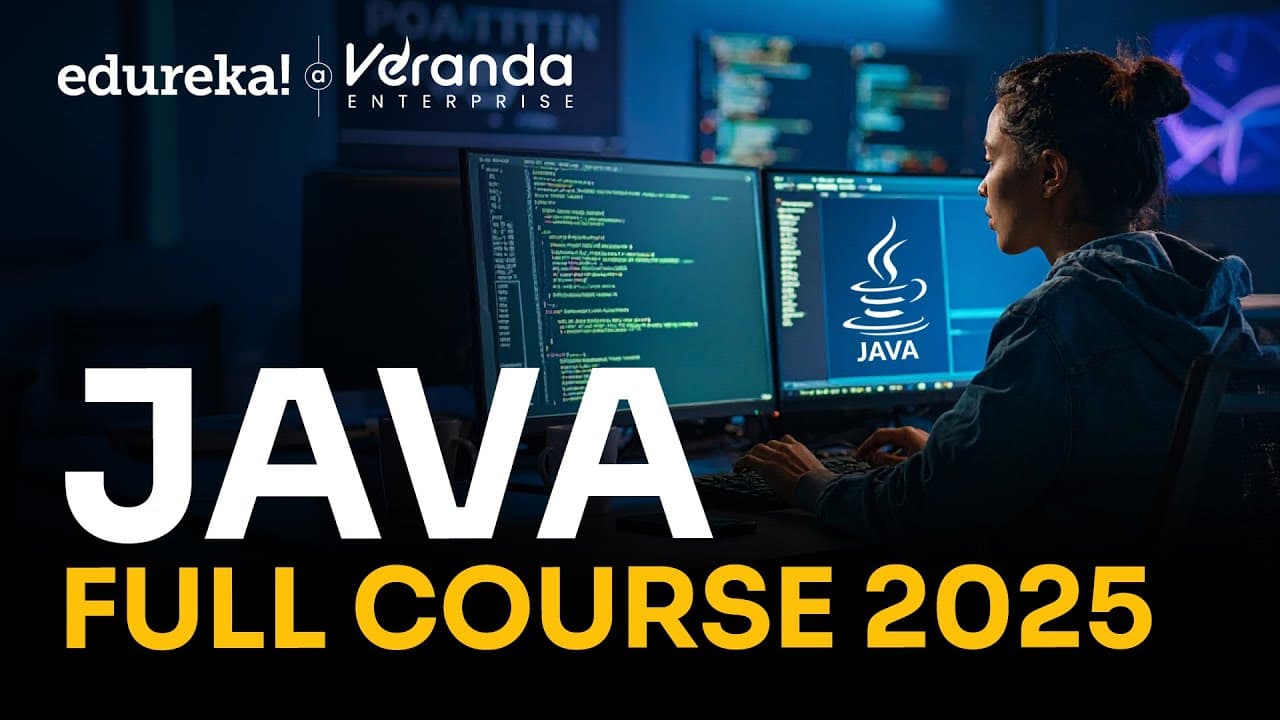
How to Learn Java Basics in 10 Hours: Edureka Java Full Course 2025
TL;DR
To learn Java from the basics, install JDK 22, verify it with java -version, configure Eclipse, and begin with syntax, operators, control statements, and object-oriented programming. The Edureka course then progresses to collections, multithreading, file handling, socket programming, frameworks, projects, interview preparation, and Java certifications. Read on for the course’s setup steps, core concepts, and advanced learning path.
Transcript
Hello everyone and welcome to the Java full course. Your complete learning path to mastering one of the most powerful and widely used programming language. This Java course starts with the fundamentals of Java covering syntax, operators, control statements, and object-oriented programming concepts like inheritance, polymorphism, and abstraction. An... Read More
Key Insights
- Java is used across social media, big data and Hadoop, Android application development, data science, artificial intelligence, data security, software testing, and data analytics. The course cites major technology services as evidence that Java remains important in modern software development.
- Java was invented by James Gosling in 1995 for interactive television. It was considered too advanced for that original purpose because it could perform larger and more complex tasks, leading to its development as a broadly applicable programming language.
- Java installation begins by downloading a JDK package appropriate for Windows, Linux, or macOS. After installation, the java -version command verifies that the JDK is available, while Eclipse provides an environment for creating projects, writing classes, compiling code, and viewing output.
- Java achieves platform independence by compiling source code into bytecode rather than a platform-specific machine format. A machine equipped with a Java Runtime Environment can run that bytecode, supporting the language's write once, run anywhere approach and making Java programs portable.
- Java supports high performance through a just-in-time compiler, even though the course characterizes Java as an interpreted language. This mechanism helps Java execute efficiently while retaining the portability associated with bytecode and the Java Runtime Environment.
- Java multithreading enables a program to perform multiple tasks simultaneously while using shared memory and other resources. The course illustrates the general idea with grammatical checking occurring while a person types, then later provides a dedicated module on Java threads.
- Java is robust because it emphasizes compile-time and runtime error checking. Automatic garbage collection supports memory management, while exception handling addresses errors that might otherwise disrupt execution, making both features important parts of dependable Java application development.
- Java operators are special symbols used with variables or numbers to perform operations. The covered categories include unary, arithmetic, shift, relational, bitwise, logical, ternary, and assignment operators, with unary operators handling actions such as incrementing, decrementing, negating expressions, and inverting Boolean values.
Install to Summarize YouTube Videos and Get Transcripts
Explore YouTube Video Summarizer or Get YouTube Transcript Extractor
Questions & Answers
Q: How do you install Java and verify the JDK?
Download the JDK package for Linux, macOS, or Windows and run the appropriate installer; the demonstration uses the normal Windows installer with its default settings. After installation, open the command prompt and enter java -version. A displayed version verifies that the JDK is installed.
Q: How do you create and run your first Java project in Eclipse?
Download and launch Eclipse, keep or select a workspace, and create a new Java project from the File menu. Name the project without spaces, configure JDK 22 as the Java runtime, and create a class containing the public static void main method. Add a println statement, run the class, and view its output in the Eclipse console.
Q: What Java fundamentals does the Edureka full course cover?
The course begins with Java syntax, operators, control statements, and object-oriented programming. Its object-oriented topics include inheritance, polymorphism, abstraction, abstract classes, and interfaces. It also covers arrays, strings, and exception handling.
Q: Why can Java programs run on different operating systems?
Java source code is compiled into bytecode instead of machine instructions tied to one operating system. That bytecode can run on a machine equipped with a Java Runtime Environment. This supports Java’s write once, run anywhere approach.
Q: What types of operators are available in Java?
The course covers unary, arithmetic, shift, relational, bitwise, logical, ternary, and assignment operators. Operators are symbols used with variables or numbers to perform operations. Unary operators can increment or decrement a value, negate an expression, or invert a Boolean value.
Q: What advanced Java topics are included in the course?
After the fundamentals, the curriculum covers collections, multithreading, file handling, generics, regular expressions, data structures, linked lists, HashMap, and the Collections Framework. It also introduces Java threads, socket programming, and widely used frameworks. Hands-on projects and real-world examples help apply these topics.
Q: What is Java used for?
The course identifies Java uses in social media, big data and Hadoop, Android application development, data science, artificial intelligence, data security, software testing, and data analytics. It also names Airbnb, Uber, Facebook, Instagram, Google, Amazon, and Netflix while discussing Java’s role in major applications and websites.
Q: How does the course support Java career and certification preparation?
The learning path develops skills from installation and basic syntax through object-oriented programming, collections, multithreading, file handling, socket programming, frameworks, and projects. It includes guidance on becoming a Java developer and common interview questions. The course also works toward certifications such as Java SE8 or Java SE1.
Summary & Key Takeaways
-
Java is presented as a widely used, object-oriented programming language created by James Gosling in 1995. Its applications include social media, big data and Hadoop, Android development, data science, artificial intelligence, data security, software testing, and analytics. The course emphasizes Java's continuing role in major software and online services.
-
The practical setup begins with downloading a suitable JDK for the operating system, running the installer, and verifying installation with the java -version command. Learners then download Eclipse, configure its Java runtime, create a Java project and main class, and run a Hello World program in the Eclipse console.
-
The curriculum advances from operators and conditional statements to inheritance, polymorphism, abstract classes, interfaces, arrays, strings, exceptions, files, generics, regular expressions, and data structures. Later sections cover linked lists, HashMap, the Collections Framework, threads, socket programming, projects, becoming a Java developer, and common interview questions.
Read in Other Languages (beta)
Share This Summary 📚
Summarize YouTube Videos and Get Video Transcripts with 1-Click
Try YouTube Summary with ChatGPT & Claude or YouTube Transcript Generator
Explore More Summaries from edureka! 📚
![AWS Full Course - Solutions Architect [12 Hours] | AWS Certified Solutions Architect [2024] |Edureka thumbnail](/_next/image?url=https%3A%2F%2Fi.ytimg.com%2Fvi%2F5gnoVjpfWxU%2Fhqdefault.jpg&w=750&q=75)

Summarize YouTube Videos and Get Video Transcripts with 1-Click
Try YouTube Summary with ChatGPT & Claude or YouTube Transcript Generator