How to Model a Faceless YouTube Channel With AI
TL;DR
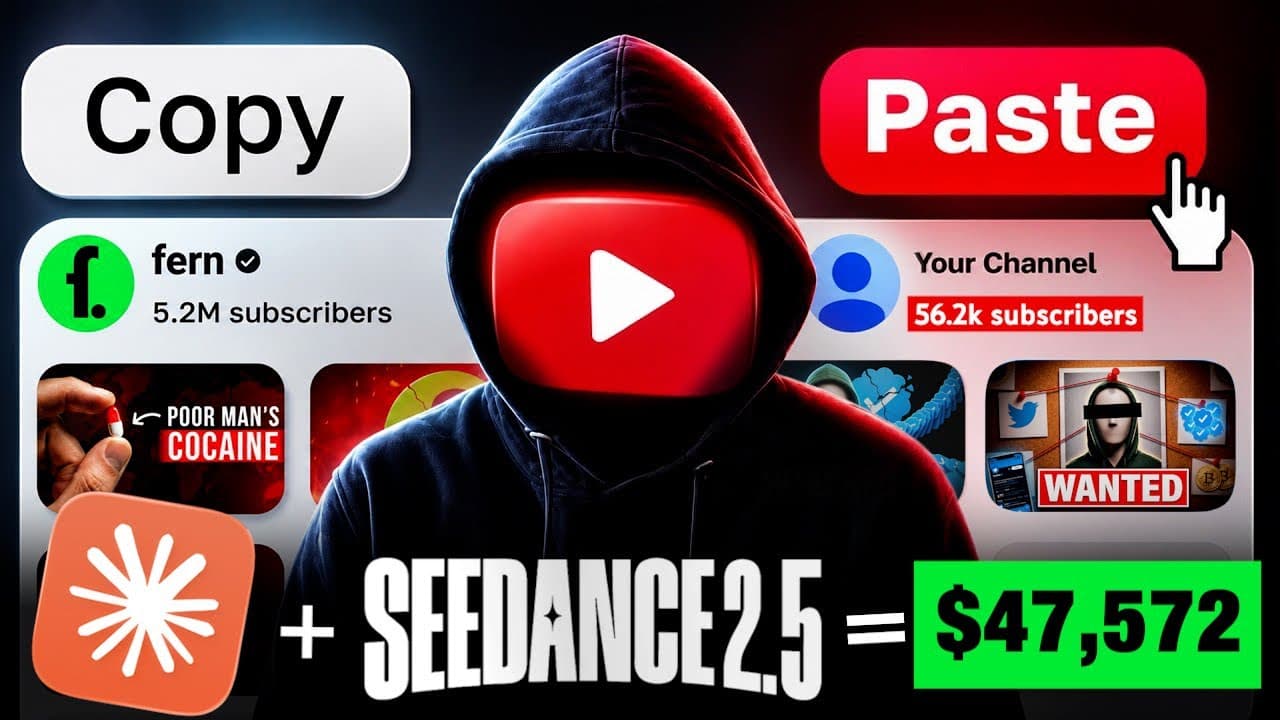
Start by identifying a recent outlier channel that receives more views than its subscriber count would suggest, then study several successful transcripts and visual references without copying them directly. Claude Code can organize the branding, scripting, and scene-prompt workflow, while its Higgsfield connection generates visual assets. The featured generation reportedly used 912 credits, roughly $46.
Transcript
With the release of Seedance 2.5 and Claude Code, I found a way that you can literally clone almost any YouTube channel, whether it's documentary, history, true crime, 2D animation, Pixar style, pretty much any channel like this that's getting millions of views and making money. And after hours of research, I found the perfect blueprint that you ca... Read More
Key Insights
- Recent outlier channels are the recommended research targets because their current view counts substantially exceed what their subscriber totals might suggest. The workflow prioritizes channels that grew during the previous 6–12 months instead of automatically selecting the largest or oldest examples in a niche.
- SocialBlade is presented as a free channel-research tool, while VidIQ is presented as a paid alternative. These services can be used to examine channel performance and estimated revenue before committing to a particular niche or production style.
- Claude Code is the central production interface because it can work with computer files and run connected tasks in the background. The demonstrated setup links it with Higgsfield by sending Claude the prompt supplied in Higgsfield's MCP and CLI section and approving the requested permissions.
- The master prompt defines an 11-stage production pipeline that progresses from branding to thumbnails. After receiving a channel name, URL, description, and optional screenshots, Claude analyzes the reference style and proposes branding elements such as channel names, descriptions, and logos.
- Transcript analysis is used to identify structural patterns rather than reproduce copyrighted writing. The process collects transcripts from six successful niche videos, saves them into one PDF, and asks Claude to extract characteristics such as hooks, tone, cadence, pacing, and retention-oriented structure.
- Originality is required even when modeling a proven format. The proposed channel should use its own story, script, and visuals, while references are limited to understanding broad elements such as pacing, structure, visual language, lighting, color grading, and camera composition.
- Visual consistency comes from supplying at least five representative screenshots and a written style description. Claude analyzes elements including characters, lighting, color, camera angles, and overall aesthetics, then incorporates those attributes into the image prompts created for each scripted scene.
- The featured generation reportedly consumed 912 credits at a stated cost of roughly $46. The description also warns that any results are not typical and may vary according to skill, experience, effort, timing, and other factors outside the creator's control.
Install to Summarize YouTube Videos and Get Transcripts
Explore YouTube Video Summarizer or Get YouTube Transcript Extractor
Questions & Answers
Q: How do you choose a YouTube channel to model?
Choose a channel that is performing strongly now, especially one that grew during the last 6–12 months, rather than automatically selecting a famous channel that became successful years ago. The suggested signal is an outlier channel receiving far more views than its subscriber count would normally imply. SocialBlade or VidIQ can then help you examine its performance and estimated earnings.
Q: How do you connect Claude Code with Higgsfield?
Install Claude Desktop, log in, open the sidebar, and select Claude Code so it can work with files on the computer. Next, create a Higgsfield account, open its MCP and CLI section, and select CLI. Copy the prompt provided there into Claude. Claude runs several commands and requests permissions, which the demonstrated setup instructs the user to approve.
Q: What does the master prompt do in the production workflow?
The master prompt turns Claude into an ordered production pipeline containing 11 stages, beginning with branding and ending with thumbnails. It asks which channel should be modeled, analyzes the supplied name, URL, description, and screenshots, and then moves through the workflow one stage at a time. It can also propose channel names, descriptions, logos, ideas, scripts, and visual prompts.
Q: How should reference transcripts be prepared for Claude?
Open successful videos from channels in the target niche, watch enough to understand their structure, and copy each available transcript into a Google Doc. Repeat the process for five additional successful videos, creating a set of six transcripts. Save them together as one PDF, upload that file to Claude Code, and state that the transcripts are attached for analysis.
Q: Why analyze transcripts instead of copying scripts directly?
Transcript analysis is intended to reveal the format behind successful videos, including hook structure, tone, cadence, pacing, and the patterns used to hold attention. The workflow explicitly says not to copy scripts because that would be a copyright violation and could lead to deletion or demonetization. The resulting production should contain an original story, original script, and original visuals.
Q: How does Claude create a script in the modeled format?
After analyzing the reference transcripts, Claude asks whether the creator already has a video idea. If not, it proposes titles that fit the analyzed niche. The creator selects an idea, specifies the desired video length, and reviews the generated script as a director would. Any weak or inaccurate sections can be revised through conversation before the finished script is saved in a Google Doc.
Q: How do you keep AI-generated visuals stylistically consistent?
Collect at least five screenshots showing the desired shots, characters, lighting, and overall appearance, then provide them to Claude with a written description of the style. Claude studies the lighting, color grade, camera angles, and broader visual language. Those characteristics are incorporated into the prompts it creates, reducing the chance that the final sequence looks like unrelated random images.
Q: How are visual prompts generated for an entire video?
After Claude has analyzed the reference frames and the visual style, ask it for prompts for the completed script. Claude reviews the script and maps its visual beats into detailed scene prompts, with each prompt carrying the established aesthetic. The Higgsfield connection can then handle image generation from those prompts. The featured generation used 912 credits, described as costing roughly $46.
Summary & Key Takeaways
-
The workflow begins with channel research rather than production. It recommends finding channels that became successful within the last 6–12 months, especially outliers receiving unusually high views relative to their subscriber counts. SocialBlade is presented as a free research option, while VidIQ is presented as a paid option for examining estimated earnings and performance.
-
The production system uses Claude Code as the central content engine and connects it to Higgsfield through its CLI instructions. An 11-stage master prompt guides the process from branding through thumbnails. Channel descriptions, URLs, screenshots, and reference material help Claude identify the desired niche, format, appearance, and creative direction.
-
Several successful transcripts are combined into a PDF so Claude can analyze hooks, structure, tone, cadence, and pacing. Visual screenshots serve a similar purpose for lighting, color, framing, and camera angles. Claude then maps the original script into scene-specific prompts, helping the generated images maintain a consistent visual language throughout the planned video.
Read in Other Languages (beta)
Share This Summary 📚
Summarize YouTube Videos and Get Video Transcripts with 1-Click
Try YouTube Summary with ChatGPT & Claude or YouTube Transcript Generator
Explore More Summaries from DIGITAL INCOME PROJECT 📚



Summarize YouTube Videos and Get Video Transcripts with 1-Click
Try YouTube Summary with ChatGPT & Claude or YouTube Transcript Generator