How to Create Stunning Letter Portraits in Canva Pro
TL;DR
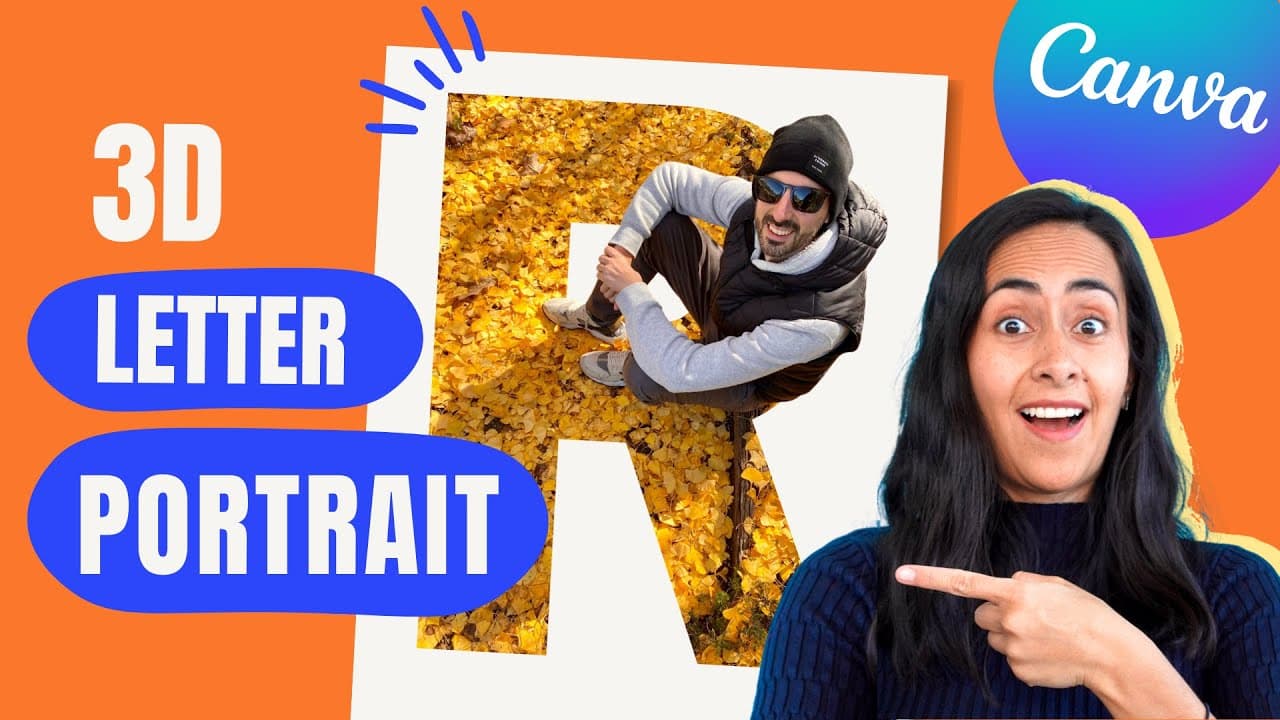
To create stunning letter portraits in Canva Pro, use the background remover to isolate your subject, then place your photo inside a letter frame. Adjust the size and alignment for a professional look, and add shadows for depth. This technique can also be adapted for creating word art using the same process.
Transcript
today i'm going to teach you how to create these letter portraits we are going to be using a canva pro account which is the paid version of canva and the process is very very simple so if you guys are interested in this tutorial let's go to my computer here i am in canva.com and you can select any of the doctypes that we have here available to star... Read More
Key Insights
- 💌 Canva Pro offers a background remover feature crucial for creating clean, seamless letter portraits.
- 💌 Proper alignment and resizing of images within letter frames are essential for a professional finish.
- 💌 Adding shadows to letter portraits enhances depth and dimension, giving them a polished look.
- 🥰 Techniques for creating letter portraits can also be applied to creating word art for consistent style.
- 💌 A personalized touch can be achieved by selecting images that complement the aesthetic of the letter frames.
- 😒 Canva Pro allows for the downloading of designs with a transparent background, ideal for versatile use.
- 💌 Utilize shadow effects in Canva Pro to add depth and enhance the overall look of letter portraits.
Install to Summarize YouTube Videos and Get Transcripts
Explore YouTube Video Summarizer or Get YouTube Transcript Extractor
Questions & Answers
Q: How can Canva Pro assist in creating letter portraits?
Canva Pro offers a background remover feature crucial for removing backgrounds from images, essential for creating letter portraits with clean edges.
Q: What is the significance of aligning and resizing images within letter frames?
Aligning and resizing images within letter frames ensures a seamless effect, creating a cohesive and professional look in letter portraits.
Q: How can shadows enhance letter portraits created in Canva Pro?
Shadows add depth and dimension to letter portraits, giving them a polished and professional finish, enriching the overall aesthetic appeal.
Q: Can the techniques for creating letter portraits be applied to word art as well?
Yes, the same techniques used to create letter portraits can be applied to create word art, allowing for consistent style and design cohesion.
Summary & Key Takeaways
-
Use Canva Pro to create letter portraits with background remover feature.
-
Align and resize images within letter frames for a seamless effect.
-
Add shadows for a professional touch and create word art with the same technique.
Read in Other Languages (beta)
Share This Summary 📚
Summarize YouTube Videos and Get Video Transcripts with 1-Click
Try YouTube Summary with ChatGPT & Claude or YouTube Transcript Generator
Explore More Summaries from Design with Canva 📚






Summarize YouTube Videos and Get Video Transcripts with 1-Click
Try YouTube Summary with ChatGPT & Claude or YouTube Transcript Generator