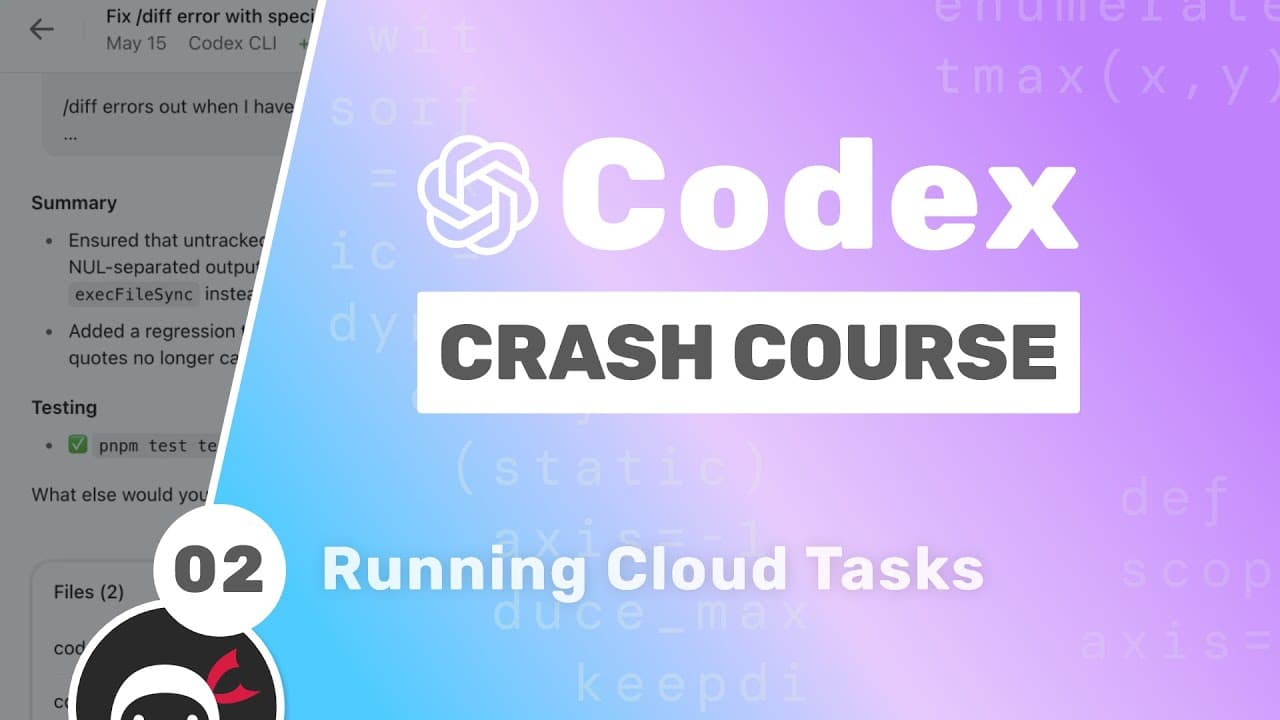
How to run Codex cloud tasks in a Next.js project
TL;DR
Codex Cloud can read and modify a Next.js project by running tasks in remote containers. You select the environment and branch, ask Codex to explore the codebase, and then either chat or implement changes. It supports creating feature branches, opening PRs, and previewing changes locally before merging.
Transcript
All right then, my friends. So, now we've got Codeex Cloud set up to work in our project. We can start asking it to run some tasks and make some code changes. But before we make any changes, I just want to show you the current state of the application it's going to do some work on. So, this is a nextJS application and at the moment it's basically j... Read More
Key Insights
- Codex Cloud requires selecting both the target environment and the branch before starting a task, ensuring changes are isolated from the main workflow.
- Codex can read and discuss the codebase without changing it initially, giving a briefing on architecture, components, and potential tasks.
- Code changes are performed in a separate remote container to avoid touching the main codebase until confirmation to proceed.
- Users can trigger a task by choosing the code option, which spins up a dedicated container for analysis and changes.
- A follow up can transform a read task into a code task, enabling concrete modifications to the project files.
- The system logs provide detailed traces of the reasoning and file interactions, aiding review and debugging.
- A visual confirmation mechanism exists via screenshots or previews to validate UI changes before merging.
- PR creation links the task to the codeex activity, making traceability straightforward for reviewers.
Install to Summarize YouTube Videos and Get Transcripts
Explore YouTube Video Summarizer or Get YouTube Transcript Extractor
Questions & Answers
Q: How does Codex know which part of the project to modify in a cloud task
Codex uses the selected environment and the target branch to place its work in a dedicated remote container. This setup ensures the changes are isolated from the main branch until the user approves them. The process starts with reading the repository to understand the structure, then proceeding to code changes only after a code task is explicitly chosen.
Q: What is the difference between asking Codex to read versus to code
Reading asks Codex to explore and summarize the codebase without changing any files. This provides a high level overview of components, data flow, and key parts of the project. Coding tasks, by contrast, run in a separate container and apply changes to the codebase, producing diffs and a PR once complete.
Q: Can Codex create a PR automatically
Yes, Codex can generate a pull request on the remote repository after applying changes in a separate feature branch. The PR includes a description of the changes and links back to the corresponding task, enabling reviewers to see the context and validate the modifications before merging.
Q: What kind of UI changes can Codex implement in a task
Codex can implement UI changes such as adding fields, modifying forms, and updating components. In the example, Codex added a short description field and a comma separated tags field with pill design, including duplicate prevention and a delete option for tags.
Q: How are changes tested before merging
Changes are tested within the remote container as part of the task workflow. Screenshots and logs are generated to verify that the new UI behaves as expected, and diffs are reviewed to ensure code quality. Local previewing on a dev server helps confirm the UI renders correctly before merging.
Q: What happens if Codex makes a mistake
If Codex introduces undesired changes, the task can be discarded, and a new task can be started. Since changes occur in a separate environment, they do not affect the main codebase until you approve, test thoroughly, and decide to merge.
Q: How does the tutorial handle environment setup
The tutorial emphasizes selecting the correct environment and the main branch before starting tasks. This ensures that the AI reads the intended codebase and applies changes in a controlled, auditable workflow, with the ability to archive completed tasks.
Q: What is the purpose of archiving tasks
Archiving serves as a method to tidy up the task list after completion. It preserves a history of what was done, including logs, diffs, and PRs, without cluttering the active task view. This helps maintain an organized workflow for ongoing projects.
Summary & Key Takeaways
-
Codex Cloud enables remote task execution on a cloned environment, starting from the correct branch and environment to ensure changes impact only the intended codebase.
-
The workflow demonstrated includes asking Codex to summarize the project, review logs, and then perform code changes safely in a separate container before applying them to the main repository.
-
The tutorial shows how to preview a feature branch locally using a dev server, inspect diffs, and open a PR, providing a safe path from idea to merge.
Read in Other Languages (beta)
Share This Summary 📚
Summarize YouTube Videos and Get Video Transcripts with 1-Click
Try YouTube Summary with ChatGPT & Claude or YouTube Transcript Generator
Explore More Summaries from Net Ninja 📚
Summarize YouTube Videos and Get Video Transcripts with 1-Click
Try YouTube Summary with ChatGPT & Claude or YouTube Transcript Generator