How to Add a Gradient to Text in Canva Easily
TL;DR
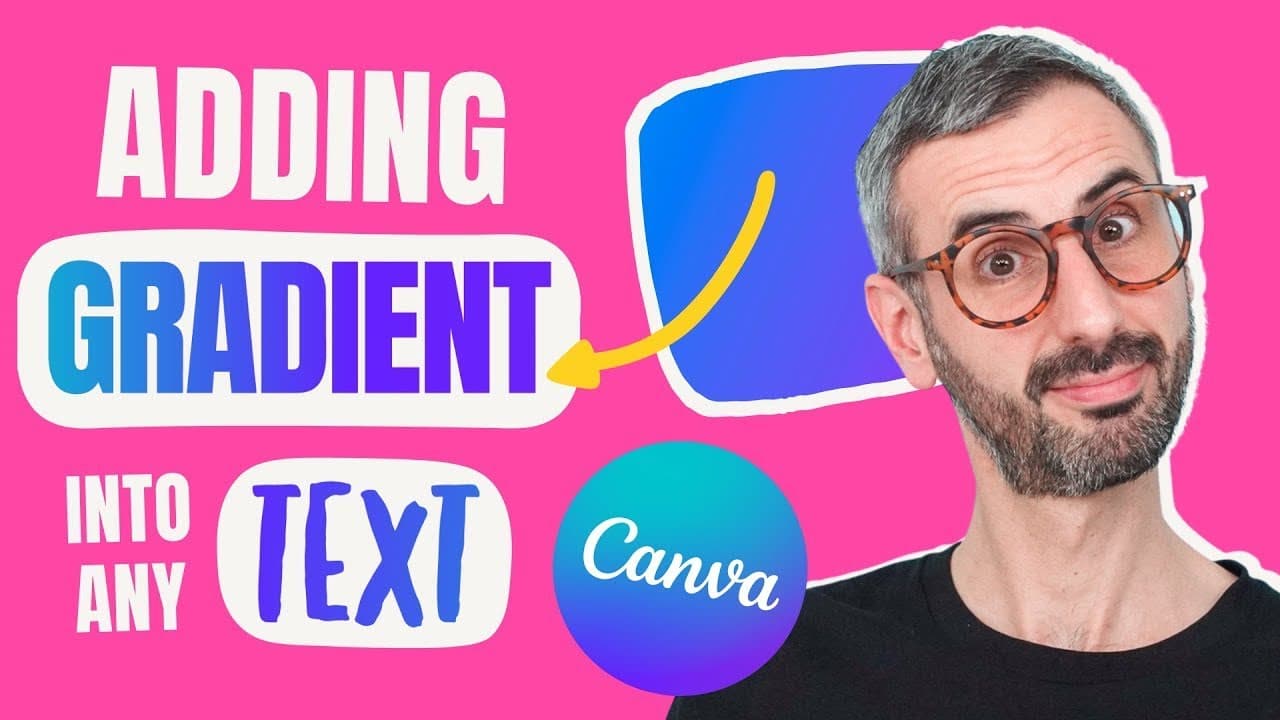
To add a gradient to any text in Canva, create your text box, select a gradient element, and adjust its transparency to let the gradient show through. You need a Canva Pro account for background removal. Final adjustments in brightness, contrast, and saturation will enhance the gradient effect for any font.
Transcript
apparently you guys are ready to learn how to insert gradient into text with canva and i'm not talking about letter frames i'm talking about a gradient into any text using any font so should we do this what is up everyone ronnie here welcome back to the channel super happy to be here with you today like every week really we create two new videos ev... Read More
Key Insights
- 🎨 Gradients can be inserted into any text using any font in Canva for unique design elements.
- 🎨 Canva Pro is essential for background removal, enhancing gradient effects, and accessing advanced design features.
- 📔 The tutorial covers potential issues with background removal and provides solutions like using the eraser tool for clean results.
- 🤩 Customizing gradients and adjusting transparency are key steps in creating text with gradients in Canva.
- 🧡 Using Canva for text gradients offers a range of design possibilities for bold and handwritten fonts.
- 🎨 Adjustments like brightness, contrast, saturation, and vibrance enhance the final gradient text design.
- 🎨 Multiple steps are involved in inserting gradients, including creating text, choosing gradients, adjusting transparency, and exporting the design.
Install to Summarize YouTube Videos and Get Transcripts
Explore YouTube Video Summarizer or Get YouTube Transcript Extractor
Questions & Answers
Q: What is the main focus of the tutorial on text gradients in Canva?
The tutorial focuses on teaching users how to insert gradients into text using any font in Canva for creating visually appealing designs.
Q: How does the tutorial address potential issues with background removal in Canva?
The tutorial covers potential problems with background removal, such as lack of contrast and residual background, providing solutions like using the eraser tool and tweaking settings for better results.
Q: Why is Canva Pro recommended for following the tutorial on text gradients?
Canva Pro is recommended for background removal, enhancing gradient effects, and accessing advanced features necessary for creating text gradients using any font in Canva.
Q: How does the tutorial showcase creating gradients in both regular and handwritten fonts?
The tutorial demonstrates creating gradients in both regular and handwritten fonts by customizing gradients, adjusting transparency, and enhancing the final design with adjustments like brightness and contrast.
Summary & Key Takeaways
-
Tutorial on inserting gradients into text using any font in Canva.
-
Demonstrates the steps to create text with gradients, including customizing gradients.
-
Tips on using Canva Pro for background removal and enhancing gradient effects.
Read in Other Languages (beta)
Share This Summary 📚
Summarize YouTube Videos and Get Video Transcripts with 1-Click
Try YouTube Summary with ChatGPT & Claude or YouTube Transcript Generator
Explore More Summaries from Design with Canva 📚






Summarize YouTube Videos and Get Video Transcripts with 1-Click
Try YouTube Summary with ChatGPT & Claude or YouTube Transcript Generator