How to Create an Intro Video with AI Using Synthesia
TL;DR
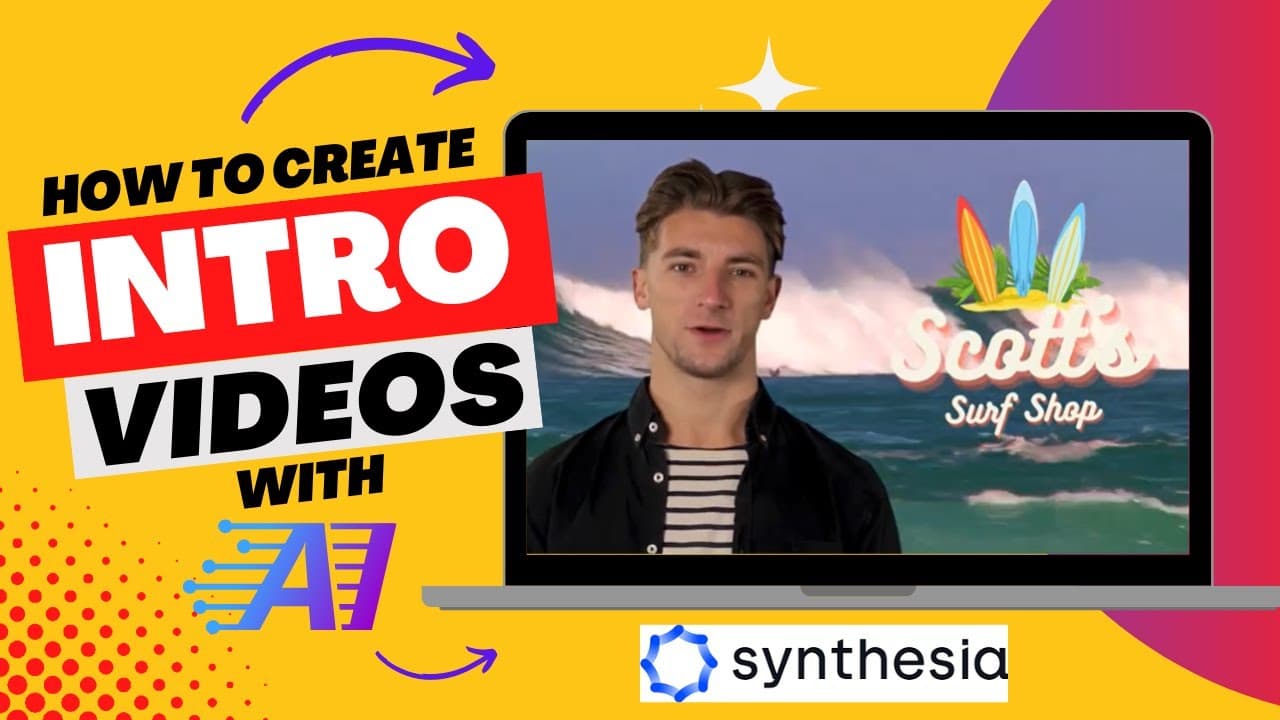
You can create a customized intro video using Synthesia by writing a script, selecting a video avatar, adding text and voice, and choosing backgrounds and music. The final video can be generated within about eight minutes, and you have the option to download or share it via a unique link.
Transcript
so in this video I'm going to show you how you can create your own intro video for a website or an online course but before I do feel free to subscribe to my YouTube channel where each week I'll be uploading new videos on a variety of different topics let's get started the website that we are going to use is called Synthesia you can find it at synt... Read More
Key Insights
- 🎮 Synthesia is a convenient online platform for creating customized intro videos for websites or online courses.
- 🧑🏭 The website eliminates the need for actors and voiceovers by using AI-generated video avatars with customizable settings.
- 🪜 Users can add text, choose different voices, select backgrounds, upload their own logos, and add music to personalize their videos.
- 🥶 Synthesia offers both free trial and paid plans with various features and benefits.
- 🥡 The video generation process in Synthesia is relatively quick, taking approximately eight minutes to complete.
- 🍻 The final video can be downloaded or shared using a unique link generated by Synthesia.
- 👀 The platform provides options to create professional-looking videos without any filming or recording equipment.
Install to Summarize YouTube Videos and Get Transcripts
Explore YouTube Video Summarizer or Get YouTube Transcript Extractor
Questions & Answers
Q: What is Synthesia and how does it work?
Synthesia is a website that allows users to create intro videos without the need for actors or voiceovers. It uses AI technology to generate realistic video avatars and offers various customization options.
Q: Is Synthesia a free or paid website?
Synthesia offers a free trial, but it is a paid website. You can check the available plans on the website to choose the one that suits your needs.
Q: Can I upload my own background or logo in Synthesia?
Yes, you can upload your own backgrounds, images, videos, and logos to customize your video. Synthesia provides options to add colors, images, videos, or even create your own content.
Q: How long does it take to generate a video using Synthesia?
The video generation process in Synthesia usually takes around eight minutes. Once the video is processed, you can download it or share it using the provided link.
Summary & Key Takeaways
-
Synthesia is a website that enables users to create their own intro videos without filming actors or recording voiceovers.
-
The process involves signing into Synthesia, writing a script, selecting a video avatar, adding text and voice, choosing a background, and adding music and logos.
-
The final video can be generated and downloaded or shared using a unique link provided by Synthesia.
Read in Other Languages (beta)
Share This Summary 📚
Summarize YouTube Videos and Get Video Transcripts with 1-Click
Try YouTube Summary with ChatGPT & Claude or YouTube Transcript Generator
Explore More Summaries from EdTech Hustle 📚






Summarize YouTube Videos and Get Video Transcripts with 1-Click
Try YouTube Summary with ChatGPT & Claude or YouTube Transcript Generator