How to Build a ChatGPT Voice Journaling System
TL;DR
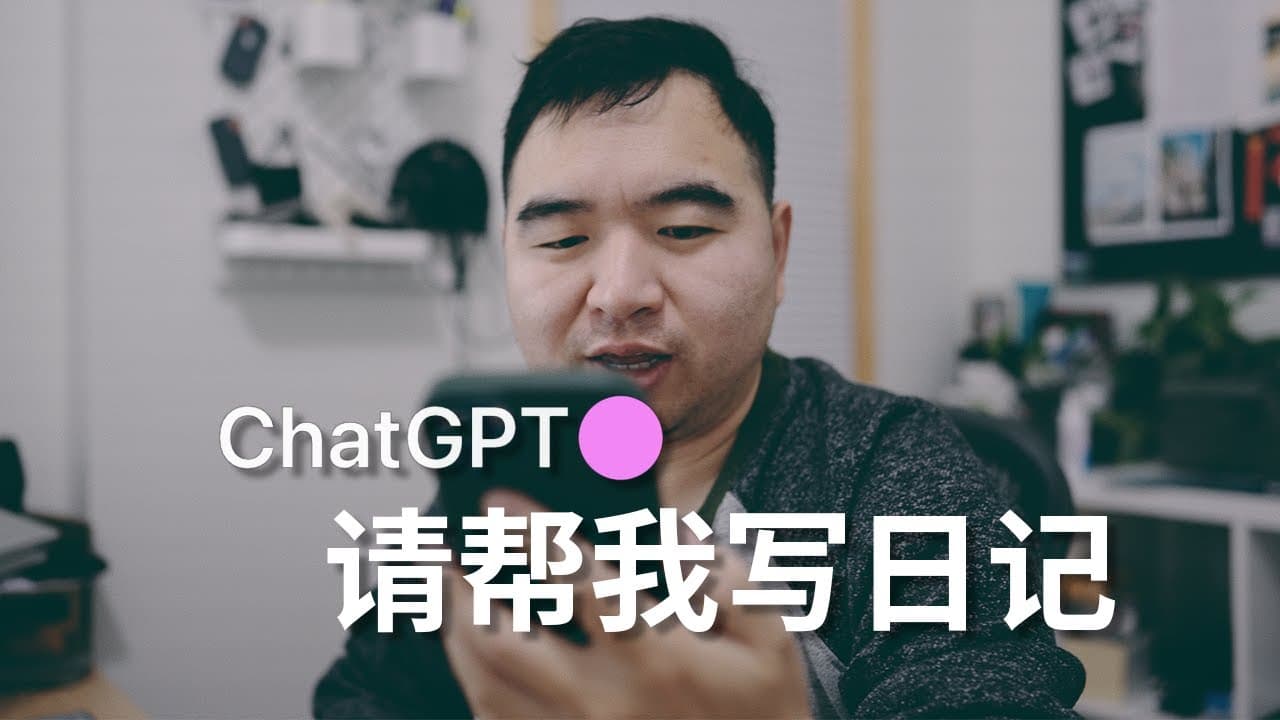
Use ChatGPT voice input to capture thoughts throughout the day, then have it organize them into a polished journal, identify personal patterns, and generate actionable tasks. iPhone Shortcuts can automatically start each daily session and transfer formatted tasks into Apple Reminders, reducing the effort that often prevents consistent journaling while extending the same workflow to notes and speaking practice.
Transcript
You may have heard this saying: Diaries have the power to change lives. Many celebrities have the habit of writing diaries. In fact, the mystery of diaries is not difficult to understand. It is what Confucius called 'I reflect on myself three times a day', By reflecting on yourself, you will increase self-awareness. Promote self-improvement. Achiev... Read More
Key Insights
- The central workflow is a two-stage process: speak fragmented thoughts throughout the day, then ask ChatGPT to organize everything only when the journal is finished. This separation removes the pressure to compose polished writing during capture while preserving a structured final entry.
- The journaling prompt assigns ChatGPT a role, defines the user's purpose, specifies several processing tasks, and requires a fixed output format. During daily capture, ChatGPT replies only with "####," preventing interruptions until the user explicitly announces that the day's diary can end.
- ChatGPT's final journal processing has three practical outputs: a rewritten diary, observations about personal attitudes and concerns, and an actionable task list. The observations can surface positivity, negativity, goals, and difficulties, while the tasks turn reflection into material that can be categorized and executed.
- Two iPhone Shortcuts provide the automation layer. One starts a fresh ChatGPT conversation, enters the initial prompt, and can run automatically at 2 a.m. The other converts ChatGPT's specially formatted list into tasks inside Apple Reminders on an iPhone, iPad, or Mac.
- Voice input reduces the effort required to maintain a diary because the user can record ideas immediately without typing or manually transcribing audio files. ChatGPT then transforms colloquial, unstructured speech into coherent text, avoiding the accumulation and later processing burden associated with ordinary voice recordings.
- Long diary sessions can exceed ChatGPT's ability to retain the earliest instructions or tasks, according to the creator's warning. If responses become abnormal, the suggested recovery method is to request the required processing immediately, re-enter the original command, and then continue recording the diary.
- The voice-first framework extends beyond personal diaries to brainstorming, reading notes, video reflections, creative notes, and script development. A shortcut can present a choice of note types, open a new ChatGPT conversation, and insert the corresponding prompt template for the selected situation.
- English voice journaling can serve as speaking practice for someone who reads and listens comfortably but lacks regular opportunities to speak. Recording daily experiences in English repeatedly exercises spoken expression while ChatGPT's processing preserves the content as an organized journal rather than an isolated language drill.
Install to Summarize YouTube Videos and Get Transcripts
Explore YouTube Video Summarizer or Get YouTube Transcript Extractor
Questions & Answers
Q: How do you use ChatGPT to keep a daily voice journal?
Start a dedicated ChatGPT conversation with a prompt that defines its role, processing duties, and final output format. Throughout the day, use mobile voice input to record activities, ideas, difficulties, reflections, and future plans as they occur. Instruct ChatGPT to acknowledge each fragment only with "####." At day's end, announce that the diary is finished so it can rewrite the material, identify patterns, and create tasks.
Q: What should a ChatGPT journaling prompt include?
A ChatGPT journaling prompt should first clarify the role ChatGPT will play and the user's purpose for keeping the journal. It should then specify the required tasks, including organizing and rewriting fragmented notes, summarizing key points, observing patterns in the user's life, and producing a to-do list in a defined format. It should also instruct ChatGPT to reply only with "####" until the user closes the day's diary.
Q: How does ChatGPT turn journal reflections into actionable tasks?
At the end of the journal session, ChatGPT reviews the day's spoken fragments and extracts practical actions connected to goals, problems, plans, and ideas. It outputs those actions using the special data structure required by the creator's second iPhone Shortcut. After the user copies and runs that output, the shortcut converts the structured items into Apple Reminders, where they can be categorized, organized, and completed.
Q: How can iPhone Shortcuts automate a ChatGPT diary?
The first shortcut automatically opens a new ChatGPT conversation and inserts the full journaling prompt. The creator schedules it to run every day at 2 a.m., so a fresh diary is ready upon waking. A second shortcut accepts ChatGPT's specially formatted to-do list and creates tasks in Apple Reminders. Together, these shortcuts automate session preparation and task transfer while leaving voice capture and final review under the user's control.
Q: Why is ChatGPT voice journaling easier than traditional journaling?
Traditional journaling requires time, sustained reflection, and written composition, which can encourage perfectionism and make the habit difficult to maintain. Ordinary voice recordings simplify capture but still leave audio files that must be transcribed and edited. ChatGPT voice journaling combines speech-to-text with automated organization, allowing the user to speak informally while the system later produces structured prose, observations, and executable tasks without manual file processing.
Q: Can GPT-3.5 handle the described journaling workflow?
GPT-3.5 can perform the journaling workflow, according to the creator, but long instructions may need to be divided into smaller prompts and executed step by step. The creator used GPT-4 on mobile because it handled lengthy instructions better and had almost no session limit in that setup. Regardless of model, an unusually long diary may cause earlier instructions or tasks to be forgotten, requiring the initial command to be entered again.
Q: How can ChatGPT voice notes support other types of work?
The same process can capture brainstorming, reading notes, video reflections, creative ideas, and other material that arises throughout the day. The creator built separate prompt templates for these scenarios and placed them inside an iOS Shortcut. When launched, the shortcut asks which type of note is needed, starts a new ChatGPT conversation, and inserts the matching prompt. Multiple conversations can then be found through search in the mobile app.
Q: How can an English ChatGPT diary improve speaking practice?
An English voice diary creates a recurring reason to speak about real activities, ideas, difficulties, and plans. The creator uses this method because English reading and listening are comfortable, but working from home and managing personal investments provide few opportunities for spoken English. Speaking journal entries exercises active expression, while ChatGPT converts the recordings into organized writing that remains useful for reflection, planning, and later review.
Summary & Key Takeaways
-
The journaling system begins a new ChatGPT conversation automatically each day and collects spoken fragments about activities, ideas, difficulties, reflections, and plans. ChatGPT remains silent during collection, then rewrites the entries, summarizes important points, observes emotional and practical patterns, and produces a specially formatted task list when the user closes the diary.
-
Two iPhone Shortcuts automate the workflow. The first launches a new ChatGPT conversation, inserts the journaling prompt, and can run automatically at 2 a.m. The second reads ChatGPT's specially structured output and creates corresponding tasks in Apple Reminders, allowing reflections and plans to move directly into an existing task-management process.
-
The same voice-first method supports brainstorming, reading notes, video reflections, creative work, and language practice. Different prompt templates can assign ChatGPT an appropriate role for each note type. Writing the journal in English also creates regular speaking practice, especially for someone who understands English well but rarely has opportunities to speak it.
-
ChatGPT journaling lowers the practical barriers of traditional diaries by separating effortless capture from later organization. Instead of composing perfect prose while reflecting, the user speaks informal thoughts whenever they arise. The system then converts that unstructured material into readable writing, personal observations, and concrete actions without requiring manual transcription or file processing.
-
The shared prompts and shortcuts are simplified foundations intended for modification and personal use. GPT-4 is presented as better with long instructions, while GPT-3.5 can still perform the workflow if prompts are divided into smaller steps. The description also warns users not to record sensitive information and notes that the creator focuses mainly on work and learning reflections.
Read in Other Languages (beta)
Share This Summary 📚
Summarize YouTube Videos and Get Video Transcripts with 1-Click
Try YouTube Summary with ChatGPT & Claude or YouTube Transcript Generator
Explore More Summaries from 一口新飯 📚


Summarize YouTube Videos and Get Video Transcripts with 1-Click
Try YouTube Summary with ChatGPT & Claude or YouTube Transcript Generator