What Are the Levels of Claude? Every Level Explained in 21 Minutes
TL;DR
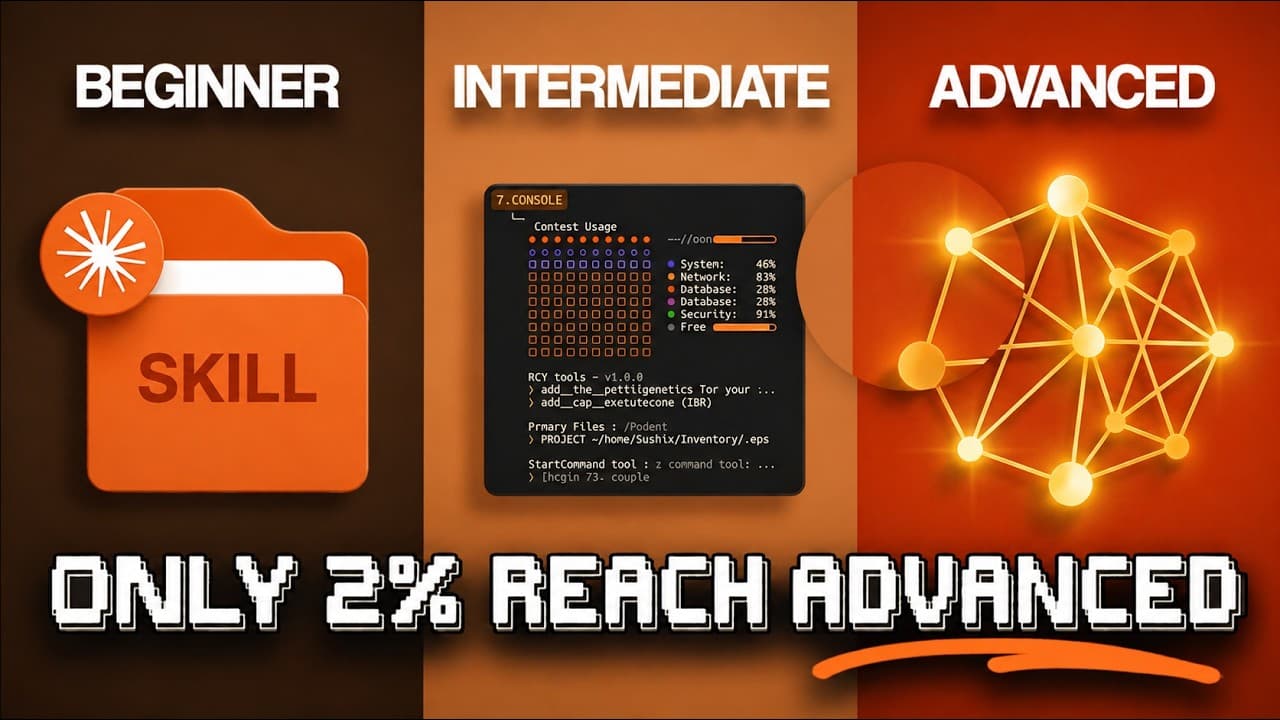
Mastering Claude means progressing from basic questions to projects, connected tools, file creation, and Claude Co-work. The walkthrough describes level one as basic chat, level two as project-based work with memory and over 50 connectors, and level three as computer-based execution with file-system access, reusable skills, scheduled tasks, and mobile control. Read on to see which features unlock each stage and how to advance.
Transcript
So, I spent over 400 hours inside of Claude and I've mastered it at a pretty high level. So, in this video, I'm going to take you through every level of Claude in just about 20 minutes and cover what challenges you need to overcome in order to break through into the next stage step by step. So, let's start with level one, the enthusiast. So, at thi... Read More
Key Insights
- Claude can hold context across conversations, allowing for project organization and continuity.
- Creating projects in Claude enables preloaded chats, enhancing efficiency and productivity.
- Claude integrates with over 50 tools like Slack, Google Drive, and Gmail, streamlining workflows.
- Advanced features include file creation, persistent storage, and inline visuals for dynamic interaction.
- Claude Co-work offers file system access and reusable workflows, transforming it into a virtual assistant.
- Scheduled tasks and mobile control allow for remote task management and seamless integration.
- Cloud routines and hooks provide infrastructure-level automation, enhancing operational capabilities.
- Trust and careful implementation are crucial for leveraging Claude's advanced automation features.
Install to Summarize YouTube Videos and Get Transcripts
Explore YouTube Video Summarizer or Get YouTube Transcript Extractor
Questions & Answers
Q: What are the levels of Claude explained in this walkthrough?
The walkthrough begins with level one, the enthusiast, where Claude is used for isolated questions, emails, scripts, or explanations. Level two, the beginner, centers on projects, memory, connectors, file creation, artifacts, inline visuals, and Office add-ins; level three, the intermediate, introduces Claude Co-work and direct work on permitted computer files.
Q: How do you advance from level one to level two in Claude?
Create a project for recurring work such as a business, side hustle, or repeated task. Add several reference documents and a system prompt explaining who you are and how Claude should respond, so every chat in that project begins with relevant context.
Q: How can Claude projects maintain context across conversations?
Projects preload new chats with their knowledge base and instructions, while memory can retain details such as your role, preferences, and earlier decisions. Memory works on every plan, but searching and retrieving past chats is a paid feature.
Q: What tools can Claude connect to?
Claude offers over 50 connectors, including Slack, Google Drive, Gmail, GitHub, Notion, and Calendar. After selecting a tool with the plus button and signing in, users can ask Claude to summarize channel threads, retrieve documents, or check their calendars.
Q: What files can Claude create directly from chat?
Claude can create downloadable Excel spreadsheets with working formulas, PowerPoint decks, Word documents, and PDFs. The transcript says file creation is available to free users, allowing chat outputs to become files that can be sent to a client.
Q: What is the difference between Claude artifacts and inline visuals?
Artifacts can have persistent storage, remember data between sessions, call Claude’s API, and be published with a public link. Inline visuals are interactive charts or diagrams that live within the conversation, update as the chat evolves, and do not save as files.
Q: What is Claude Co-work?
Claude Co-work lets Claude execute work on a computer instead of only explaining the steps. It runs code in an isolated virtual machine and can read, edit, create, and organize files only within folders the user grants it permission to access; it is available on Pro, Max, Team, and Enterprise plans.
Q: How do scheduled tasks and mobile control work in Claude Co-work?
Users can enter “/schedule” in a Co-work conversation and choose a cadence for tasks such as daily stand-ups, weekly briefs, or monthly reports. These scheduled tasks require the computer to remain awake and the desktop app to stay open, while Dispatch pairs a phone with the desktop so tasks can be submitted remotely.
Summary & Key Takeaways
-
Claude's initial level involves basic interaction, like asking questions and getting answers. Users often stay here due to not utilizing Claude's context-holding capabilities, which can significantly enhance productivity.
-
Level two introduces project creation, allowing for preloaded chats and integration with tools like Slack and Google Drive. This level transforms Claude from a simple search tool into a project management assistant.
-
Advanced levels introduce features like Claude Co-work, which offers file system access and automation capabilities. Users can implement scheduled tasks and mobile control, making Claude a comprehensive tool for managing complex workflows.
Read in Other Languages (beta)
Share This Summary 📚
Summarize YouTube Videos and Get Video Transcripts with 1-Click
Try YouTube Summary with ChatGPT & Claude or YouTube Transcript Generator
Explore More Summaries from Nate Herk | AI Automation 📚






Summarize YouTube Videos and Get Video Transcripts with 1-Click
Try YouTube Summary with ChatGPT & Claude or YouTube Transcript Generator