How to Edit YouTube Videos Using Transcript Text Online
TL;DR
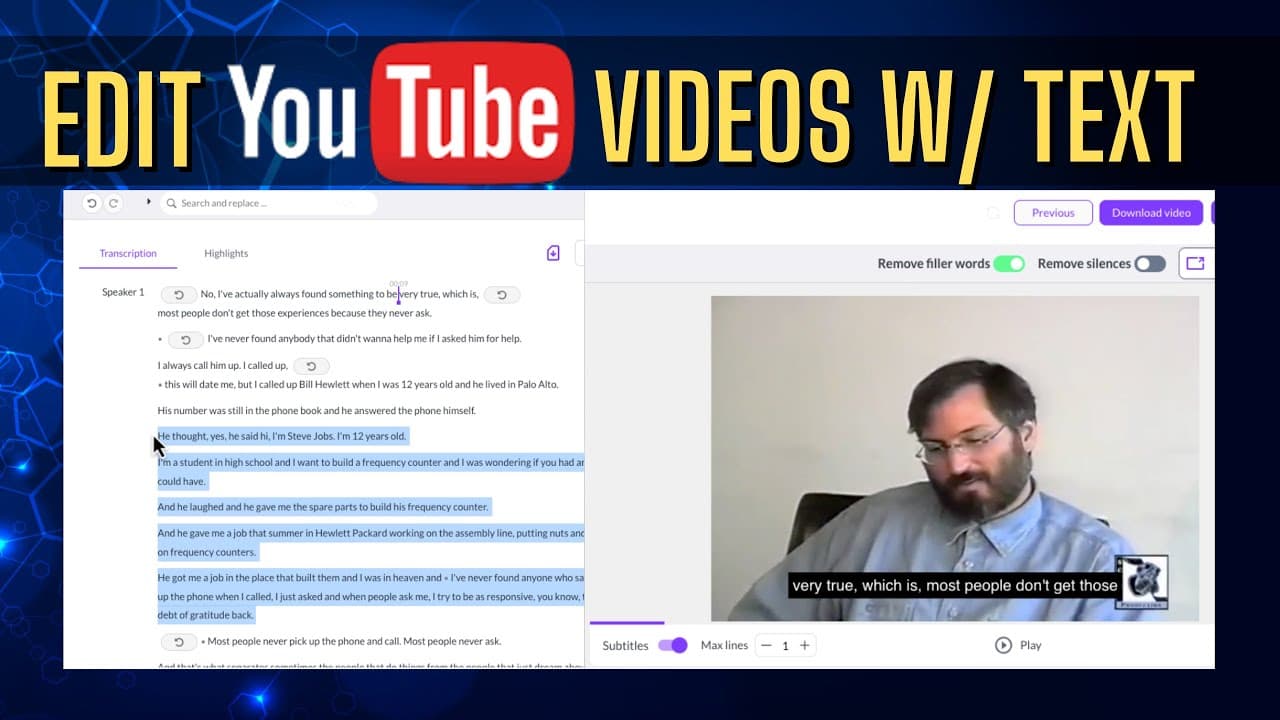
You can edit YouTube videos online using victory.ai by signing up for a free account and pasting the video URL. The platform allows you to modify the transcript, removing filler words and specific segments, effectively shortening the video without any downloads or traditional editing software.
Transcript
in this video we'll be using victory.ai to edit a YouTube video without having to download the file and without having to use a video editor we're gonna edit this video with AI by simply editing the transcript let's go ahead and get started the first thing you'll want to do is go to victory.ai and sign up for a free account your next step is to fin... Read More
Key Insights
- 🎮 victory.ai offers an AI-based solution for editing YouTube videos without the need for video editing software or downloading the file.
- 🥳 The platform allows users to edit the transcript, remove filler words, delete specific parts of the video, and reduce its length.
- 🥶 victory.ai provides a free account option with certain limitations, such as a watermark in the edited videos, but it still offers a convenient and efficient editing process.
- 🎮 Users can sign up for victory.ai, paste the YouTube video URL, and easily edit the video by making changes to the transcript.
- 🍻 The edited video can be downloaded in the original size or shared via a copied link.
- 👤 The editing process on victory.ai is quick and efficient, saving time and effort for users.
- 🎮 Using victory.ai eliminates the need for downloading video files and using traditional video editing software.
Install to Summarize YouTube Videos and Get Transcripts
Explore YouTube Video Summarizer or Get YouTube Transcript Extractor
Questions & Answers
Q: How do you edit YouTube videos using victory.ai?
To edit YouTube videos on victory.ai, sign up for a free account and paste the video URL. You can then edit the transcript, remove filler words, or delete portions of the video.
Q: Can you edit YouTube videos on victory.ai without downloading them?
Yes, victory.ai allows you to edit YouTube videos without downloading them. You can make edits directly on the platform without the need for additional software.
Q: What are some features of victory.ai for editing YouTube videos?
victory.ai provides features such as removing filler words from the transcript, deleting portions of the video, and reducing the video length. It also offers the option to download the edited video.
Q: Are there any limitations when using victory.ai's free account?
Yes, the free account on victory.ai may have limitations such as a watermark in the edited video. However, it still provides a convenient and time-saving way to edit YouTube videos.
Summary & Key Takeaways
-
Use victory.ai to edit YouTube videos without downloading the file or using a video editor.
-
Sign up for a free account on victory.ai and paste the YouTube video URL to begin editing.
-
Edit the transcript by removing filler words or deleting portions of the video to create a shorter version.
Read in Other Languages (beta)
Share This Summary 📚
Summarize YouTube Videos and Get Video Transcripts with 1-Click
Try YouTube Summary with ChatGPT & Claude or YouTube Transcript Generator
Explore More Summaries from EdTech Hustle 📚





![Keynote: Remove The Background of Any Photo [Using Instant Alpha] thumbnail](/_next/image?url=https%3A%2F%2Fi.ytimg.com%2Fvi%2F0Ji-uTffzJE%2Fhqdefault.jpg&w=750&q=75)
Summarize YouTube Videos and Get Video Transcripts with 1-Click
Try YouTube Summary with ChatGPT & Claude or YouTube Transcript Generator