How to Create Custom Loyalty Cards in Canva
TL;DR
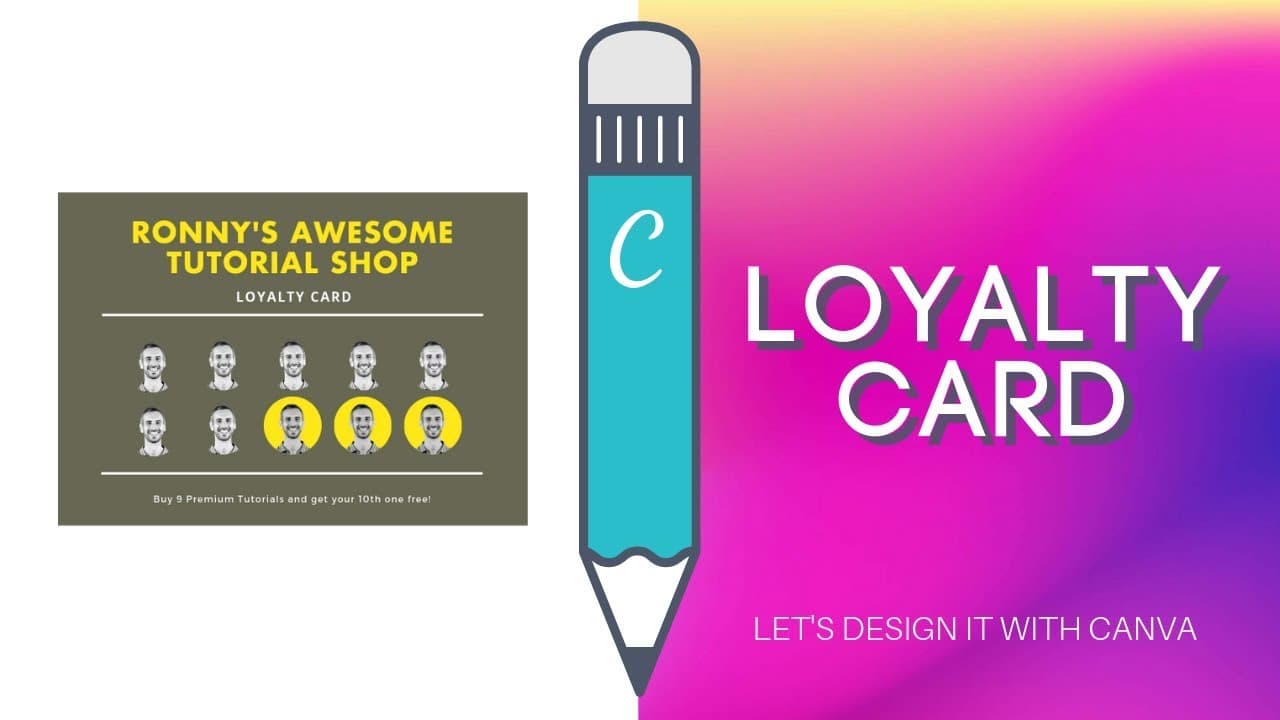
To create customizable loyalty cards in Canva, start by searching for loyalty card templates in the template library. You can also create tables using chart elements under the 'Elements' tab; simply select a chart type and customize it to fit your needs. If necessary, use shapes and icons to design your unique loyalty card.
Transcript
hey guys running here today we are going to answer Shirley's question Shirley is asking I need to design a loyalty card but not sure how to create a customizable table in canva so I did some research and what I've learned so far is that I should go through the templates or find the create table from the toolbar neither of which I can seem to find o... Read More
Key Insights
- 🎴 Canva offers loyalty card templates in its template library for easy customization.
- 🚰 To create tables in Canva, utilize the chart elements under the elements tab.
- 🫥 Customizing tables in Canva may require creative use of shapes, lines, and icons.
- 🛟 Icons can serve as versatile elements for designing unique loyalty cards.
- 🎴 Experiment with different elements in Canva to achieve a personalized design for loyalty cards and tables.
- 💹 Utilize Canva's chart options to display data in a visually appealing manner.
- 😥 Canva's template library provides a starting point for various design projects.
Install to Summarize YouTube Videos and Get Transcripts
Explore YouTube Video Summarizer or Get YouTube Transcript Extractor
Questions & Answers
Q: How can you find loyalty card templates in Canva?
To find loyalty card templates in Canva, visit the template library at canva.com/templates and search for "loyalty cards." You will find various designs suitable for creating loyalty cards.
Q: How can you create a table in Canva?
In Canva, you can create a table by accessing the elements tab, scrolling down to charts, selecting an appropriate chart, and customizing it with your data. This allows you to design tables for your projects.
Q: What if you cannot find specific table elements in Canva?
If you cannot find table elements in Canva, you can create a table from scratch using shapes and lines. Alternatively, you can utilize icons or images to represent data in a table-like format.
Q: How can icons be used to create customizable loyalty cards?
Icons can be used creatively in Canva to design customizable loyalty cards. By duplicating and arranging icons representing relevant themes, such as coffee cups for a coffee shop loyalty card, you can achieve a unique design.
Summary & Key Takeaways
-
The video addresses Shirley's question on designing loyalty cards and creating customizable tables in Canva.
-
The speaker suggests searching for loyalty card templates in Canva's template library.
-
They also demonstrate creating a simple table using Canva's chart elements.
Read in Other Languages (beta)
Share This Summary 📚
Summarize YouTube Videos and Get Video Transcripts with 1-Click
Try YouTube Summary with ChatGPT & Claude or YouTube Transcript Generator
Explore More Summaries from Design with Canva 📚






Summarize YouTube Videos and Get Video Transcripts with 1-Click
Try YouTube Summary with ChatGPT & Claude or YouTube Transcript Generator