How to Use Obsidian for Effective Note Taking
TL;DR
To effectively use Obsidian for note-taking, start with the Zettelkasten method by creating individual notes for each concept, which enhances organization and idea connections. Utilize syncing options to access notes across devices, customize your interface with themes and plugins for better productivity, and employ shortcuts to streamline your workflow.
Transcript
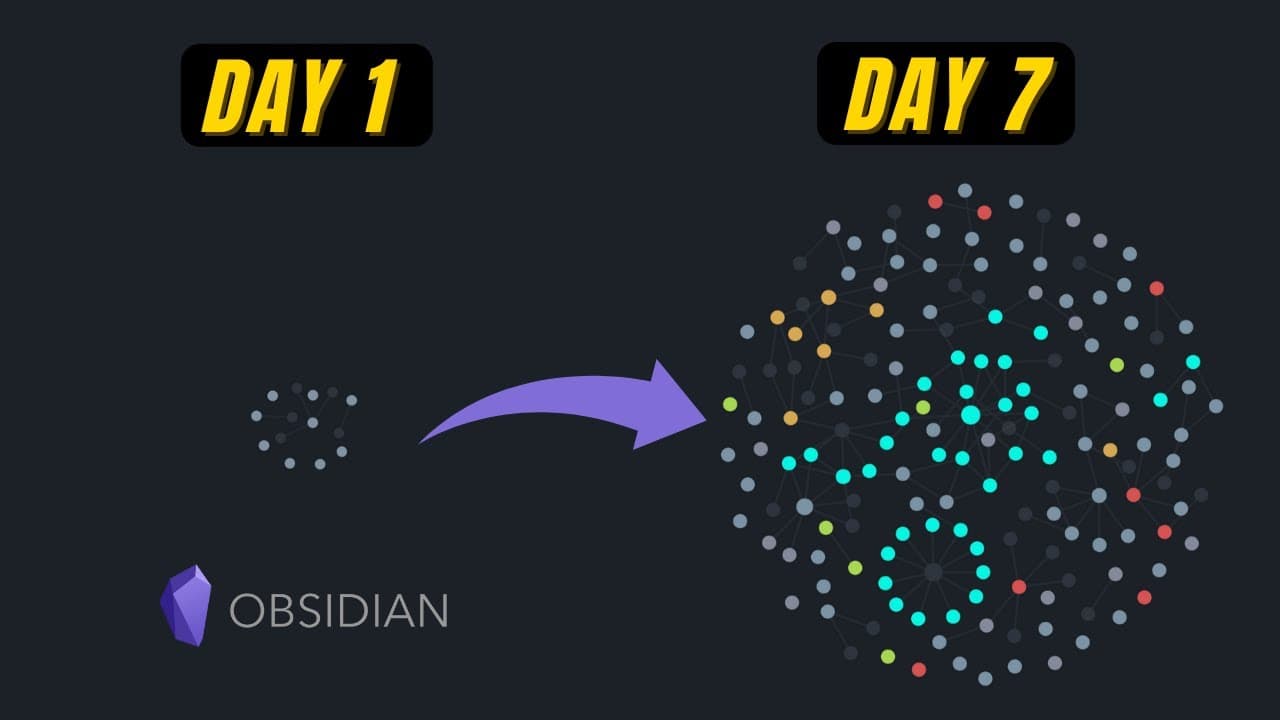
Hey, it's Vicky. Welcome back to my channel! This is my day one to day seven Obsidian Journey, where I'm building my second brain. And if you're like me consuming content all day but can't keep track of what you've learned, Obsidian might be the right platform for you. (Not sponsored!) So let's check it out. Day one starting from scratch. I was wat... Read More
Key Insights
- 👤 Obsidian's Zettelkasten method encourages users to create individual notes for each concept, facilitating better organization and understanding.
- 🎵 Syncing notes across devices is possible with Obsidian using platforms like iCloud, Dropbox, and Google Drive, though encryption is only available with a paid syncing subscription.
- 🛀 Themes and plugins in Obsidian offer customization options and enhance the note-taking experience.
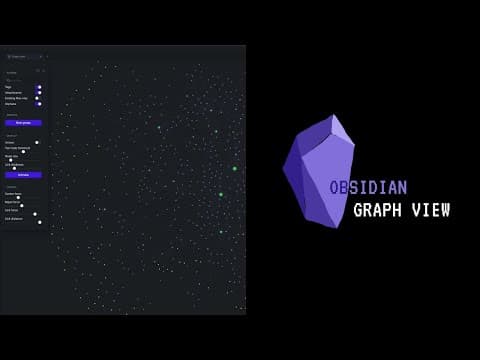
- 👻 Obsidian's graph view allows users to visualize the connections between their ideas, providing a more comprehensive overview.
- 🛀 Shortcuts and hotkeys in Obsidian can save time and streamline the note-taking process.
- ⚡ Structure and organization within Obsidian can be achieved through folders or tagging notes based on their purpose.
- ❓ Community plugins, such as Calendar and Kanban, can further enhance productivity and organization within Obsidian.
Install to Summarize YouTube Videos and Get Transcripts
Explore YouTube Video Summarizer or Get YouTube Transcript Extractor
Questions & Answers
Q: How does Obsidian help with organizing and connecting ideas?
Obsidian allows users to create individual notes for each concept, making it easier to break down and connect ideas into small building blocks.
Q: Can Obsidian sync notes across different devices?
Yes, Obsidian offers options for syncing notes using platforms like iCloud, Dropbox, and Google Drive. However, the encryption feature is only available with the paid syncing subscription.
Q: How does the Zettelkasten method enhance note-taking on Obsidian?
The Zettelkasten method encourages users to create permanent notes that combine different ideas, making it easier to browse and find specific topics or concepts.
Q: What are the advantages of using themes and plugins in Obsidian?
Themes and plugins allow users to customize their Obsidian experience. Plugins like Journey help visualize connections between notes, while Excalidraw enables the creation of mind maps directly within Obsidian.
Summary & Key Takeaways
-
Day 1: Vicky starts taking notes on Obsidian, following the Zettelkasten method to create one note for each concept or idea.
-
Day 2: Vicky explores the ability to build connections and separate ideas on Obsidian, allowing for better organization and reuse of content.
-
Day 3: Vicky learns how to sync her notes across devices using iCloud and explores paid syncing options available with Obsidian.
Read in Other Languages (beta)
Share This Summary 📚
Summarize YouTube Videos and Get Video Transcripts with 1-Click
Try YouTube Summary with ChatGPT & Claude or YouTube Transcript Generator
Explore More Summaries from Vicky Zhao [BEEAMP] 📚




Summarize YouTube Videos and Get Video Transcripts with 1-Click
Try YouTube Summary with ChatGPT & Claude or YouTube Transcript Generator