How to Scrape Websites Using Beautiful Soup in Python?
TL;DR
You can scrape websites using the Beautiful Soup library in Python by first installing it with 'pip install beautifulsoup4'. Load the HTML content of the webpage into Beautiful Soup, and then use methods like 'find' and 'find_all' to extract specific elements, such as job postings or course information. Understanding the structure of HTML is crucial for successful scraping.
Transcript
hi everyone and welcome to a special python tutorial where we are going to learn how to perform web scripting so first of all thanks to free code cam to giving me this opportunity of being a guest on their channel and i have a youtube channel as well that is named gymshape coding and you can find there any tech related topic such as programming lan... Read More
Key Insights
- 👻 Beautiful Soup is a useful library for web scraping in Python, allowing you to gather information from any website.
- 🕸️ Understanding HTML structure is essential for successful web scraping.
- 💁 Web scraping can be used to extract specific information from websites, such as job postings or product details.
- 💁 Storing the scraped information is crucial for future reference and analysis.
- 💁 Web scraping can be automated to gather information periodically from websites that frequently update their content.
- 💁 Authentication can be handled in web scraping to access restricted information.
- 🕸️ The Beautiful Soup library simplifies the process of web scraping, making it accessible to developers of all levels.
Install to Summarize YouTube Videos and Get Transcripts
Explore YouTube Video Summarizer or Get YouTube Transcript Extractor
Questions & Answers
Q: What is the Beautiful Soup library and how does it help with web scraping?
The Beautiful Soup library is a powerful tool in Python that allows you to gather information from any website. It simplifies the process of parsing HTML and extracting desired information, making web scraping easier.
Q: How can I scrape specific information from a website using Beautiful Soup?
To scrape specific information, you can search for HTML tags that contain the desired information using the "find" or "find_all" methods. Then, you can access the text or attributes of those tags to extract the information you need.
Q: Can I use web scraping to gather information from websites that require authentication?
Yes, you can scrape websites that require authentication by including login credentials in your code. You can use tools like Selenium to automate the login process before scraping the desired information.
Q: How can I store the scraped information for future use?
You can store the scraped information in various ways, such as writing it to a CSV file, storing it in a database, or saving it in JSON format. Choose a method that suits your needs and makes it easy to access the data later.
Key Insights:
- Beautiful Soup is a useful library for web scraping in Python, allowing you to gather information from any website.
- Understanding HTML structure is essential for successful web scraping.
- Web scraping can be used to extract specific information from websites, such as job postings or product details.
- Storing the scraped information is crucial for future reference and analysis.
- Web scraping can be automated to gather information periodically from websites that frequently update their content.
- Authentication can be handled in web scraping to access restricted information.
- The Beautiful Soup library simplifies the process of web scraping, making it accessible to developers of all levels.
- Regular expressions can be used in conjunction with Beautiful Soup to perform more complex scraping tasks.
Summary & Key Takeaways
-
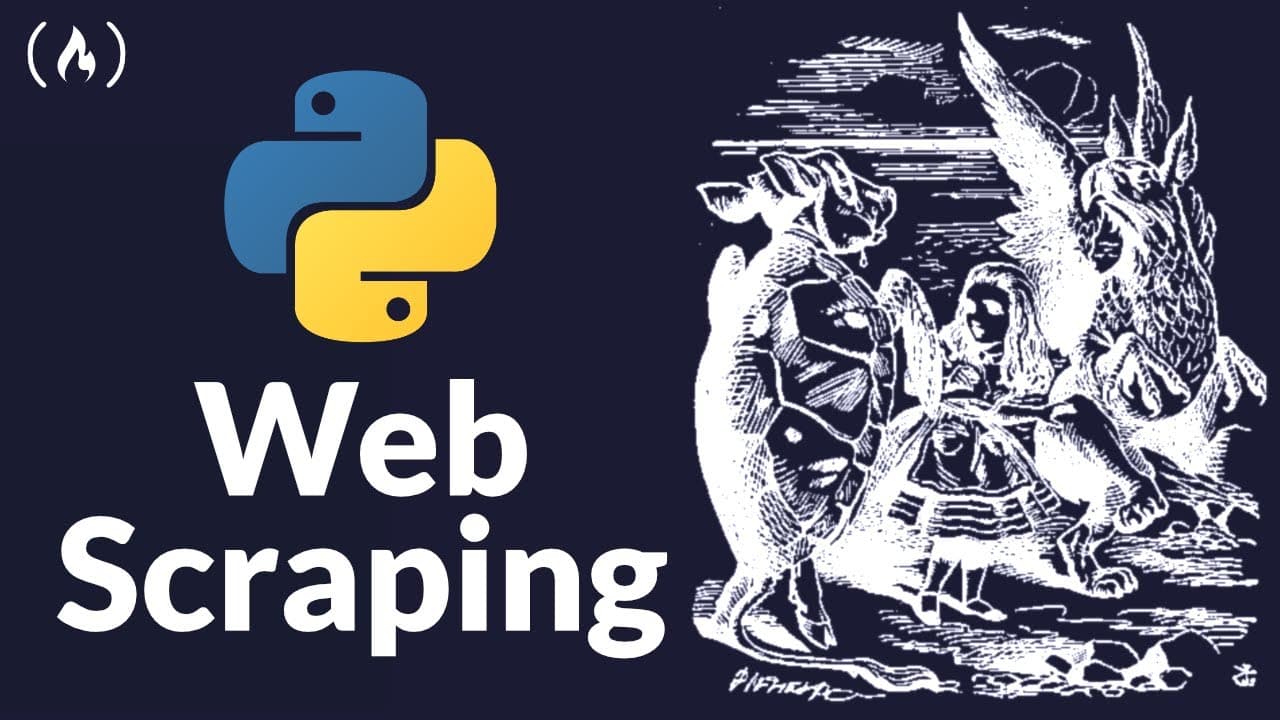
In this tutorial, the content creator teaches viewers about web scripting using the Beautiful Soup library in Python.
-
The tutorial begins with an explanation of basic HTML structure and how to scrape a basic HTML page.
-
The tutorial then progresses to scraping a real website and extracting specific information from job postings.
-
The video also covers storing the scraped information and provides insights for future web scraping projects.
Read in Other Languages (beta)
Share This Summary 📚
Summarize YouTube Videos and Get Video Transcripts with 1-Click
Try YouTube Summary with ChatGPT & Claude or YouTube Transcript Generator
Explore More Summaries from freeCodeCamp.org 📚



Summarize YouTube Videos and Get Video Transcripts with 1-Click
Try YouTube Summary with ChatGPT & Claude or YouTube Transcript Generator