Which Canva AI Tool Creates the Best Images?
TL;DR
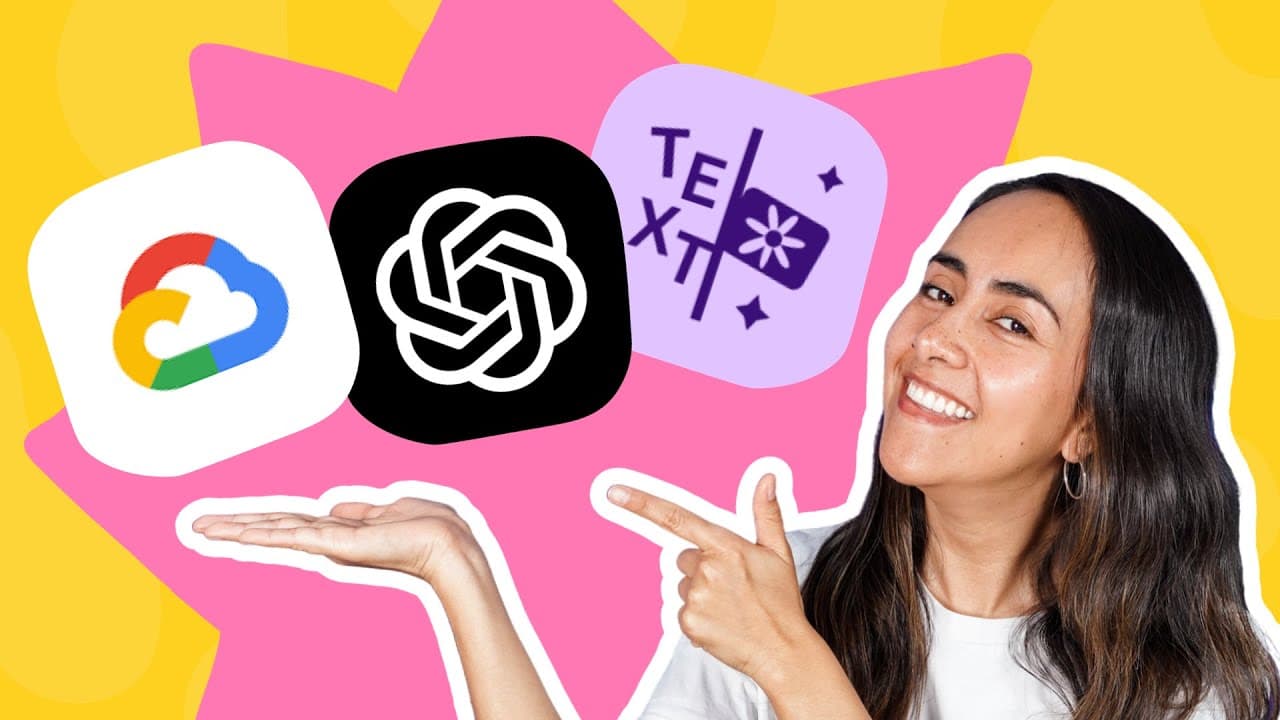
Canva's text-to-image generators—Text to Image, Dali, and Imagine—shine in unique ways. Text to Image excels in realism and accurately incorporating keywords based on a range of comparison prompts, making it the top performer among the three.
Transcript
camera now has three different text to image AI generators text to image from canva Dali from the creators of chat GPT and imagine from Google I tested 15 different topics and 21 different prompts to be able to rate them and compare them but first let me show you how to access these three different AI generators in canva go to canva.com and on the ... Read More
Key Insights
- ❓ Canva offers three text to image AI generators: Text to Image, Dali, and Imagine.
- 🥳 Text to Image allows users to choose from various styles and aspect ratios.
- 👤 Canva Pro users have more credits for using the AI generators than free users.
- ❓ The performance of the AI generators varies depending on the prompt and keywords used.
- 👋 Text to Image performed the best in terms of realism and keyword inclusion among the three AI generators.
Install to Summarize YouTube Videos and Get Transcripts
Explore YouTube Video Summarizer or Get YouTube Transcript Extractor
Questions & Answers
Q: How many AI generators does Canva offer for creating text to image designs?
Canva offers three AI generators: Text to Image, Dali, and Imagine.
Q: What options are available for using the text to image AI generators in Canva?
Users can either use the AI generators in an existing design or use them to create a new design.
Q: How many credits do Canva free users have for using the text to image AI generators?
Canva free users have 50 lifetime credits for using the text to image AI generators.
Q: How many credits do Canva Pro users have for using the text to image AI generators?
Canva Pro users have 500 text to image uses per month.
Q: How many images are generated with one credit when using the text to image AI generator?
When using the text to image AI generator, four images are generated with one credit.
Q: How many credits do Canva Pro users have for using the Dali AI generator?
Canva Pro users have 25 credits per month for using the Dali AI generator.
Q: How many images are generated with one credit when using the Dali or Imagine AI generators?
When using the Dali or Imagine AI generators, two images are generated with one credit.
Q: Which AI generator performed the best in terms of realism and keyword inclusion?
Text to Image performed the best among the three AI generators, considering factors like realism and keyword inclusion.
Key Insights:
- Canva offers three text to image AI generators: Text to Image, Dali, and Imagine.
- Text to Image allows users to choose from various styles and aspect ratios.
- Canva Pro users have more credits for using the AI generators than free users.
- The performance of the AI generators varies depending on the prompt and keywords used.
- Text to Image performed the best in terms of realism and keyword inclusion among the three AI generators.
- Users should consider their specific needs and preferences when choosing the AI generator in Canva.
Summary & Key Takeaways
-
Canva provides three text to image AI generators: Text to Image, Dali, and Imagine.
-
Each generator offers different styles and aspect ratios for creating custom designs.
-
Text to Image performed the best, considering factors like realism and keyword inclusion.
Read in Other Languages (beta)
Share This Summary 📚
Summarize YouTube Videos and Get Video Transcripts with 1-Click
Try YouTube Summary with ChatGPT & Claude or YouTube Transcript Generator
Explore More Summaries from Design with Canva 📚






Summarize YouTube Videos and Get Video Transcripts with 1-Click
Try YouTube Summary with ChatGPT & Claude or YouTube Transcript Generator