Is Windows 11 Usable on Raspberry Pi for Remote Work?
TL;DR
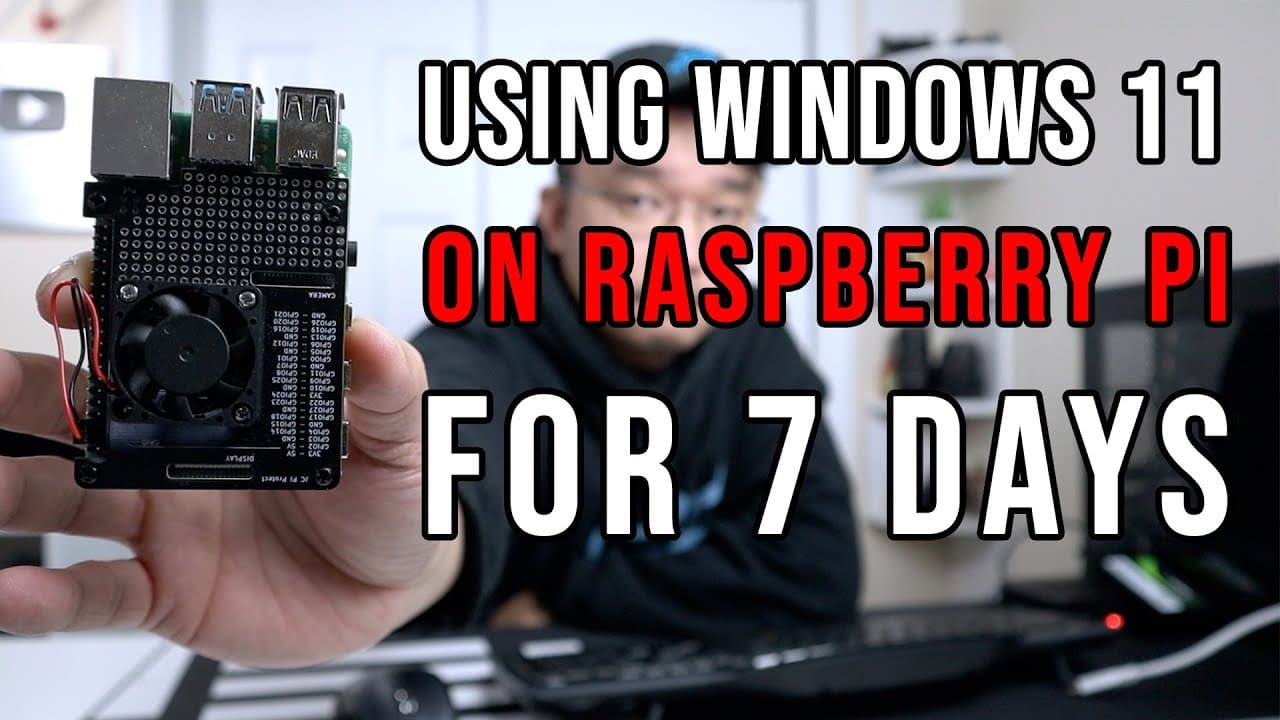
Yes, Windows 11 can be used on a Raspberry Pi primarily for remote work tasks like communication and coding. It handles ARM-native applications well but struggles with x86 apps, making it less suitable for graphical workloads. The setup is energy-efficient, making it a viable option for low-resource tasks, despite its limitations.
Transcript
you guys what's going on it's don here from nova spare tech and welcome back to your channel and i officially used windows 11 on the raspberry pi for actually more than seven days so let's check it out now before we begin i could already feel the chat in my discord in the comments down below saying how linux is a far superior operating system on th... Read More
Key Insights
- 💦 The creator found success using Windows 11 on Raspberry Pi mainly for remote work involving communication and coding.
- 😀 Windows applications demonstrated varied performance, with ARM-native apps faring better than x86 ones which faced slower execution.
- 🆘 Overclocking and proper configuration using the Wor Tweaking Tool helped mitigate some performance issues.
- 🖤 Despite its potential, running Windows 11 limits the Raspberry Pi's capability for graphics-intensive tasks due to a lack of suitable drivers.
- 🙂 The Raspberry Pi's low energy consumption made it an appealing option for cost-conscious users running light workloads.
- 🈸 Compatibility with the Microsoft Store streamlined the process of obtaining necessary applications, though some required additional components for full functionality.
- ⌛ Remote desktop performance on Windows outshined Linux alternatives, offering better response times for the creator's needs.
Install to Summarize YouTube Videos and Get Transcripts
Explore YouTube Video Summarizer or Get YouTube Transcript Extractor
Questions & Answers
Q: Why did the creator decide to use Windows 11 on a Raspberry Pi?
The creator needed a quick solution for remote work after decommissioning a Dell server. With existing hardware, they wanted to explore the potential of running Windows on a Raspberry Pi, assessing its power efficiency and functionality for light tasks.
Q: What are the main applications tested on Windows 11 running on the Raspberry Pi?
The primary applications tested include Discord for communication, Firefox for browsing, Visual Studio Code for coding, and other familiar tools. While many applications ran smoothly, especially ARM-based ones, some x86 applications exhibited slower performance.
Q: What are the limitations of running Windows 11 on a Raspberry Pi?
The Raspberry Pi lacks proper GPU drivers, making graphical tasks and multimedia performance inadequate. The operating system proved slow with multiple applications running, and resource management showed that 8 GB of RAM struggled under Windows 11's demands.
Q: How did the experience of using Windows 11 compare to using Linux on the Raspberry Pi?
The creator acknowledged Linux's superior performance on a Raspberry Pi but preferred Windows for its remote desktop capabilities, citing better latency and usability for remote sessions, despite the drawbacks of performance and resource usage.
Q: What settings or tools were recommended for optimizing performance?
The user recommended using the Wor Tweaking Tool, which adjusts settings like overclocking and resolution. This utility allows users to modify configurations to improve their experience while working with Windows on the Raspberry Pi.
Q: Can Windows applications run smoothly on this setup?
While most native ARM64 applications ran well, x86 applications were slower due to the emulation layer. Applications like Discord and Firefox worked but were occasionally sluggish, particularly when multitasking, leading to a mixed experience regarding app performance.
Q: Is it advisable to use this setup for heavy tasks or as a primary desktop?
No, it is not advisable to use the Raspberry Pi running Windows 11 as a primary desktop for demanding tasks. It’s best suited for remote applications and light workloads due to its inherent limitations in processing power and graphical performance.
Q: What is the energy consumption of running Windows 11 on a Raspberry Pi?
The Raspberry Pi consumes about 20 watts while running Windows 11, making it a cost-effective solution for a remote server, especially compared to traditional desktop computers that draw significantly more power.
Summary & Key Takeaways
-
The creator tested Windows 11 on a Raspberry Pi over a week and found it usable primarily as a remote workstation, not suitable for graphical tasks due to hardware limitations.
-
Key applications used include Discord, WhatsApp, and Visual Studio Code, which functioned adequately despite some performance issues, particularly with emulated x86 applications.
-
The overall experience highlighted the efficiency of the Raspberry Pi for low-resource tasks like remote work, although Windows 11's resource consumption raised concerns.
Read in Other Languages (beta)
Share This Summary 📚
Summarize YouTube Videos and Get Video Transcripts with 1-Click
Try YouTube Summary with ChatGPT & Claude or YouTube Transcript Generator
Explore More Summaries from Novaspirit Tech 📚






Summarize YouTube Videos and Get Video Transcripts with 1-Click
Try YouTube Summary with ChatGPT & Claude or YouTube Transcript Generator