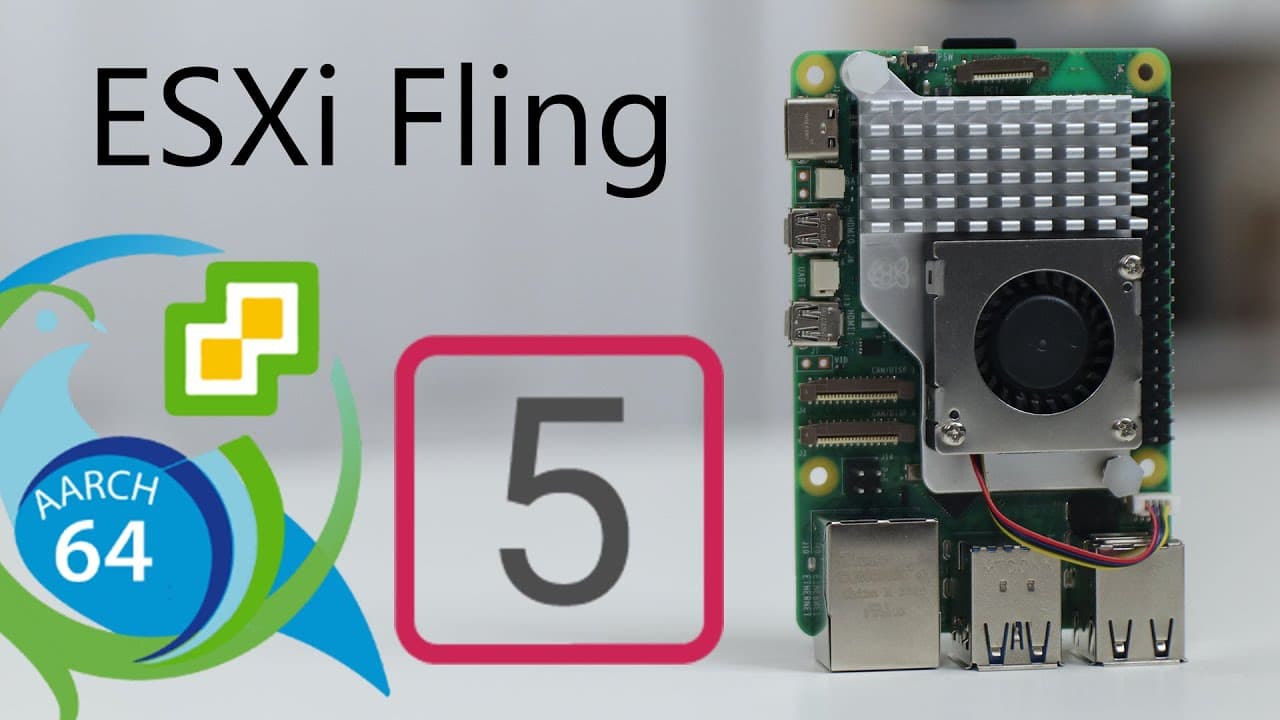
How to Install VMware ESXi on Raspberry Pi 5
TL;DR
To install VMware ESXi on a Raspberry Pi 5, use the UEFI boot process to format an SD card and transfer necessary files. Ensure you have a compatible Ethernet adapter for connectivity, as not all models work; troubleshooting may be needed for installation issues. Performance is generally smooth, especially in managing virtual machines, though running Windows may present some challenges.
Transcript
all right so today we're going to be checking out VMware exxi on the Raspberry Pi 5 so let's get started now not too long ago we actually got a drop of the UEFI Raspberry Pi 5 which I showcased on this channel for installing prox MOX 8.1 on the Raspberry Pi 5 we're going to be using the same UEFI the instructions are pretty much the same at loading... Read More
Key Insights
- 🥾 Installing VMware ESXi on Raspberry Pi 5 utilizes a UEFI boot process, simplifying setup procedures.
- 👍 Ethernet compatibility is crucial for installation success, with specific models proving more effective than others.
- 💨 Users are experiencing generally faster VM management on ESXi compared to Proxmox, despite ESXi's experimental status on Raspberry Pi.
- ❓ Troubleshooting installation issues often revolves around hardware compatibility, particularly concerning networking.
- 🎰 Raspberry Pi 5's performance enhancements improve overall responsiveness even with minimal resources allocated to virtual machines.
- 🙈 Despite difficulties, installing VMs like Debian can be smooth and efficient, contrasting with the challenges seen with Windows installations.
- 😚 Future updates and driver support for ESXi on Raspberry Pi may lead to improved compatibility and broader OS support.
Install to Summarize YouTube Videos and Get Transcripts
Explore YouTube Video Summarizer or Get YouTube Transcript Extractor
Questions & Answers
Q: What tools do you need to install VMware ESXi on the Raspberry Pi 5?
To install VMware ESXi on the Raspberry Pi 5, you need a compatible Ethernet adapter, a UEFI boot image, and a formatted SD card (FAT32) for transferring the required files. You also need to download and install the ESXi version and have a working Raspberry Pi setup.
Q: What are the main issues encountered during the installation process?
The primary issue during installation is the compatibility of the Ethernet adapter. If the installation halts at 81%, it's likely due to an incompatible Ethernet setup. Users may need to try multiple Ethernet adapters, as not all models are compatible with ESXi.
Q: How does the performance of VMware ESXi compare to Proxmox on Raspberry Pi?
The performance of VMware ESXi on the Raspberry Pi 5 appears smoother for virtual machine operations compared to Proxmox. The author noted that despite Proxmox supporting LXC containers, ESXi offers a more responsive experience when managing VMs, making it preferable for certain tasks.
Q: Can Windows 11 be installed on ESXi running on Raspberry Pi 5?
While attempts were made to install Windows 11 on ESXi, the process faced issues, potentially due to memory constraints or compatibility problems with the new UEFI boot. Working drivers are available, but successful installation remains a challenge, highlighting the need for further development in this area.
Q: What kind of networking issues might arise when using ESXi on a Raspberry Pi?
Users may experience significant networking issues, notably the Ethernet not functioning correctly with some adapters. It is crucial to use compatible Ethernet adapters, such as the A6 Electronics ax88179, as other models might not support ESXi's networking requirements, leading to unsuccessful installations.
Q: What other operating systems can be installed besides Windows on ESXi?
In addition to Windows, Debian has been successfully installed and appears to run efficiently under ESXi on the Raspberry Pi 5. The author conducted performance tests with Debian, noting that it operated smoothly even with limited resources, indicating good performance with other lightweight distributions.
Summary & Key Takeaways
-
This content covers the installation of VMware ESXi on the Raspberry Pi 5, utilizing UEFI boot to format and set up an SD card.
-
The guide highlights potential issues with Ethernet compatibility, requiring specific adapters for successful installation, and troubleshooting tips for resolving installation halts.
-
Performance comparisons between VMware ESXi and Proxmox are discussed, with emphasis on smoother virtual machine management on ESXi despite challenges running Windows 10 or 11.
Read in Other Languages (beta)
Share This Summary 📚
Summarize YouTube Videos and Get Video Transcripts with 1-Click
Try YouTube Summary with ChatGPT & Claude or YouTube Transcript Generator
Explore More Summaries from Novaspirit Tech 📚






Summarize YouTube Videos and Get Video Transcripts with 1-Click
Try YouTube Summary with ChatGPT & Claude or YouTube Transcript Generator