How to Set Up Google Authentication in Next.js
TL;DR
To set up Google authentication in a Next.js application using NextAuth, create a Google Cloud project, configure the consent screen, and obtain the OAuth client ID. Store sensitive keys in environment variables and ensure user session handling is implemented correctly to manage login and logout functionality.
Transcript
all right so I like to kind of knockout authentication as as quick as possible and we're going to be trying to do some authentication with Google so let's go to Google auth and I'll try to get that set up so let's go to console.cloud.google.com and I want to create a new project which go here I can click new project and I will call this online Forc... Read More
Key Insights
- 📼 Setting up Google authentication requires careful attention to API configurations, including consent screens, authorized domains, and OAuth client IDs.
- 💁 Securing sensitive information, like client secrets, through environment variables is critical in preventing unauthorized access and ensuring application security.
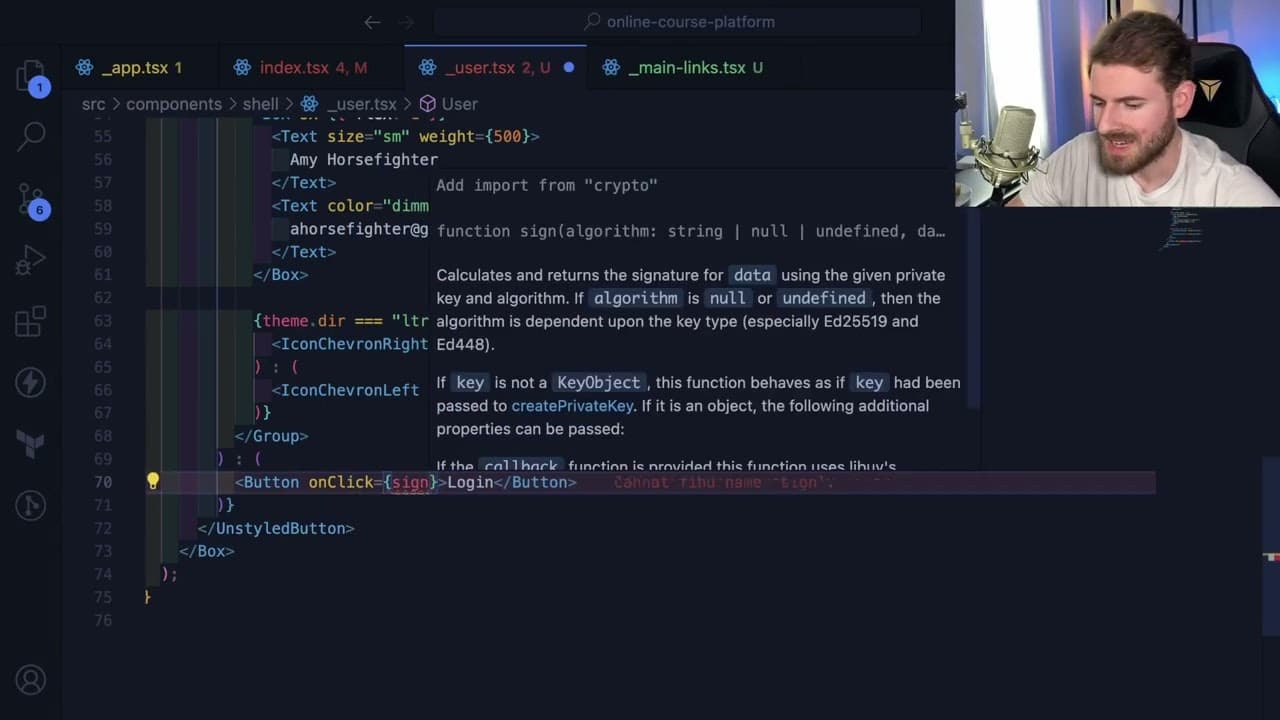
- 🛟 Debugging can be a significant part of development, with common issues like hydration errors due to mismatched server and client states, necessitating careful management of rendered components.
- 👤 The use of NextAuth simplifies session management for authentication, but it requires proper implementation to handle user session states dynamically.
- ❓ The author emphasizes the importance of community and shared resources, promoting engagement with platforms like Discord and newsletters for further learning and support.
- 🧑💻 Decisions in UI components are often guided by user-centric design principles, focusing on how to provide a seamless UX during interactions like logging in and out.
- 🤲 Continuous improvement and refactoring are essential when developing applications, even if it involves temporary trade-offs with code simplicity for the sake of getting things functional first.
Install to Summarize YouTube Videos and Get Transcripts
Explore YouTube Video Summarizer or Get YouTube Transcript Extractor
Questions & Answers
Q: Why is it important to set up a consent screen when using Google authentication?
The consent screen is essential as it informs users about the permissions your application is requesting when they sign in. This transparency fosters trust and compliance with Google's policies, ensuring that users know what data is shared and how it will be used. Proper configuration and labeling aid in providing a clear user experience during authentication.
Q: How does the author manage secrets such as client IDs and secrets during the setup?
The author emphasizes the importance of not leaking sensitive information like client IDs and secrets by storing them in a .env file. This practice helps maintain security, especially when sharing code publicly. They also mention the necessity of generating a random secret for NextAuth that should not be committed to the version control system.
Q: What issues did the author encounter while integrating user session management?
The author faced multiple issues related to user session management, including hydration errors and inconsistent state rendering. They addressed these challenges by adjusting the rendering conditions based on whether user data is available and making sure to manage client-side states effectively, which highlights the intricacies of using frameworks like Next.js.
Q: How did the author approach building the user interface with styling libraries?
The author explored different styling libraries to manage their application's UI and opted for a mix of custom components and existing libraries. They acknowledged challenges like needing to refactor code while striving for a clean, functional design. This reflects the iterative process of design in developing user interfaces where approaches might shift based on application needs.
Summary & Key Takeaways
-
The content provides a detailed walkthrough of setting up Google authentication for a project using Next.js and NextAuth, emphasizing the required configurations such as API keys and consent screens.
-
The author navigates through Google Cloud console, creating a project, configuration for the consent screen, and obtaining OAuth client ID, demonstrating best practices for ensuring security in secret management.
-
Throughout the video, the author troubleshoots issues related to user sessions, hydration errors, and the display of user data, showcasing the iterative process typical in real-world coding scenarios.
Read in Other Languages (beta)
Share This Summary 📚
Summarize YouTube Videos and Get Video Transcripts with 1-Click
Try YouTube Summary with ChatGPT & Claude or YouTube Transcript Generator
Explore More Summaries from Web Dev Cody 📚





Summarize YouTube Videos and Get Video Transcripts with 1-Click
Try YouTube Summary with ChatGPT & Claude or YouTube Transcript Generator