How to Quickly Generate a Calculator Using v0 AI
TL;DR
Using the v0 AI service, you can generate a fully functional calculator UI in seconds with React code. The video showcases a comparison between an AI-generated calculator and a manually built version using Tailwind CSS, highlighting the time savings and efficiency of automation in web development.
Transcript
I was scrolling through Twitter a couple of days ago and I saw this post of garmo using the v0 service that versell has where he built out a simple calculator and recently I kind of got access to the VZ um private beta I wanted to kind of demo that on my channel but not only that this calculator post kind of threw me back to when I first started do... Read More
Key Insights
- 👨💻 The v0 service represents an innovative approach to accelerate UI development by leveraging AI to generate code based on user inputs.
- 😒 Tailwind CSS enables developers to use utility-first design principles that allow faster and more modular styling of components compared to traditional CSS methodologies.
- 🧑🦽 The video illustrates the substantial time and effort differences in component creation between AI-assisted methods and manual coding, showcasing the benefits of automation.
- 👤 The creator's approach highlights the importance of clear design principles and understanding component libraries for effective user interface development.
- 👻 By allowing iterative design changes through prompts, v0 encourages an interactive workflow where developers can experiment with styles and functionalities dynamically.
- 👨💻 The comparison between past and present coding experiences serves as a testament to the rapid advancements made in the tech landscape over the last five years.
- 😒 The creator's discussion on the use of shared components with Tailwind hints at opportunities for code reusability and modular design, which are critical for larger projects.
Install to Summarize YouTube Videos and Get Transcripts
Explore YouTube Video Summarizer or Get YouTube Transcript Extractor
Questions & Answers
Q: What is the v0 service, and how does it assist in web development?
v0 is an AI service that helps developers create web components quickly by generating React code based on user prompts. It utilizes a dataset trained on popular UI component libraries like Shad CN, allowing users to customize design elements by providing specific instructions, significantly speeding up the development process.
Q: How does the creator demonstrate the differences between AI-generated and manually coded calculators?
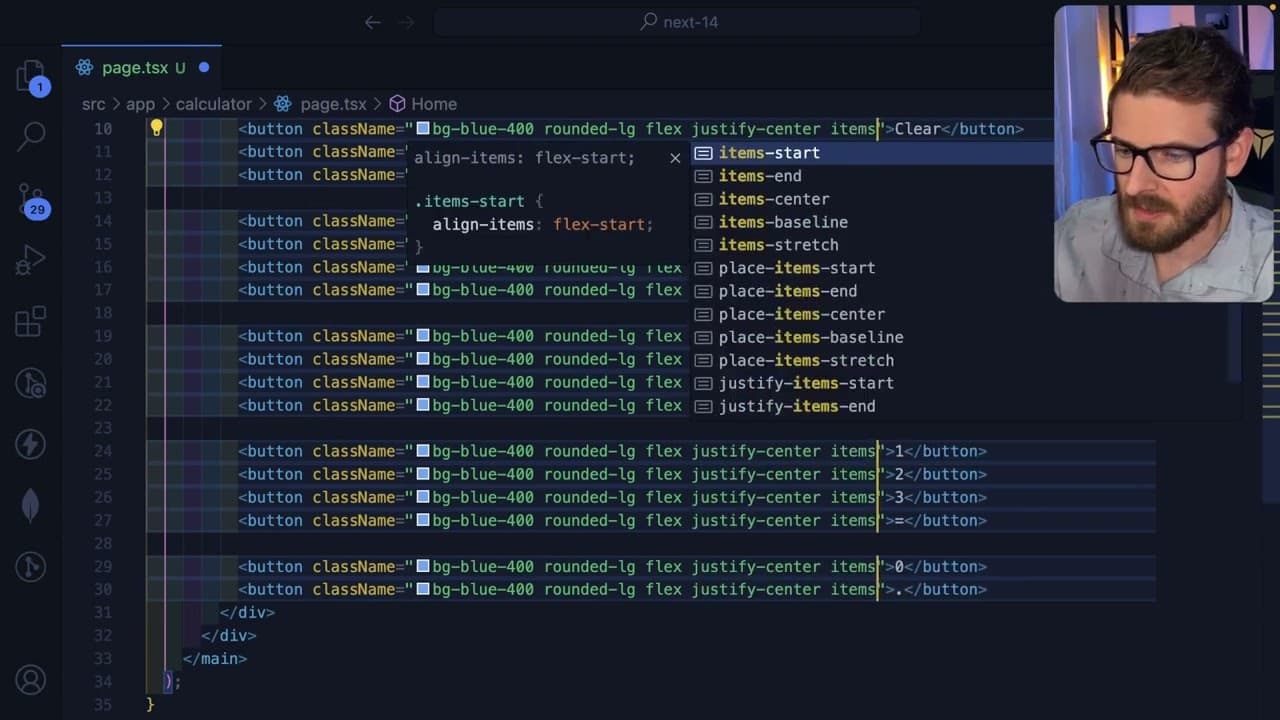
The creator builds a calculator using the v0 service and then attempts to recreate it manually using Tailwind CSS. This comparison highlights the efficiency of AI technology, showing that generating a functional component can take mere seconds with v0, while manually coding it takes considerably longer due to attention to detail and styling.
Q: What challenges did the creator face while building the calculator manually?
The creator encountered several challenges, such as ensuring proper alignment, responsive design, and color matching when manually coding the calculator. Keeping track of various Tailwind CSS properties and ensuring the final output closely matched the AI-generated version added complexity, demonstrating the attention to detail required in hands-on coding.
Q: What insights does the video provide about using Tailwind CSS in development?
The video showcases how Tailwind CSS allows developers to control the design and layout of components through utility classes, making it easy to apply styles declaratively. The creator emphasizes that while Tailwind facilitates rapid development, understanding its properties deeply is crucial for achieving the desired design and functionality in custom components.
Q: How does the AI-generated component handle user prompts for customization?
The v0 service allows users to input their customization requests directly, such as changing colors or adding/removing buttons. This interactive feature helps refine the design iteratively, as users can see immediate results based on their changes, demonstrating a user-friendly approach to component generation.
Q: What does the creator mean by "going down memory lane" in the video?
"Going down memory lane" refers to the creator reflecting on their early days in content creation when they first built a calculator. By revisiting that concept now with advanced tools like v0, they emphasize the evolution of web development practices and the remarkable capabilities that modern AI and frameworks offer.
Summary & Key Takeaways
-
The video demonstrates using the v0 service to quickly generate a calculator UI with React code, emphasizing the efficiency of AI in web development.
-
The creator compares this AI-generated calculator to a self-built version using their own coding skills and Tailwind CSS, highlighting the challenges and time involved.
-
Throughout the process, the video offers insights into the components, styling, and functionality of the generated calculator, fostering understanding of React and modern CSS frameworks.
Read in Other Languages (beta)
Share This Summary 📚
Summarize YouTube Videos and Get Video Transcripts with 1-Click
Try YouTube Summary with ChatGPT & Claude or YouTube Transcript Generator
Explore More Summaries from Web Dev Cody 📚





Summarize YouTube Videos and Get Video Transcripts with 1-Click
Try YouTube Summary with ChatGPT & Claude or YouTube Transcript Generator