How to Use Transmitters and Receivers in Minecraft Refined Storage
TL;DR
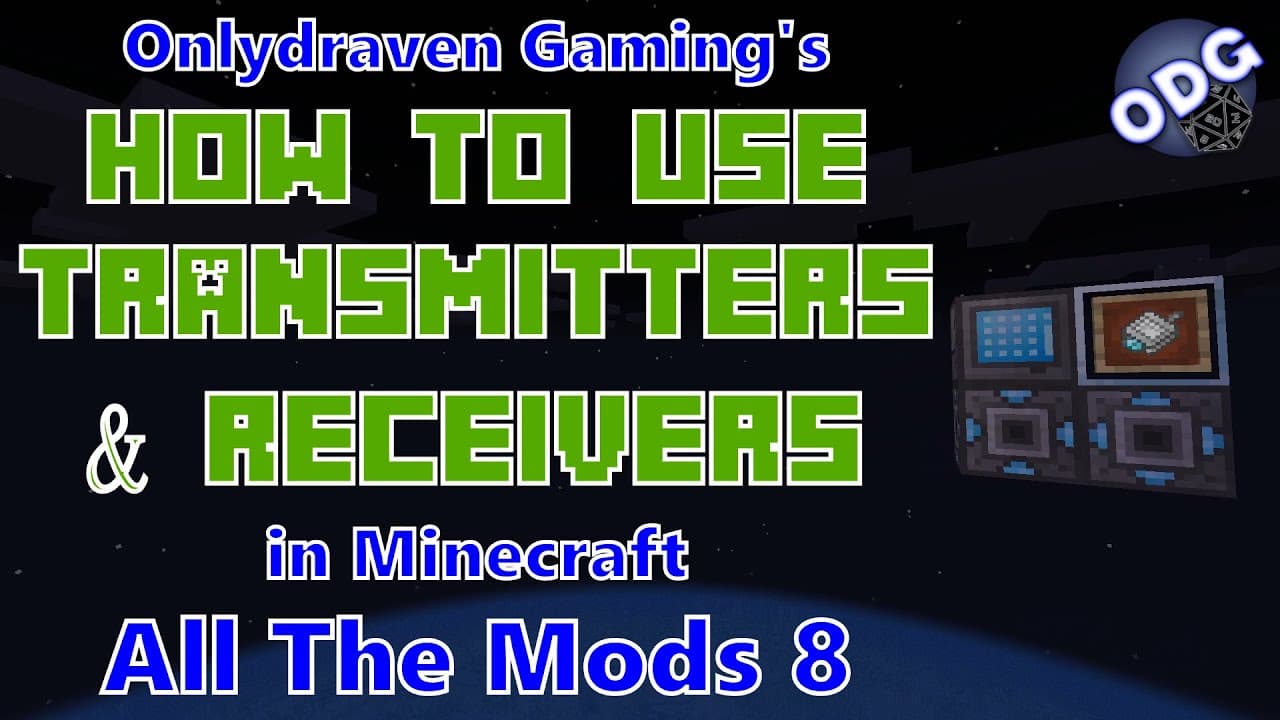
To connect multiple grids in Minecraft's refined storage mod, craft network transmitters and receivers. Position the transmitter near your original storage system and place the receiver at your remote location, linking them with a network card. This setup allows you to access and manage your items wirelessly, streamlining your gameplay and automation processes.
Transcript
foreign only Draven here again and today we're doing another tutorial in Minecraft all the mods eight today we're going to be taking another look at the refined storage mod specifically how to use the network transmitter and receiver to be able to set up multiple different grids to access from different areas while still combined to the same storag... Read More
Key Insights
- 👻 The refined storage mod significantly enhances inventory management by allowing players to centralize and automate their item storage.
- 💯 Crafting components for a basic setup requires various resources, including advanced processors, machine casings, and specific crafting cores.
- 💪 Network transmitters and receivers provide a wireless-like functionality, connecting different areas without the clutter of cables while maintaining a strong storage link.
- 😒 Players can choose to use a variety of grid types beyond the basic grid, including crafting grids and fluid grids, based on their needs.
- 🤗 The synergy between transmitters and receivers opens up innovative possibilities for remote automation, making processes like farming and crafting much more efficient and less time-consuming.
- 👶 Users are encouraged to engage with the creator for feedback or new tutorial suggestions, fostering a community of learning and sharing within Minecraft's modding environment.
- 💦 The tutorial highlights the practicality of refined storage components for enhancing gameplay, especially for players who work on projects spanning large distances.
Install to Summarize YouTube Videos and Get Transcripts
Explore YouTube Video Summarizer or Get YouTube Transcript Extractor
Questions & Answers
Q: What is refined storage in Minecraft?
Refined storage is a mod that allows players to create a centralized, automated storage system for their items in Minecraft. By using a combination of components like controllers, disks, and various grids, players can organize their inventory more effectively and access their stored items from anywhere in their world. It enhances inventory management and automation, making gameplay more efficient.
Q: How do I craft a basic grid using refined storage?
To craft a basic grid, you will need one machine casing, three pieces of glass, two improved processors, one construction core, and one destruction core. Combine these items in the crafting table according to the required recipe, and you'll have a functional grid to start your refined storage setup.
Q: What is the purpose of the network transmitter and receiver?
The network transmitter allows you to connect your refined storage system to other locations, while the network receiver enables those remote locations to access the same storage network. This setup allows players to manage inventories across large distances without the need for extensive cable systems, greatly enhancing convenience and efficiency.
Q: Can I access the same storage system from multiple locations?
Yes, by utilizing the network transmitter and receiver setup, you can access and manage the same storage system from multiple areas in the game. Once connected with a network card, both transmitter and receiver can communicate with the main storage, allowing seamless inventory access wherever you are.
Q: Do I need a separate power source for each transmitter and receiver?
No, you don't need a separate power source for each transmitter and receiver. As long as your network transmitter is connected to your original refined storage system and has power, the energy will transmit through to the network receiver, ensuring that all components remain powered and functional.
Q: Is there a limit to how many transmitters and receivers I can use?
There appears to be no limit to the number of transmitters and receivers you can integrate into your refined storage system. Players can set up multiple configurations, allowing extensive access to storage across various locations, effectively expanding their storage capabilities throughout the Minecraft world.
Summary & Key Takeaways
-
This tutorial focuses on utilizing the refined storage mod in Minecraft to effectively connect multiple grids, allowing access from different locations without running cables.
-
Key components covered include the creation of grids, network transmitters, network receivers, and network cards, with instructions on crafting each item.
-
The tutorial emphasizes the ease and efficiency of connecting remote work areas to a central storage system, improving gameplay and automation processes.
Read in Other Languages (beta)
Share This Summary 📚
Summarize YouTube Videos and Get Video Transcripts with 1-Click
Try YouTube Summary with ChatGPT & Claude or YouTube Transcript Generator
Explore More Summaries from Onlydraven Gaming 📚





Summarize YouTube Videos and Get Video Transcripts with 1-Click
Try YouTube Summary with ChatGPT & Claude or YouTube Transcript Generator