What Are the Must-Have Plugins for Obsidian?
TL;DR
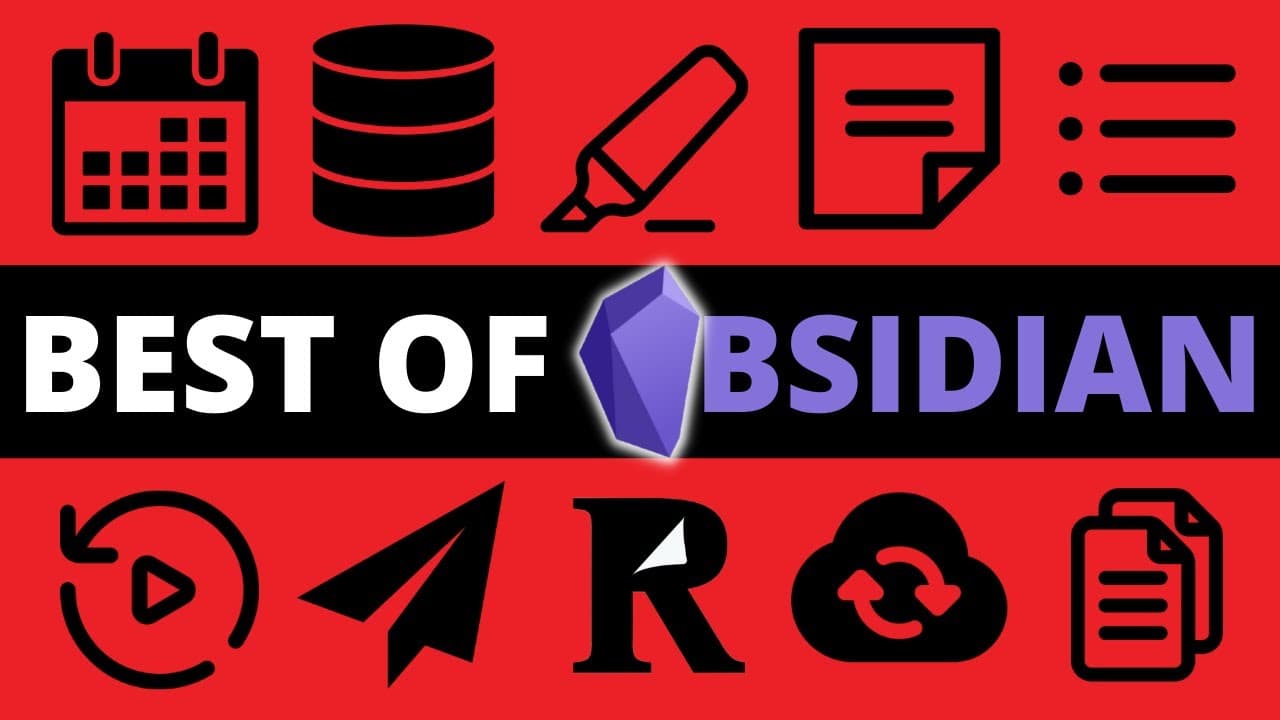
The essential plugins for Obsidian include Calendar, Dataview, and Templater, enhancing your note-taking with powerful features like scheduling, data organization, and custom templates. These community-created tools significantly improve functionality and user experience, making note management more intuitive and efficient.
Transcript
- The first time I tried to use Obsidian, I didn't like it. It didn't seem intuitive to use. I couldn't quite get it to do what I wanted. And frankly, I just didn't get all of the hype. Today, I have over 10,000 notes over multiple vaults in Obsidian. So what changed? Well, it turns out that there's a pretty crucial element of the experience that I... Read More
Key Insights
- 🛀 Plugins are a crucial element in enhancing the Obsidian note-taking experience and expanding its functionality.
- 🎮 The top 10 community plugins for Obsidian mentioned in the video include Calendar, Dataview, Editor Syntax Highlight, Kanban, Outliner, Periodic Notes, Obsidian Publish, Readwise Official plugin, Obsidian Sync, and Templater.
- 📅 These plugins offer features such as calendar integration, advanced data organization, improved code readability, content calendars, task management, streamlined outlining, reviewing and goal-setting, publishing options, syncing across devices, and extended templating functionality.
- 👻 Obsidian's core plugins provide a solid foundation, but community plugins allow users to personalize and customize their note-taking workflow according to their specific needs.
- 🖤 Plugins like Calendar and Dataview address the lack of native features in Obsidian, while others like Editor Syntax Highlight and Outliner offer improvements to readability and task-oriented organization.
- 👤 Obsidian Publish and Readwise Official plugin enable users to easily share their notes and integrate external sources, respectively, enhancing the learning and knowledge management process.
- ❓ Obsidian Sync and Templater provide synchronization options between devices and advanced templating capabilities.
Install to Summarize YouTube Videos and Get Transcripts
Explore YouTube Video Summarizer or Get YouTube Transcript Extractor
Questions & Answers
Q: What are some popular community plugins for Obsidian?
Some popular community plugins for Obsidian are Calendar, Dataview, Editor Syntax Highlight, Kanban, Outliner, Periodic Notes, Obsidian Publish, Readwise Official plugin, Obsidian Sync, and Templater. These plugins offer various features such as calendar integration, data organization, syntax highlighting, content calendars, and more.
Q: How does the Calendar plugin enhance the Obsidian experience?
The Calendar plugin is a must-have for Obsidian users as it not only displays a calendar but also enables the creation of daily notes, monthly overviews, and even weekly reviews. It provides essential features that Obsidian lacks natively.
Q: How does the Dataview plugin change the way users format their notes?
The Dataview plugin allows users to define parameters and values in the metadata of their notes, essentially creating a database within Obsidian. It also provides a SQL-like query language and allows the use of JavaScript, offering endless possibilities for customizing note organization and retrieval.
Q: What are the benefits of using the Obsidian Publish plugin?
The Obsidian Publish plugin is a premium add-on that allows users to instantly publish selected notes or their entire vault to a custom domain. It simplifies the process of sharing and learning in public, making it a valuable tool for personal and professional growth.
Key Insights:
- Plugins are a crucial element in enhancing the Obsidian note-taking experience and expanding its functionality.
- The top 10 community plugins for Obsidian mentioned in the video include Calendar, Dataview, Editor Syntax Highlight, Kanban, Outliner, Periodic Notes, Obsidian Publish, Readwise Official plugin, Obsidian Sync, and Templater.
- These plugins offer features such as calendar integration, advanced data organization, improved code readability, content calendars, task management, streamlined outlining, reviewing and goal-setting, publishing options, syncing across devices, and extended templating functionality.
- Obsidian's core plugins provide a solid foundation, but community plugins allow users to personalize and customize their note-taking workflow according to their specific needs.
- Plugins like Calendar and Dataview address the lack of native features in Obsidian, while others like Editor Syntax Highlight and Outliner offer improvements to readability and task-oriented organization.
- Obsidian Publish and Readwise Official plugin enable users to easily share their notes and integrate external sources, respectively, enhancing the learning and knowledge management process.
- Obsidian Sync and Templater provide synchronization options between devices and advanced templating capabilities.
- Overall, these plugins significantly enhance the functionality, customization, and productivity of Obsidian as a note-taking tool.
Summary & Key Takeaways
-
The speaker initially had a negative experience with Obsidian but realized the importance of plugins, which significantly improved their note-taking process.
-
Obsidian's core plugins are helpful, but community plugins created by other Obsidian users are essential for expanding its functionality.
-
The top 10 community plugins for Obsidian include Calendar, Dataview, Editor Syntax Highlight, Kanban, Outliner, Periodic Notes, Obsidian Publish, Readwise Official plugin, Obsidian Sync, and Templater.
Read in Other Languages (beta)
Share This Summary 📚
Summarize YouTube Videos and Get Video Transcripts with 1-Click
Try YouTube Summary with ChatGPT & Claude or YouTube Transcript Generator
Explore More Summaries from Nicole van der Hoeven 📚


Summarize YouTube Videos and Get Video Transcripts with 1-Click
Try YouTube Summary with ChatGPT & Claude or YouTube Transcript Generator