How to Build an AI Code Explainer App with React 19
TL;DR
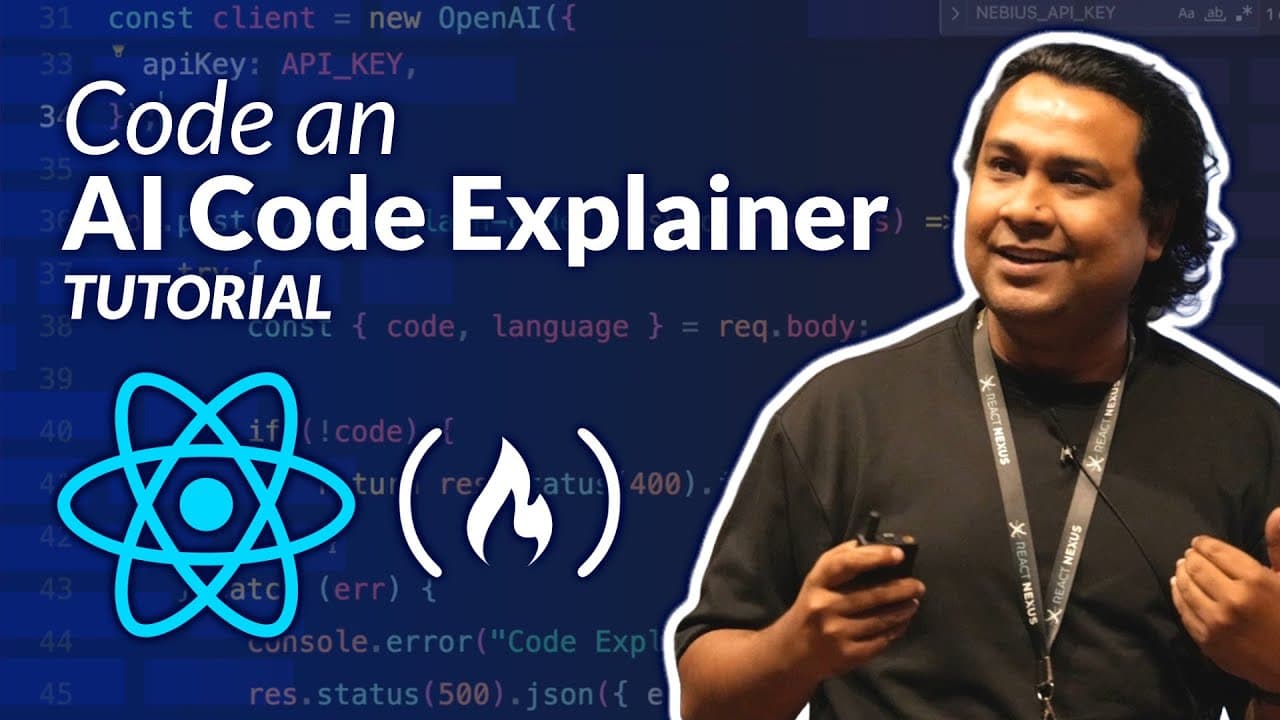
Building an AI-powered code explainer takes three layers: a React 19 front end built with Vite and Tailwind CSS, an Express.js server in the middle, and a text-to-text LLM such as GPT OSS 120B accessed through an API key. The React app posts a code snippet plus a chosen language to the server, which calls the model and returns a plain-English explanation.
Transcript
Improve your React skills by creating an AI powered code explainer app from the ground up. In this course, you'll learn how to design the app, configure an ExpressJS backend, and set up a REST endpoint that communicates with an LLM. You'll then integrate everything into a sleek React 19 front end using VIT and Tailwind CSS. You'll create a fully fu... Read More
Key Insights
- The motivation for the course is a study cited in the video saying 92% of people fail to achieve their goals, with most of that group feeling it is very difficult to try something new. Getting hands dirty with a small AI project is presented as the counter to that.
- CodeSplain is an application that turns a source code snippet into a plain-English explanation. The user selects a programming language such as JavaScript, Python, or Java, pastes the snippet, and clicks Explain Code to get a detailed step-by-step walkthrough.
- The high-level design has three layers: a React 19 UI, an Express.js server on Node.js, and an AI model reached through its API. The server sits between the UI and the model, optionally post-processing the model response before returning it to the front end.
- A full-stack AI app is structurally the same as a conventional UI plus back end plus database app, except the database is swapped for an AI service. This framing is used to argue that adding AI to web development is not rocket science for existing developers.
- OpenAI's developer platform lets you register and call its APIs by creating a client, specifying the model, supplying an input prompt, and defining the expected output. The same snippet translates easily between JavaScript and Python, so developers can switch languages with little friction.
- Nebius is a cloud infrastructure and services provider for AI and machine learning developers worldwide. Its AI Studio has a models section organized by use case, so developers can browse text-to-text models, text-to-image models, and others depending on what they want to build.
- The chosen model for this project is GPT OSS 120B, a text-to-text model, because the use case sends source code as text and expects an English explanation as text. The video notes any comparable text-to-text model would also work.
- Server setup starts with a server folder, npm init to create package.json, then installing express, cors, dotenv, helmet, and express-rate-limit. Rate limiting matters because every call to the LLM costs money, so public hosting without limits can run up charges.
Install to Summarize YouTube Videos and Get Transcripts
Explore YouTube Video Summarizer or Get YouTube Transcript Extractor
Questions & Answers
Q: What is the CodeSplain app built in this React 19 tutorial?
CodeSplain is a smart application that explains programming source code in plain English. The user selects a programming language from a list that can include JavaScript, Python, and Java, pastes in a code snippet for that language, and clicks the Explain Code button. The app then processes the request and returns a detailed step-by-step explanation of what the code does, covering things like array creation, individual variables, each iteration, and the brackets and syntax involved. It is built with React 19 on the front end, an Express.js server in the middle, and an AI model behind the server.
Q: How does the architecture of an AI-powered web app work?
The design has three layers. The UI is built with React 19 because it is the latest version. A server built with Express.js on Node.js sits in the middle. The UI sends requests to that server, and the server in turn calls AI models through their APIs to get work done. Once the model responds, the server fetches the response, may process it further, and sends it back to the UI, which renders the result. The video points out this is the same shape as any full-stack app with a UI, a back end, and a database, except here the database slot is filled by an AI service and its model.
Q: Which AI providers can you use to build this code explainer?
Two options are shown. The first is OpenAI, which has a developer platform where you register and start calling its APIs; the snippet involves creating a client, specifying which model to use such as GPT-5, providing an input prompt, and defining the expected output. The second is Nebius, described as a provider of cloud infrastructure and services for AI and machine learning developers worldwide. Its AI Studio has a models section where models are grouped by use case, including text-to-text and text-to-image. The video says you can also use credits you already have for Gemini or anything else.
Q: Why does the tutorial choose a text-to-text model?
The use case determines the model type. In this application you provide a batch of text in the form of source code, and you expect a batch of text back, namely the explanation in English for that source code. That input-and-output shape is exactly what a text-to-text model handles, so the project picks one from the text-to-text category rather than a text-to-image or other model type. The specific model selected in the video is GPT OSS 120B, though the presenter says you can pick any other text-to-text model you wish once you understand how it is wired up.
Q: How do you get an API key for OpenAI or Nebius?
For OpenAI, you click the settings icon on the developer platform, go to the API keys section, and create a new API key there. For Nebius, you go to your profile, find the API keys area, click get API key, and create a new key. In both cases you should note the API key down somewhere, because that key is all you need to get started. The key is then used when creating the client in code, alongside the base URL for the model you want to access, before you specify the model name, prompt, and role.
Q: What packages do you install for the Express.js server?
Inside a new folder called server, you run npm init and accept the default values, naming the package server, which creates a package.json file. Then you install the libraries. The video uses yarn add, though it notes npm or pnpm work equally well depending on what you are comfortable with. The packages installed are express, cors, dotenv for environment variable support, helmet, and express-rate-limit. Rate limiting is included because if you host the app publicly, every call ultimately reaches the LLM and costs money, so you want to cap usage.
Q: Why do you need rate limiting in an AI-powered application?
Every request your server handles ends up making a call to the LLM on the AI side, and those calls cost money. The video explains that platforms require you to recharge or top up your account based on usage, so unbounded traffic translates directly into unbounded spend. That is why express-rate-limit is installed as part of the server setup, particularly if you plan to host the application somewhere publicly where anyone can hit your endpoint. Rate limiting caps how many calls can flow through and protects your credit balance.
Q: How much does it cost to experiment with these AI APIs?
Some of these platforms give you initial credit to try things out so you do not have to pay anything at the start. As you use them more and dive deeper, you may need to pay to recharge the account, roughly $8 to $10 according to the video. The presenter says that amount will go a long way for experimentation, and that if you are keen on learning by actually building something, it is worth spending that money so you can start using the APIs and build something solid around your own use case.
Summary & Key Takeaways
-
The app, called CodeSplain, lets a user pick a programming language such as JavaScript, Python, or Java, paste a code snippet, and press an Explain Code button. After a short wait, the model returns a step-by-step explanation in plain English covering arrays, variables, iterations, brackets, and syntax.
-
The architecture mirrors any full-stack app, except a database is replaced by an AI service. The React 19 UI sends a request to an Express.js server running on Node.js, the server calls the AI model's API, processes the response, and sends it back to the UI for rendering.
-
Model access comes from providers like OpenAI's developer platform or Nebius, a cloud infrastructure provider for AI and machine learning developers. Nebius AI Studio lists models grouped by use case, including text-to-text and text-to-image, and exposes ready-made code samples in Python, curl, and JavaScript.
Read in Other Languages (beta)
Share This Summary 📚
Summarize YouTube Videos and Get Video Transcripts with 1-Click
Try YouTube Summary with ChatGPT & Claude or YouTube Transcript Generator
Explore More Summaries from freeCodeCamp.org 📚




![The Most Important Skills Going Forward with CTO + Homebrew Maintainer Mike McQuaid [Podcast #204] thumbnail](/_next/image?url=https%3A%2F%2Fi.ytimg.com%2Fvi%2F58Tn2xB8kIE%2Fhqdefault.jpg&w=750&q=75)
Summarize YouTube Videos and Get Video Transcripts with 1-Click
Try YouTube Summary with ChatGPT & Claude or YouTube Transcript Generator