How to Get Better Results From ChatGPT and Claude
TL;DR
Break complex requests into smaller sequential steps so each gets focused attention instead of a generic answer. Assign the AI a specific role with rich context, chain prompts into pipelines, and force self-critique by asking it to name three weaknesses and rewrite. Show examples rather than describing styles, and use ChatGPT projects and custom instructions to preload context.
Transcript
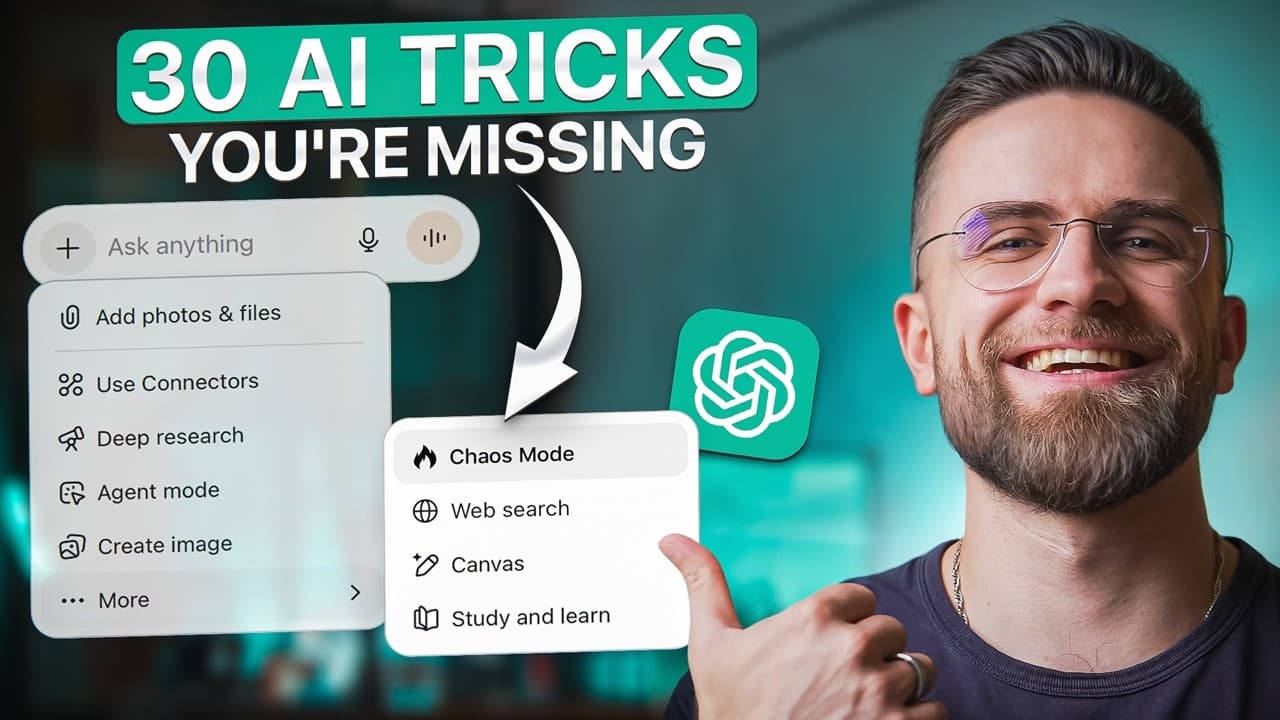
You type a simple prompt into chat GPT, get a basic answer, and wonder why the results feel meh. Here's what changed in 2025 and the 30 techniques that will completely transform how you use these tools. I'm going to show you the exact techniques I use every day to get chat GPT, Claude, Nano, Banana, and other AI tools to do what I actually want. No... Read More
Key Insights
- Breaking a complex task into smaller steps produces sharper output because each step gets focused attention, unlike a single massive request that forces the model to handle everything at once and return something generic.
- Assigning the AI a detailed role activates a specific subset of its training. Specificity matters: 'a growth marketing director at a series-B SaaS company with an enterprise focus' beats 'a marketer'.
- Chain prompting builds a pipeline where each step refines and builds on the last, so you iterate forward without re-explaining context, letting you go from research to long-form content roughly 10x faster.
- Making the AI critique its own answer works by forcing it into a metacognitive mode. Ask for three weaknesses, then ask it to rewrite addressing them, and the second version is almost always significantly better.
- Memory management resets the context window mid-conversation. Explicitly telling the AI to forget a previous topic prevents weird carryover when you switch subjects.
- Showing an example beats describing a style. Pasting an actual Apple product description and asking the AI to match it mirrors the structure, tone, vocabulary, and rhythm better than saying 'write in an Apple style'.
- Custom instructions and projects in ChatGPT preload context automatically. Projects on plus or pro let you upload up to 40 files on the pro plan plus custom instructions, so every conversation starts with that context loaded.
- Pros treat AI image generation as a workflow, not a slot machine: describe the image in plain English, have ChatGPT turn it into a detailed prompt with style keywords, generate, then refine in plain English.
Install to Summarize YouTube Videos and Get Transcripts
Explore YouTube Video Summarizer or Get YouTube Transcript Extractor
Questions & Answers
Q: How do I break complex tasks into steps for ChatGPT?
Instead of asking for a full deliverable at once, split the request into a sequence where each prompt builds on the last. The video's example replaces 'write a complete marketing strategy' with step one listing the top five marketing channels for early-stage B2B SaaS, step two asking for one low-budget tactic per channel, and step three turning the LinkedIn tactic into a week-by-week execution plan. Each step gets focused attention and steers the conversation toward exactly what you need.
Q: Why does assigning the AI a role improve results?
Large language models are trained on billions of documents written by people in different roles like executives, engineers, teachers, and lawyers. When you explicitly tell the AI what role to play, you activate a specific subset of that training. The trick is being very specific: rather than 'you are a marketer,' say 'you are a growth marketing director at a series-B SaaS company with an enterprise focus.' The more context you give, the sharper and more strategic the output.
Q: What is chain prompting and how does it work?
Chain prompting means building a pipeline instead of treating each conversation as a one-off. You start with a foundation, such as asking ChatGPT to summarize the top three benefits of asynchronous communication with an example each. Then you turn that summary into a Twitter thread, then expand one tweet into a LinkedIn article with a hook, three body paragraphs, and a call to action. Each step refines and builds forward, so you produce content much faster without re-explaining context.
Q: How can I make ChatGPT critique its own answer?
After the AI gives its first-pass response, ask it to analyze that answer and name three weaknesses or areas it could improve. Then tell it to rewrite the answer addressing those weaknesses. This forces the model into a metacognitive mode where it evaluates and improves rather than just generating. The second version is almost always significantly better, clearer, more engaging, and more actionable, matching quality you'd otherwise spend around 30 minutes manually editing.
Q: How do I switch topics without weird carryover in a conversation?
Use memory management by explicitly telling the AI to reset. The video suggests saying something like 'forget everything we discussed about marketing, new topic project management.' This resets the context window and prevents strange carryover from previous messages bleeding into your new subject. It is a simple instruction that keeps the model focused on the current topic instead of blending unrelated earlier context into its responses when you change direction mid-conversation.
Q: What is the best way to make AI match a specific writing style?
Show it an example rather than describing the style, because descriptions like 'write in an Apple style' are too vague. Instead, paste an actual Apple product description and ask the AI to write your content in the exact style of that example. It will mirror the structure, tone, vocabulary, and rhythm. This works for blog posts, emails, ad copy, and code comments. If writing for a publication, paste one of its articles; for a client email, paste a previous successful one.
Q: How do ChatGPT projects and custom instructions help?
Custom instructions in settings let you store your role, preferences, and formatting so every conversation starts with that context loaded, ending repetition. Projects, available on plus or pro, let you click create project, name it, and upload files (up to 40 on the pro plan) like brand guidelines, previous posts, or research notes. You then write custom instructions for that project, so every conversation inside it starts with the uploaded context and instructions already loaded.
Q: What is the recommended workflow for AI image generation?
Treat it as a workflow, not a slot machine. Step one, describe what you want in plain English to ChatGPT, for example a clean modern workspace with natural lighting, a laptop, notebook, and coffee cup. Step two, ask ChatGPT to turn that into a detailed prompt with style keywords and parameters. Step three, generate the image, then refine with plain-English edits like 'the image is too dark, make it brighter and add more warmth' and regenerate until it is right.
Summary & Key Takeaways
-
The video argues that prompting the way you did two years ago leaves serious capability on the table, and presents 30 techniques to transform how you use ChatGPT, Claude, Gemini, and image tools. It focuses on smart techniques that work right now, with no automation or Zapier setups needed.
-
Core text techniques include breaking complex tasks into focused steps, assigning the AI a specific role, chain prompting to build content pipelines, making the AI critique and rewrite its own answers, resetting memory when switching topics, showing style examples instead of describing them, and using custom instructions and projects.
-
For images, the creator treats generation as a repeatable workflow: describe the target in plain English, have ChatGPT engineer a detailed prompt with style keywords, generate, then iteratively refine with plain-English edits like 'make it brighter' or 'make it nighttime' rather than rewriting the full prompt each time.
Read in Other Languages (beta)
Share This Summary 📚
Summarize YouTube Videos and Get Video Transcripts with 1-Click
Try YouTube Summary with ChatGPT & Claude or YouTube Transcript Generator
Explore More Summaries from AI Master 📚

Summarize YouTube Videos and Get Video Transcripts with 1-Click
Try YouTube Summary with ChatGPT & Claude or YouTube Transcript Generator