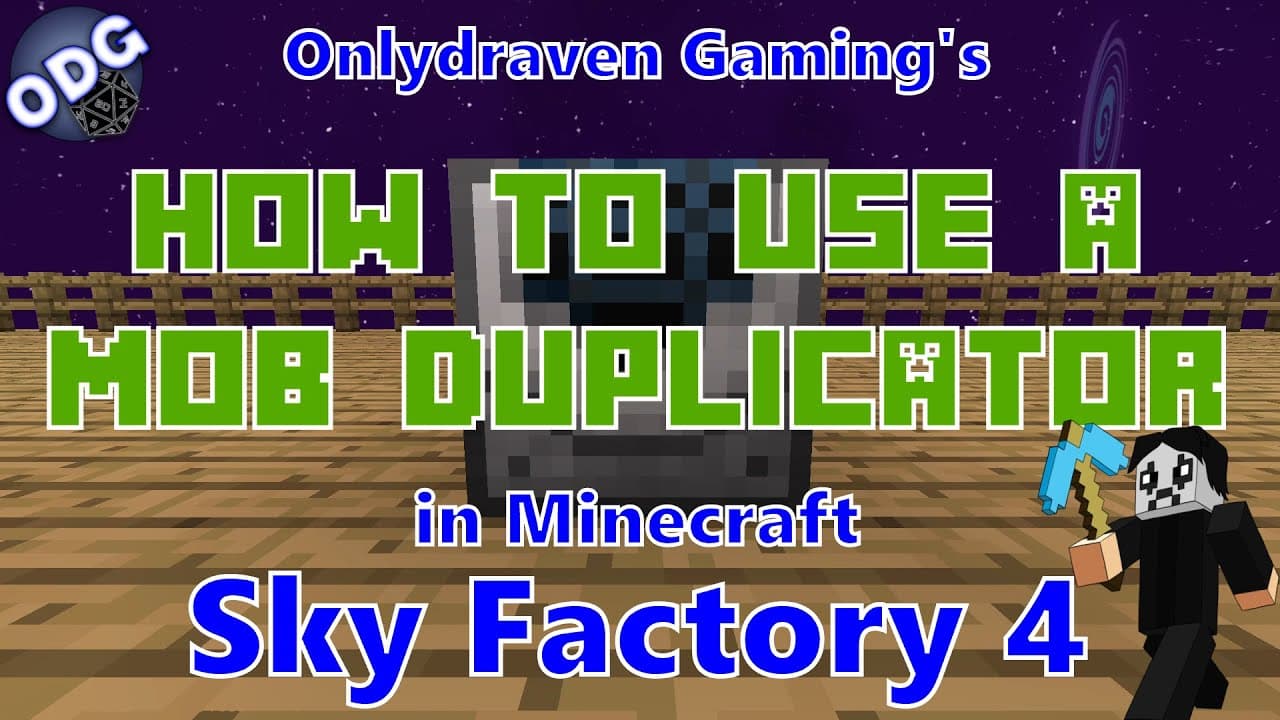
How to Create and Use a Mob Duplicator in Minecraft
TL;DR
To create a mob duplicator in Minecraft Sky Factory 4, you'll need an XP singularity tank, plastic, and various components to build the duplicator. Connect it to a power source and essence, which you can generate from experience, to duplicate mobs like zombies. Adding a range extender allows you to control the spawning area, making it a useful tool for automated mob farming.
Transcript
hello everyone only draven here again and today we're doing another tutorial in minecraft sky factory 4. today i'm going to be showing you how to make and use the mob duplicator a tool that will allow you to spawn multiple types of different mobs a relatively easy using experience as fuel now if you find this video helpful and you like it please be... Read More
Key Insights
- 🚗 The mob duplicator is a vital tool for gamers in Sky Factory 4, allowing the replicating of mobs efficiently and with minimal resource requirements.
- 🚗 Connecting a fluid dictionary converter to the mob duplicator streamlines the process of transforming experience into essence, enhancing gameplay efficiency.
- 🚗 The essence required for the mob duplicator can be sourced from various experience generating tools, making it versatile for both casual and advanced players.
- 🚗 Utilizing a mob imprisonment tool enables players to precisely control which mobs are duplicated, allowing for tailored resources in the game.
- 🚗 Players can engage in creative strategies such as using the duplicator in conjunction with mob farms to optimize farming yields of specific mobs.
- 🫵 The tutorial encourages feedback and suggestions from viewers, fostering a community of collaboration and support among players.
- 🚗 Ensuring a steady supply of experience is critical to maintaining the functionality of the mob duplicator, requiring players to strategize their experience sources effectively.
Install to Summarize YouTube Videos and Get Transcripts
Explore YouTube Video Summarizer or Get YouTube Transcript Extractor
Questions & Answers
Q: What components do you need to create the mob duplicator?
To create the mob duplicator, you will need two pieces of plastic, nether wart, two magma cream, one machine case, two emeralds, one piece of redstone, and an RF power source. Additionally, you will need a fluid dictionary converter and a mob imprisonment tool, which entails gathering various materials like iron bars and ender eyes.
Q: How do you convert experience into essence within the mob duplicator setup?
Experience is converted into essence using the fluid dictionary converter. You need to connect your experience source, such as an XP singularity tank, to the converter, which does not require power. When experience flows into the converter, it automatically transforms it into essence, which the mob duplicator requires to spawn mobs.
Q: What is the purpose of the mob imprisonment tool?
The mob imprisonment tool is used to capture and store a specific type of mob, allowing players to duplicate that mob using the mob duplicator. By right-clicking on a mob while holding the tool, the mob can be captured and then easily spawned wherever desired by placing it into the mob duplicator.
Q: How can players increase the spawning radius of the mobs?
Players can increase the spawning radius by using a range extender, which can be crafted using basic materials. The tier of the range extender determines the maximum radius, allowing for a significant area of effect. By installing a higher tier range extender, players can create a larger number of spawned mobs within the defined area.
Summary & Key Takeaways
-
This tutorial explains how to create a mob duplicator in Minecraft Sky Factory 4, detailing the necessary components and tools including an XP singularity tank and a mob imprisonment tool.
-
The mob duplicator requires power and essence to function, which can be generated by converting experience into essence using a fluid dictionary converter.
-
Players can effectively duplicate various types of mobs, such as zombies, by using the mob imprisonment tool and a range extender to control the spawning radius, providing a valuable strategy for mob farming.
Read in Other Languages (beta)
Share This Summary 📚
Summarize YouTube Videos and Get Video Transcripts with 1-Click
Try YouTube Summary with ChatGPT & Claude or YouTube Transcript Generator
Explore More Summaries from Onlydraven Gaming 📚




Summarize YouTube Videos and Get Video Transcripts with 1-Click
Try YouTube Summary with ChatGPT & Claude or YouTube Transcript Generator