How to Build Shapes with CSS: CSS Battle Challenge
TL;DR
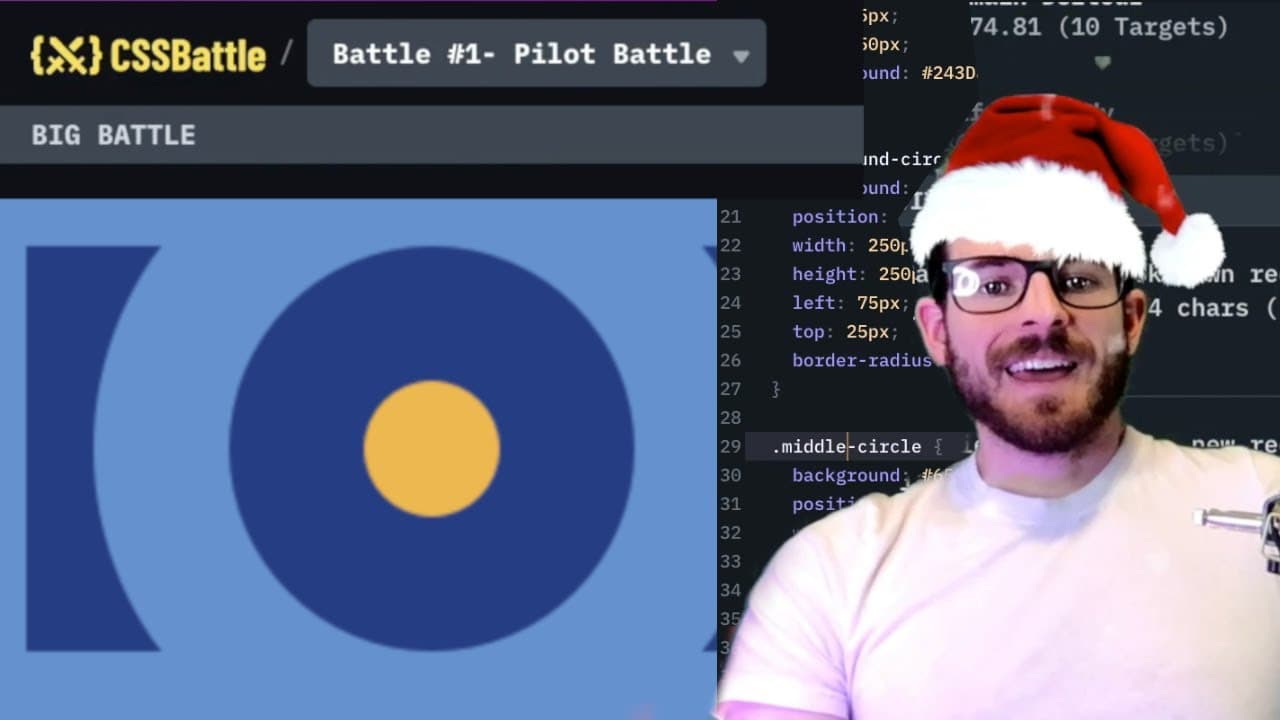
To build shapes using CSS in the CSS Battle challenge, start by constructing basic elements like rectangles and circles with proper positioning and dimensions. Adjust sizes and layers as needed, making use of absolute positioning and background colors to match the desired design. Engage with the coding community for tips and suggestions on improving your CSS skills.
Transcript
how is it going everyone i hope you're having a great day welcome back to another web dev junkie video my name is cody seibert in this video i'm going to be doing another css battle tutorial so if you don't know what the site is it's basically a site you can come in and challenge your css knowledge by building out these various shapes and i've done... Read More
Key Insights
- 💨 CSS Battle provides a fun and interactive way for developers to enhance their CSS skills while competing in challenges.
- 👷 The importance of background layers in web design was highlighted by Cody as he constructed shapes.
- 🤩 Adjustments in dimensions and positioning are key skills in mastering CSS layout techniques.
- 👨💻 A methodical approach to analyzing and replicating designs can facilitate more efficient coding practices.
- 🕸️ Patience and acceptance of imperfection can be valuable traits in the iterative process of web development.
- 🫵 Viewer interaction and suggestions for future challenges promote a sense of community and shared learning among developers.
- 🎨 Trial-and-error is often part of the learning process, particularly with complex designs that involve multiple overlapping shapes.
Install to Summarize YouTube Videos and Get Transcripts
Explore YouTube Video Summarizer or Get YouTube Transcript Extractor
Questions & Answers
Q: What is CSS Battle, and how does it work?
CSS Battle is an online platform that challenges users to recreate specific designs using HTML and CSS. Participants can compare their solutions with others, which encourages learning and skill improvement in web development. Users can select from various challenges that test their CSS abilities and creativity.
Q: What were the main goals of Cody's tutorial?
Cody's primary goals were to demonstrate the process of creating shapes using CSS, explain the challenges he faced while adjusting positioning, and engage his audience by providing an interactive coding experience. He also aimed to encourage viewers to practice their CSS knowledge through the CSS Battle platform.
Q: How does Cody handle the challenges of creating shapes?
Cody tackles shape creation by initially analyzing the design, creating the main background components, and iteratively adjusting dimensions and positions of shapes like rectangles and circles. He emphasizes experimentation and learning through trial-and-error while remaining patient with the complications of precise positioning.
Q: Why does Cody say he is "okay with" a 98% match?
Cody acknowledges that achieving a perfect match in CSS Battle can be difficult and that spending excessive time on minute details is not always practical. He expresses satisfaction with a 98% match, indicating that while it may not be perfect, it is visually acceptable for his purposes and reflects his learning progress.
Summary & Key Takeaways
-
Cody Seibert engages viewers in a CSS Battle tutorial focused on creating shapes and designs using HTML and CSS.
-
The tutorial involves a step-by-step approach to constructing a rectangle and circles, showcasing challenges in positioning and sizing elements accurately.
-
Viewers are encouraged to engage with suggestions for future battles, highlighting the interactive nature of CSS Battle as a platform for improving CSS skills.
Read in Other Languages (beta)
Share This Summary 📚
Summarize YouTube Videos and Get Video Transcripts with 1-Click
Try YouTube Summary with ChatGPT & Claude or YouTube Transcript Generator
Explore More Summaries from Web Dev Cody 📚





Summarize YouTube Videos and Get Video Transcripts with 1-Click
Try YouTube Summary with ChatGPT & Claude or YouTube Transcript Generator