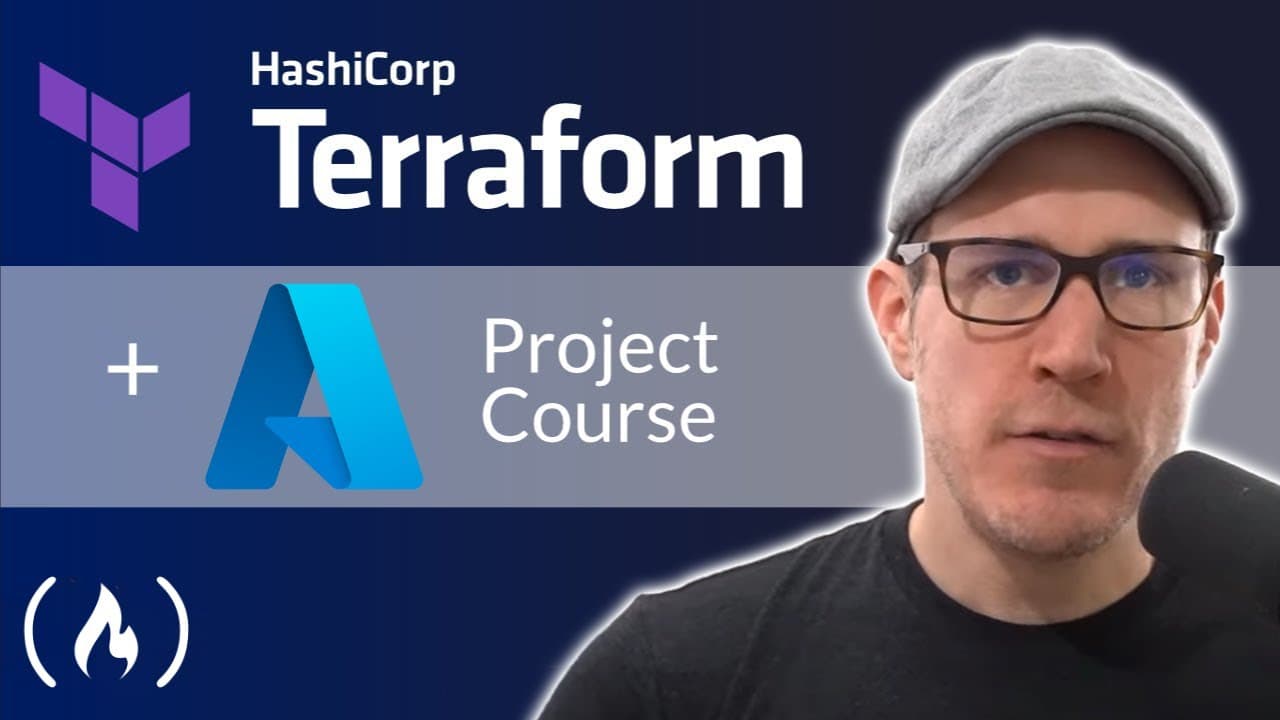
Learn Terraform with Azure by Building a Dev Environment – Full Course for Beginners
TL;DR
You can learn Terraform with Azure by building a remote development environment consisting of an Azure Linux machine, virtual network, subnet, and security groups. This two-hour project uses the Azure CLI for authentication, VS Code for development and remote access, and Terraform features including State, Format, Replace, Console, Variables, and Conditionals. Read on for the setup, authentication, provider configuration, and virtual-machine bootstrapping details.
Transcript
Learn how to use Terraform with Azure in this course from Derek Morgan. Derek is an excellent teacher and he has created many popular courses. Hello and welcome to the Build a Development Environment with Terraform and Azure Resume Foundations Project course. Now you might be wondering what exactly a resume foundations project is. Well, a resume fo... Read More
Key Insights
- ♻️ The course focuses on using Terraform with Azure to create a remote development environment.
- 👥 It covers the deployment of an Azure Linux machine, virtual network, subnet, and security groups.
- 👻 The course teaches various Terraform tools and functions, allowing you to dive deeper into Terraform.
- ✋ The skills learned in the course can be added to your resume, as Terraform is in high demand in the industry.
- 👶 The course utilizes documentation and highlights the process of developing a new Terraform deployment.
- 📽️ The course includes hands-on projects and provides the skills needed to create your own projects.
- ♿ The Azure CLI is used to authenticate and access the Azure API for deployment with Terraform.
Install to Summarize YouTube Videos and Get Transcripts
Explore YouTube Video Summarizer or Get YouTube Transcript Extractor
Questions & Answers
Q: How do you build a remote development environment with Terraform and Azure?
Use Terraform to deploy an Azure Linux machine together with a virtual network, subnet, and security groups. The resulting remote development environment can be accessed directly from VS Code.
Q: What is covered in this Terraform with Azure course?
The two-hour project covers building an Azure-based remote development environment with Terraform and VS Code. It also introduces Terraform State, Format, Replace, Console, Variables, Conditionals, Azure custom data, and a provisioner.
Q: How does Terraform authenticate with Azure?
Install the Azure CLI, connect it to your Azure account, and use that CLI session to let Terraform authenticate and access the Azure API. The course signs in with az login and verifies the active account with az account show.
Q: How can I sign in to Azure if the normal browser login does not work?
Run az login --use-device-code as the alternate authentication route. Open the displayed link, enter the supplied code, complete the sign-in, and then verify it with az account show.
Q: What Azure resources are deployed for the development environment?
The project deploys an Azure Linux machine, virtual network, subnet, and security groups. Together, these resources serve as the remote development environment used in the course.
Q: How is the Azure Linux virtual machine bootstrapped?
The course uses Azure custom data and a provisioner to bootstrap the virtual machine with Docker. It also adds the machine's connection information to the VS Code SSH configuration file.
Q: How do you configure Terraform to communicate with the Azure API?
Create a main.tf file and configure the Azure RM provider, which allows Terraform to communicate with the Azure API and deploy resources. The demonstrated configuration specifies the HashiCorp Azure RM source and freezes its version to 2.97.0, although the instructor notes that another version may be acceptable.
Q: What is a Resume Foundations Project?
A Resume Foundations Project helps you learn the fundamentals of a technology by building a practical project. The goal is to give you a foundation for creating your own projects that you can use on your resume.
Summary & Key Takeaways
-
The course teaches you the fundamentals of Terraform and how to use it with Azure to create a remote development environment.
-
You will learn how to deploy an Azure Linux machine, virtual network, subnet, security groups, etc.
-
The course covers various Terraform tools and functions such as Terraform State, Format, Replace, Console, Variables, Conditionals, and more.
Read in Other Languages (beta)
Share This Summary 📚
Summarize YouTube Videos and Get Video Transcripts with 1-Click
Try YouTube Summary with ChatGPT & Claude or YouTube Transcript Generator
Explore More Summaries from freeCodeCamp.org 📚
![The Most Important Skills Going Forward with CTO + Homebrew Maintainer Mike McQuaid [Podcast #204] thumbnail](/_next/image?url=https%3A%2F%2Fi.ytimg.com%2Fvi%2F58Tn2xB8kIE%2Fhqdefault.jpg&w=750&q=75)




Summarize YouTube Videos and Get Video Transcripts with 1-Click
Try YouTube Summary with ChatGPT & Claude or YouTube Transcript Generator