How to Create a Multi-Select Dropdown in React
TL;DR
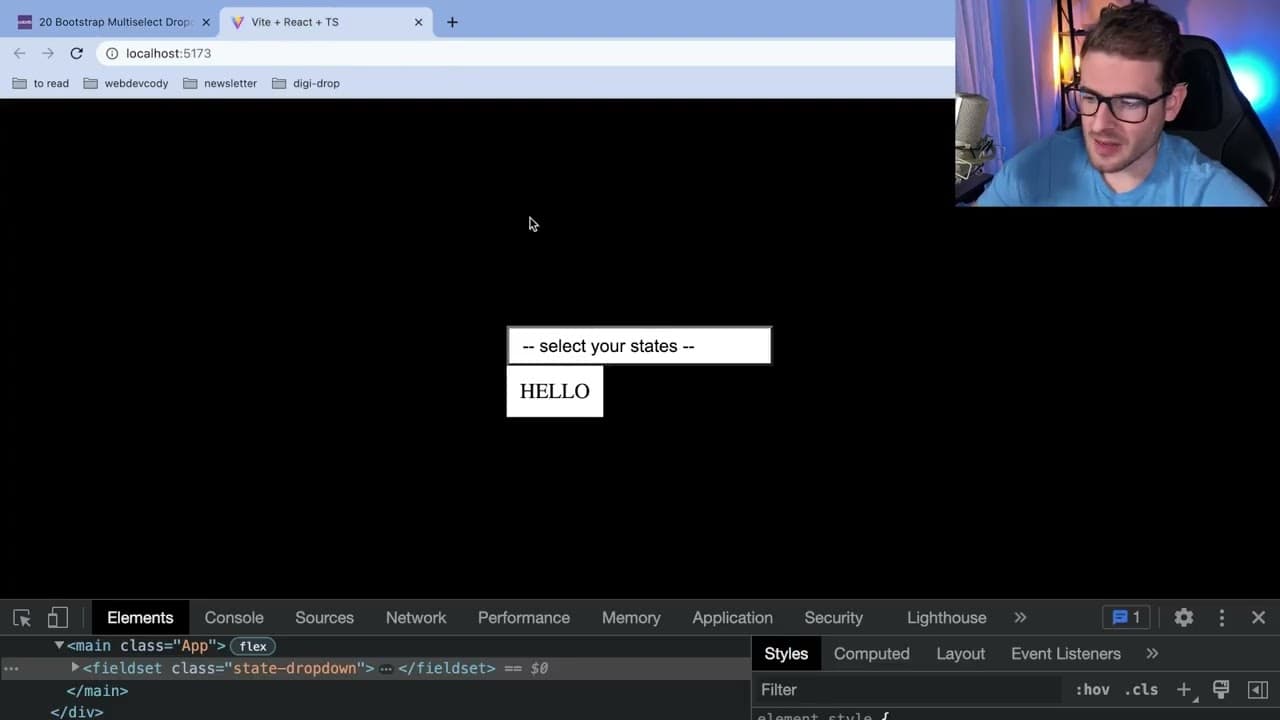
To build a multi-select dropdown in React, create a component that displays all U.S. states, allowing users to select multiple options. Use state management to track selections and ensure accessibility by handling events properly. Implement styling and dynamic updates based on user interactions for a better user experience.
Transcript
all right how's it going everyone so we're we're back at it with another react challenge this one we're gonna try to build a multi-select drop down component where basically let's just like display all the states um and the user can select which states they want and as they select these states it'll basically tell you how many you have selected may... Read More
Key Insights
- 👨💻 Building custom components in React helps reinforce coding knowledge and problem-solving skills.
- 👤 Accessibility should be a primary focus when designing user interfaces, ensuring inclusivity for all users.
- 👻 State management in React can be effectively handled with hooks, allowing for responsive UI changes based on user actions.
- ❓ Using CSS Grid and Flexbox can simplify complex layouts, enabling easier alignment and distribution of elements within components.
- 👤 The ability to toggle visibility and manage state logically enhances user experience in interactive applications.
- 👂 Externalizing data, such as a list of U.S. states, can streamline application structure and facilitate easier updates or changes.
- 👤 Dynamic styling based on user interactions can significantly improve the UX, providing visual feedback when users select items.
Install to Summarize YouTube Videos and Get Transcripts
Explore YouTube Video Summarizer or Get YouTube Transcript Extractor
Questions & Answers
Q: What is the primary goal of this React challenge?
The primary goal of the challenge is to build a custom multi-select dropdown component that allows users to select multiple U.S. states and displays the count of selected states. It serves as a practical exercise for developers to enhance their coding skills in React while focusing on user experience and accessibility.
Q: Why does the presenter prefer not to call this an 'interview challenge'?
The presenter prefers to avoid the term 'interview challenge' due to negative feedback they have received when using it. Instead, they encourage viewers to see it as an opportunity for practice and skill development, fostering a learning environment free from interview-specific pressures.
Q: How does the presenter manage the state of the dropdown?
The presenter uses the useState hook in React to manage the visibility of the dropdown and track selected states. They implement a toggle function to show or hide the dropdown based on user interactions, ensuring a responsive and interactive UI design.
Q: What considerations does the presenter mention regarding accessibility?
The presenter emphasizes the importance of accessibility when creating custom dropdown components. They suggest ensuring that users can navigate and interact with the dropdown using keyboard controls and that screen readers can effectively read the dropdown options, which is often neglected in custom implementations.
Q: How does the presenter suggest handling a list of states for the dropdown?
The presenter fetches a list of U.S. states either through an API or by hardcoding the data in a separate file. They then map through this data to render each state as a checkbox in the dropdown, allowing users to make multiple selections.
Q: What styling techniques are discussed in the video?
The presenter talks about using CSS to style the dropdown, such as adjusting layouts with Flexbox and Grid properties. They also discuss dynamically changing styles, such as highlighting selected states with appropriate color choices to enhance user experience.
Q: What dynamic features are added to the dropdown component?
Dynamic features include tracking which states are selected and displaying the count of selections, as well as conditional rendering to show and hide the dropdown. The presenter also discusses how to collapse the dropdown by clicking outside it, adding realistic interactivity to the component.
Summary & Key Takeaways
-
The video presents a challenge to create a multi-select dropdown component in React that allows users to choose U.S. states.
-
The tutorial emphasizes the importance of accessibility while creating custom components and provides insights on managing state and styling in React.
-
The presenter demonstrates step-by-step coding processes, including state management, event handling, and dynamic styling based on user interactions.
Read in Other Languages (beta)
Share This Summary 📚
Summarize YouTube Videos and Get Video Transcripts with 1-Click
Try YouTube Summary with ChatGPT & Claude or YouTube Transcript Generator
Explore More Summaries from Web Dev Cody 📚





Summarize YouTube Videos and Get Video Transcripts with 1-Click
Try YouTube Summary with ChatGPT & Claude or YouTube Transcript Generator