How to Set Up Autogen with Python for AI Agent Teams
TL;DR
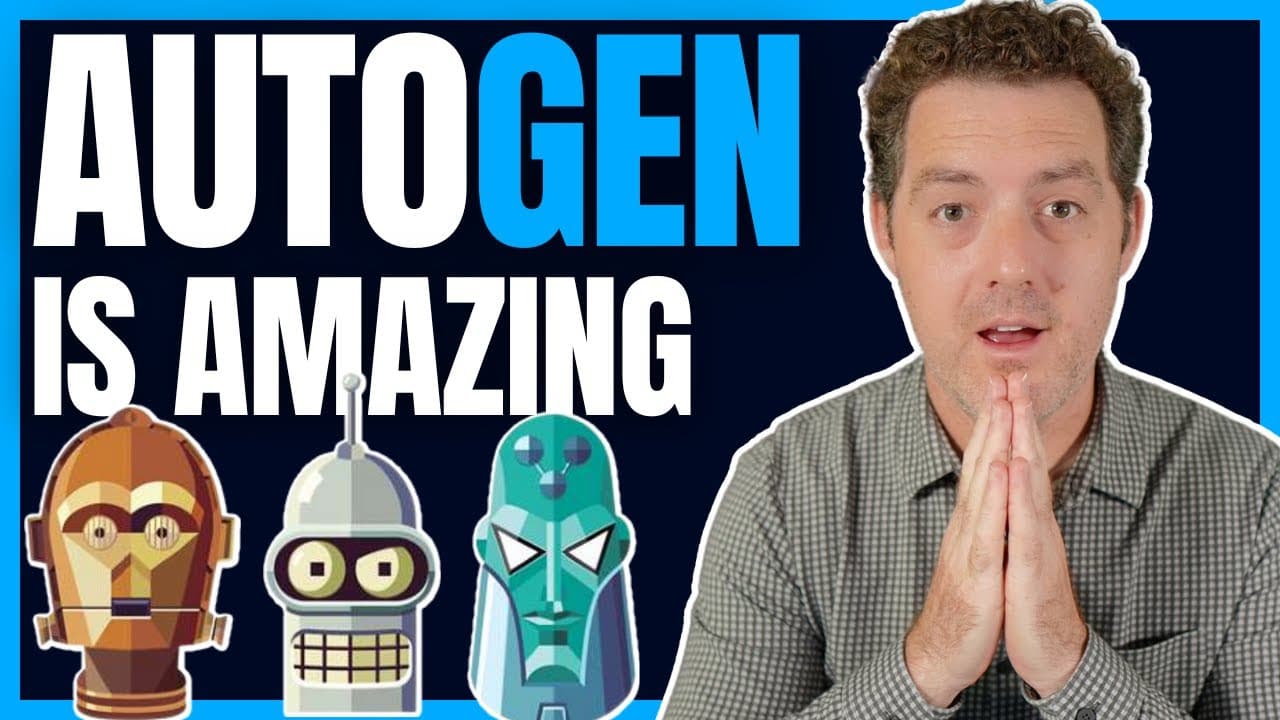
To set up Autogen with Python, you need Visual Studio Code, Anaconda, and an OpenAI account. The tutorial guides you through creating a new project, installing Autogen, configuring agents, and initiating tasks, enabling multiple AI agents to work together on coding and other tasks effectively.
Transcript
I absolutely obsessed with autogen it is the coolest piece of AI technology that I've seen since I saw Chad GPT originally I already created a beginner's tutorial video and overview of autogen and what its capabilities are but now I'm going to give you a more advanced tutorial and we're going to set it up on our computer I'm going to walk you throu... Read More
Key Insights
- 👻 Autogen is a highly versatile AI technology that allows for the creation of multiple AI agents to collaborate on tasks.
- 😫 Setting up Autogen requires Visual Studio Code, Anaconda, and an OpenAI account.
- ⌛ Autogen's caching feature saves time and cost by using cached responses for repeated tasks.
- 🪗 Autogen can be customized and configured according to specific requirements.
- 👤 Multiple assistant agents and user proxies can be created in Autogen for different roles and tasks.
- 👨💻 Autogen provides a code execution configuration for executing code within the AI agents.
- 👨💻 Refactoring and organizing the Autogen code can enhance its functionality and maintainability.
Install to Summarize YouTube Videos and Get Transcripts
Explore YouTube Video Summarizer or Get YouTube Transcript Extractor
Questions & Answers
Q: What is Autogen and what can it do?
Autogen is an AI technology that allows the creation of multiple AI agents to work together on various tasks. These agents can execute code, use tools, and accomplish any task given to them.
Q: What do I need to set up Autogen on my computer?
You will need Visual Studio Code (or any code editor), Anaconda, and an OpenAI account to set up Autogen.
Q: Can I customize and configure Autogen?
Yes, Autogen is fully customizable. You can define the model, API key, prompt, and various other settings according to your requirements.
Q: How does the caching feature in Autogen work?
Autogen's caching feature saves the AI agent's response to a task. If the same task is requested again, it uses the cached version to save time and cost. The cache can be invalidated by changing the seed or deleting the cache.
Q: Can I have multiple assistant agents and user proxies in Autogen?
Yes, you can create multiple assistant agents and user proxies in Autogen. This allows for the creation of teams of AI agents with different roles.
Q: What is the purpose of the system message in Autogen?
The system message in Autogen provides instructions to the user proxy on how to determine if a task has been completed. It helps the AI agents understand when to stop the task.
Q: How do I execute code using Autogen?
Autogen provides a code execution configuration where you can set the working directory and other settings for code execution. You can include the code execution configuration in your Autogen setup to execute code.
Q: Can I extend and modify the Autogen code?
Yes, you can extend and modify the Autogen code based on your needs. The tutorial provides suggestions for improvements, such as using environment variables and organizing the code.
Summary & Key Takeaways
-
Autogen is a powerful AI technology that enables the creation of multiple AI agents to collaborate on tasks, including coding.
-
This tutorial provides a detailed walkthrough on setting up Autogen on your computer using Visual Studio Code, Anaconda, and an OpenAI account.
-
The tutorial covers topics such as creating the necessary files and folders, installing Autogen, configuring Autogen, defining agents and their roles, and initiating tasks.
Read in Other Languages (beta)
Share This Summary 📚
Summarize YouTube Videos and Get Video Transcripts with 1-Click
Try YouTube Summary with ChatGPT & Claude or YouTube Transcript Generator
Explore More Summaries from Matthew Berman 📚




Summarize YouTube Videos and Get Video Transcripts with 1-Click
Try YouTube Summary with ChatGPT & Claude or YouTube Transcript Generator