How to Use the useContext Hook in React Effectively
TL;DR
The useContext hook in React allows you to manage state across nested components without prop drilling. By creating a context and a provider, you can share state between components easily, enhancing code readability and efficiency, especially in larger applications.
Transcript
hey everyone welcome back to another web dev junkie video my name is Cody Seibert and in this video I'm gonna be showing you how to use a new hook called use context so if you are already aware of the use context hook then you can probably skip this video but if you are familiar with like redux or some type of state management contexts are more spe... Read More
Key Insights
- 🪹 Use context can simplify the communication between deeply nested components, eliminating the need for complex prop drilling.
- 👪 It enhances the readability of code by reducing the number of props passed from parent to child components over multiple levels.
- 🏪 The react.createContext method establishes a context that can store any type of data, enhancing flexibility.
- 🪡 Each component that needs to access context values can do so easily with the useContext hook, ensuring efficient state management.
- ♿ The initial setup of a context involves creating the context and wrapping components in a provider, ensuring they can access state.
- ⌛ Context values can be dynamic, meaning they can change over time and components will respond to these updates automatically.
- 🧑✈️ Use context is particularly useful in large applications with a lot of shared state, promoting better state management practices.
Install to Summarize YouTube Videos and Get Transcripts
Explore YouTube Video Summarizer or Get YouTube Transcript Extractor
Questions & Answers
Q: What is prop drilling and why is it a concern in React development?
Prop drilling refers to the process of passing data (props) from a parent component down through multiple levels of child components until it reaches the intended component. This can become cumbersome and difficult to manage, especially in larger applications with many nested components. A user might frequently have to modify each level of components to handle data updates, making code complex and less readable.
Q: How does the use context hook enhance state management in React applications?
The use context hook streamlines state management by allowing components to directly access shared state without the cumbersome prop drilling process. It helps to centralize state updates and makes it easier to manage component hierarchies since any nested component can access the context value, reducing boilerplate code and potential errors associated with props.
Q: What initial steps are required before using the use context hook?
To use the use context hook, you first need to create a context object using React's createContext method. Next, wrap the relevant components in a context provider that specifies the value of the context. This setup allows any nested components to access the context value using the useContext hook, simplifying state sharing.
Q: Can the value passed to a context be anything, and how does that work?
Yes, the context value can be any JavaScript object, including primitives, functions, arrays, and even entire objects. When you create your context, you define what value to store. Components that consume this context can access and manipulate the value directly, which could represent user data, settings, or application state.
Q: How does the structure of components change when using use context?
When utilizing the use context hook, components no longer need to receive props for shared state values. Instead, they can consume the context directly using useContext. This modification reduces the number of props that each component requires and allows for a cleaner, more focused component architecture with a focus on functionality.
Q: How can use context help in large-scale applications?
In large-scale applications, use context significantly reduces the complexity of passing state and functions through props across many component layers. It allows developers to create a cleaner codebase where components can access shared state seamlessly, improving maintainability, scalability, and overall application performance.
Summary & Key Takeaways
-
The video introduces the use context hook in React, which allows state management without prop drilling, providing easier access to variables across nested components.
-
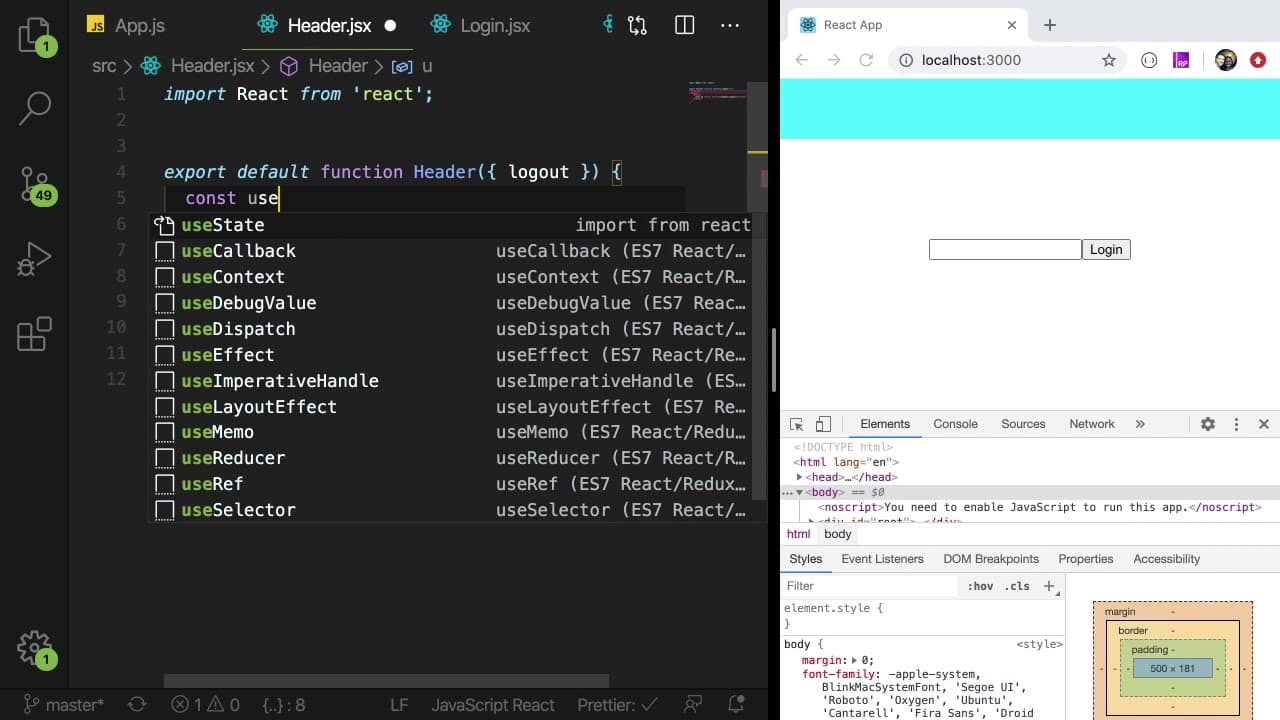
Cody Seibert demonstrates a practical example of replacing prop drilling with use context, using a user state in a simple React application with header, login, and welcome components.
-
By declaring a context and using a provider, components can access shared state easily, promoting more efficient communication in larger React applications.
Read in Other Languages (beta)
Share This Summary 📚
Summarize YouTube Videos and Get Video Transcripts with 1-Click
Try YouTube Summary with ChatGPT & Claude or YouTube Transcript Generator
Explore More Summaries from Web Dev Cody 📚





Summarize YouTube Videos and Get Video Transcripts with 1-Click
Try YouTube Summary with ChatGPT & Claude or YouTube Transcript Generator