How to Build Real Apps with Cursor IDE
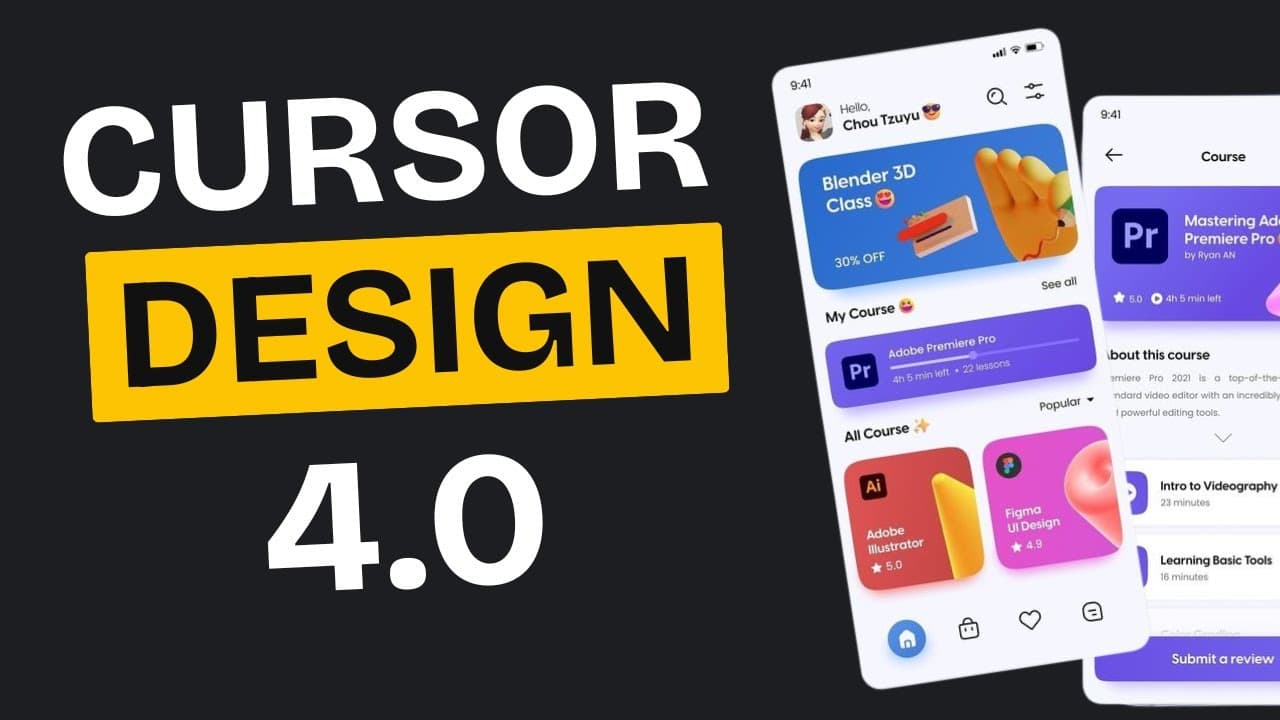
TL;DR
To build real UIs with Cursor IDE, use structured prompts, integrate with Claude, and apply BrowserMCP for cloning existing sites. For precision, StageWise allows exact UI tweaks without disrupting other elements. These methods prevent AI errors, ensuring reliable and professional results.
Transcript
are you struggling to turn beautiful website designs into actual working code with cursor you're not alone in my previous video about building beautiful websites with cursor you guys absolutely loved it and it got an amazing response here's the thing though in that video I actually showed you how you can get a beautiful UI but I didn't show you how... Read More
Key Insights
- Structured prompts inject the full functionality and structure of a front-end app into AI's context, improving accuracy.
- Claude can generate JSON outputs from design references, facilitating accurate design implementation in Cursor.
- BrowserMCP clones existing site structures, allowing custom designs to be applied on top without starting from scratch.
- StageWise enables precise UI tweaks by selecting elements and providing exact change instructions to Cursor.
- Cursor IDE can create a solid foundation for web applications, but initial designs may require manual corrections.
- Using Next.js and Tailwind with Cursor allows for structured and scalable web app development.
- BrowserMCP's real browser interaction captures both code and visual layout, ensuring functional site clones.
- StageWise's precision editing prevents layout disruptions, essential for maintaining professional project standards.
Install to Summarize YouTube Videos and Get Transcripts
Explore YouTube Video Summarizer or Get YouTube Transcript Extractor
Questions & Answers
Q: How to build real UIs with Cursor IDE?
To build real UIs, use structured prompts to define the app's functionality and design structure in Cursor IDE. Integrate with tools like Claude to convert design references into JSON, and use BrowserMCP to clone existing site structures. Finally, apply StageWise for precise UI modifications, ensuring professional and reliable results.
Q: What is the role of structured prompts in Cursor IDE?
Structured prompts are crucial in Cursor IDE as they embed the full functionality and design structure of an app into the AI's context. This approach reduces the likelihood of AI errors by providing clear instructions on required pages, user roles, authentication, and shared components, ensuring a more accurate and reliable UI build.
Q: How does BrowserMCP enhance web development in Cursor?
BrowserMCP enhances web development by allowing users to clone existing site structures, which can be customized with new designs. It interacts with web pages like a real browser, capturing both code and visual layout. This ensures accurate and functional site recreation, providing a solid foundation for further customization in Cursor.
Q: Why is StageWise important for UI tweaks in Cursor?
StageWise is important for UI tweaks because it allows precise modifications without disrupting other elements. By selecting specific elements and providing exact instructions, StageWise ensures that changes are accurately implemented, maintaining the integrity of the overall design and preventing unintended layout issues in Cursor projects.
Q: How can Claude integration improve design implementation in Cursor?
Claude integration improves design implementation by converting design references into JSON outputs, which can be used in Cursor to accurately recreate UI elements. This process ensures that the design is implemented as intended, reducing the need for guesswork and manual corrections, and providing a reliable foundation for further development.
Q: What are the benefits of using Next.js and Tailwind with Cursor?
Using Next.js and Tailwind with Cursor provides a structured framework for building scalable web applications. Next.js offers a robust environment for server-side rendering and static site generation, while Tailwind provides utility-first CSS for rapid UI development. Together, they enhance the efficiency and scalability of web projects in Cursor.
Q: How does BrowserMCP capture site structure and layout?
BrowserMCP captures site structure and layout by spinning up a real browser that navigates web pages like a human. It takes screenshots and analyzes the visual structure, not just the HTML code, ensuring an accurate understanding of the site's architecture, navigation patterns, and styling approaches for cloning and customization in Cursor.
Q: What challenges might arise when using Cursor IDE for UI design?
Challenges in using Cursor IDE for UI design include initial design inaccuracies that may require manual corrections, version conflicts during app creation, and potential misinterpretations of vague instructions. However, using structured prompts, BrowserMCP, and StageWise can mitigate these issues, ensuring accurate and professional results.
Summary & Key Takeaways
-
Use structured prompts and Claude integration to convert design references into JSON for accurate UI building in Cursor. This method ensures the functionality and structure are embedded in the AI's context, minimizing errors.
-
BrowserMCP allows cloning of existing site structures, enabling users to apply custom designs on proven layouts. This approach leverages real browser interactions for accurate site recreation.
-
StageWise facilitates precise UI modifications by selecting specific elements and providing detailed instructions to Cursor. This tool prevents unintended changes and maintains project integrity.
Read in Other Languages (beta)
Share This Summary 📚
Summarize YouTube Videos and Get Video Transcripts with 1-Click
Try YouTube Summary with ChatGPT & Claude or YouTube Transcript Generator
Explore More Summaries from AI LABS 📚



Summarize YouTube Videos and Get Video Transcripts with 1-Click
Try YouTube Summary with ChatGPT & Claude or YouTube Transcript Generator