How to Create an Animated Countdown Timer in Canva
TL;DR
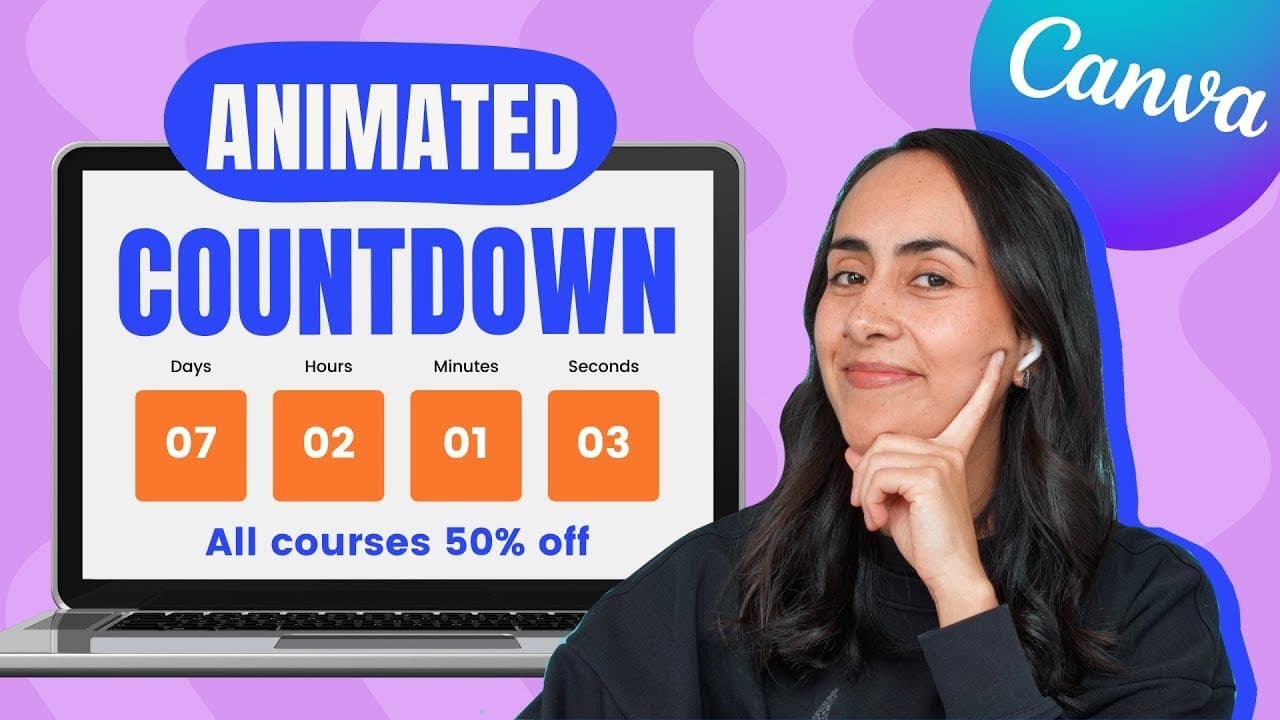
To create an animated countdown timer in Canva, start by designing the layout with text boxes for days, hours, minutes, and seconds. Use the animate feature to set timing for changes, then duplicate pages to create each countdown frame. Two versions are available: a free version for all users and a Pro version with advanced animations.
Transcript
today i'm going to show you step by step how to create an animated condom timer in canva and i'm going to show you two different versions a free version of the animation so anyone with a camera account can create this and also i'm going to show you this second version in which we're going to use an animation that is available only for combat pro us... Read More
Key Insights
- 🎨 Canva offers tools to create animated designs easily for various purposes.
- ❓ Customizing layout and styling enhances the visual appeal of the animation.
- 👤 Different animation options cater to both free users and Canva Pro users.
- ❓ Previewing animations before downloading ensures the desired outcome.
- 💁 Quick editing tips like duplicating elements save time during corrections.
- 👥 Sharing creations on platforms like Facebook groups encourages feedback and collaboration.
- 👤 Canva tutorials cater to users from beginners to advanced levels.
Install to Summarize YouTube Videos and Get Transcripts
Explore YouTube Video Summarizer or Get YouTube Transcript Extractor
Questions & Answers
Q: How do you create a new document in Canva for the animation?
To create a new document in Canva for the animation, click on the "custom size" button, enter width and height, and then create a new design.
Q: What elements are essential for the layout of the animated condom timer?
Essential elements for the layout include a text box for the title, sections for days, hours, minutes, and seconds, text boxes for labeling, and additional text boxes for information.
Q: How can you customize the styling of the animation in Canva?
You can customize the styling by choosing font combinations, selecting colors, and adding patterns from Canva's design features to enhance the visual appeal of the animation.
Q: What is the process for creating the animation with changing numbers in Canva?
To create the animation with changing numbers, duplicate pages, adjust timing for each page, and apply animations like "pop" to the text boxes to make the numbers animated.
Summary & Key Takeaways
-
Step-by-step guide to creating an animated condom timer in Canva.
-
Demonstrates creating two versions of the animation: one free and one for Canva Pro users.
-
Includes tips on layout, styling, animation, and customization options.
Read in Other Languages (beta)
Share This Summary 📚
Summarize YouTube Videos and Get Video Transcripts with 1-Click
Try YouTube Summary with ChatGPT & Claude or YouTube Transcript Generator
Explore More Summaries from Design with Canva 📚




Summarize YouTube Videos and Get Video Transcripts with 1-Click
Try YouTube Summary with ChatGPT & Claude or YouTube Transcript Generator