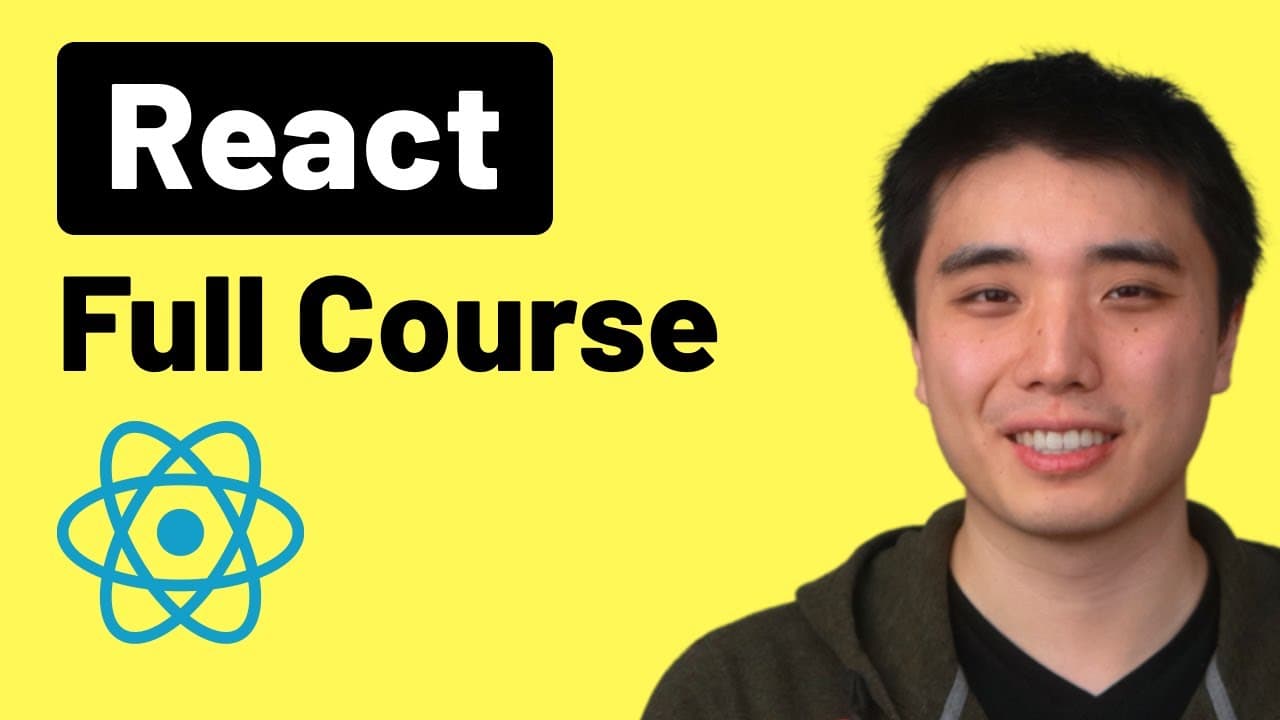
How to Learn React: Beginner to Pro Course
TL;DR
Start with basics of React, setting up a project in VS Code and a browser, then learn JSX, components, props, state, and hooks. The course covers integrating with a backend, deploying with AWS, using TypeScript, and building a chatbot and an e commerce project, with 125 exercises to practice.
Transcript
Welcome to the React full course. In this course, we'll learn how to build complex websites with React. And by the end of this course, we'll build two projects, a chatbot and an e-commerce project. We'll start from the very basics of React like how to set up React with JavaScript and we'll learn each feature in detail step by step. We'll learn the ... Read More
Key Insights
- React basics are taught through a hands on setup using a folder on the desktop, opening in VS Code, and using Live Server for automatic refreshes, which speeds up learning. The course emphasizes starting with HTML, JavaScript, and JSX concepts to build intuition.
- Projects are central to the course, with a chatbot and an e commerce site as primary targets, enabling learners to apply components, props, and state in practical contexts and reinforcing how front end interacts with back end services.
- JSX is introduced as a core React concept, showing how HTML like syntax is used within JavaScript, and how components are composed to create reusable UI pieces, driving faster development and clearer code structure.
- State, event handling, and hooks are presented as the engine of interactivity in React, enabling dynamic UI updates and complex user interactions without full page reloads, while teaching how to manage data flow.
- The course covers modern tooling such as Vite for proper React setup, and explores deployment options with AWS, highlighting the end to end lifecycle from development to production.
- TypeScript is introduced as an optional layer for type safety, illustrating how typing props and state can reduce bugs and improve code maintainability across larger apps.
- Backend integration is addressed, showing how React apps fetch data and work with servers, which is essential for building real world applications and understanding data fetching patterns.
- Routing and project organization are included to enable scalable apps, with guidance on structuring components, pages, and navigation for a coherent user experience.
- More videos from this channel:
- More from this channel: SuperSimpleDev
Install to Summarize YouTube Videos and Get Transcripts
Explore YouTube Video Summarizer or Get YouTube Transcript Extractor
Questions & Answers
Q: What baseline tools do I need before starting the React course
The course recommends two pieces of software to begin, a web browser and a code editor, with Google Chrome and VS Code being the preferred choices for web development. It also suggests having basic JavaScript and HTML knowledge, while promising to review these topics throughout the lessons. This setup helps you run and debug React code locally and progressively build more complex projects.
Q: How does the course introduce React basics
React basics are introduced by guiding learners to set up a folder on the desktop, open it in VS Code, and use Live Server to automatically refresh the browser as code changes. This practical workflow helps you see immediate results, reinforcing concepts such as JSX, components, and first simple scripts while you learn how React threads through a typical web app.
Q: What projects are used in the course to teach React
The course uses two main projects to teach React end to end: a chatbot and an e-commerce project. These projects provide real world contexts to apply components, props, state, and event handling, and they illustrate how front end interacts with back end services, data fetching, and dynamic UI updates.
Q: What topics are covered after basics in this React course
After covering basics, the course delves into advanced features like using React with a backend, deploying React apps to the internet with AWS, leveraging TypeScript for type safety, and integrating AI capabilities. Learners also work on exercises beyond lectures to reinforce the material.
Q: How is JavaScript reviewed during the course
The course reviews JavaScript features as they’re needed, ensuring you only need basic knowledge to begin. If you want deeper understanding, there is a dedicated JavaScript full course linked in the video description. This approach keeps you from feeling overwhelmed while you build practical React skills.
Q: What practical setup steps are emphasized for starting React
The practical setup emphasizes creating a new project folder, opening it in VS Code, and creating a basic HTML file named react-basics.html. It then suggests loading React via scripts or via a local file react-basics.js. This hands on approach helps you grasp how React apps are loaded and structured.
Q: How does the course handle learning pace and exercises
The course allows learners to adjust video speed and provides subtitles in multiple languages, with a large set of exercises after each lesson. There are over 125 exercises in total, designed to offer extensive practice and reinforce the skills learned in each section, from basics to advanced topics.
Q: What deployment and tooling topics are included
Deployment and tooling topics include learning how to deploy React apps to the internet with AWS, using Vite for proper setup, and exploring React Router for navigation. The course also covers debugging, Git workflows, and project configuration to prepare you for real world development.
Q: Is there guidance on backend integration and data fetching
Yes, the course includes sections on React with backend and data fetching, teaching how to connect frontend components to server data, manage asynchronous requests, and handle responses in a way that keeps the UI responsive and coherent during navigation and user interactions.
Summary & Key Takeaways
-
This section outlines the course setup, tools, and prerequisites, emphasizing VS Code, Chrome, and basic JavaScript and HTML knowledge. It explains creating a project folder, opening it in the editor, and using Live Server for live pages, establishing a practical workflow.
-
The curriculum progresses from fundamentals to advanced topics, including JSX, components, props, state, and hooks, with a focus on building real projects like a chatbot and an e commerce site, and introduces backend integration and deployment.
-
The course also covers tooling for modern React development, such as Vite, TypeScript, and debugging practices, along with sections on testing, routing, and project organization to prepare learners for real world projects.
Read in Other Languages (beta)
Share This Summary 📚
Summarize YouTube Videos and Get Video Transcripts with 1-Click
Try YouTube Summary with ChatGPT & Claude or YouTube Transcript Generator
Explore More Summaries from SuperSimpleDev 📚


Summarize YouTube Videos and Get Video Transcripts with 1-Click
Try YouTube Summary with ChatGPT & Claude or YouTube Transcript Generator