How to Create a Free Website Using Canva Templates
TL;DR
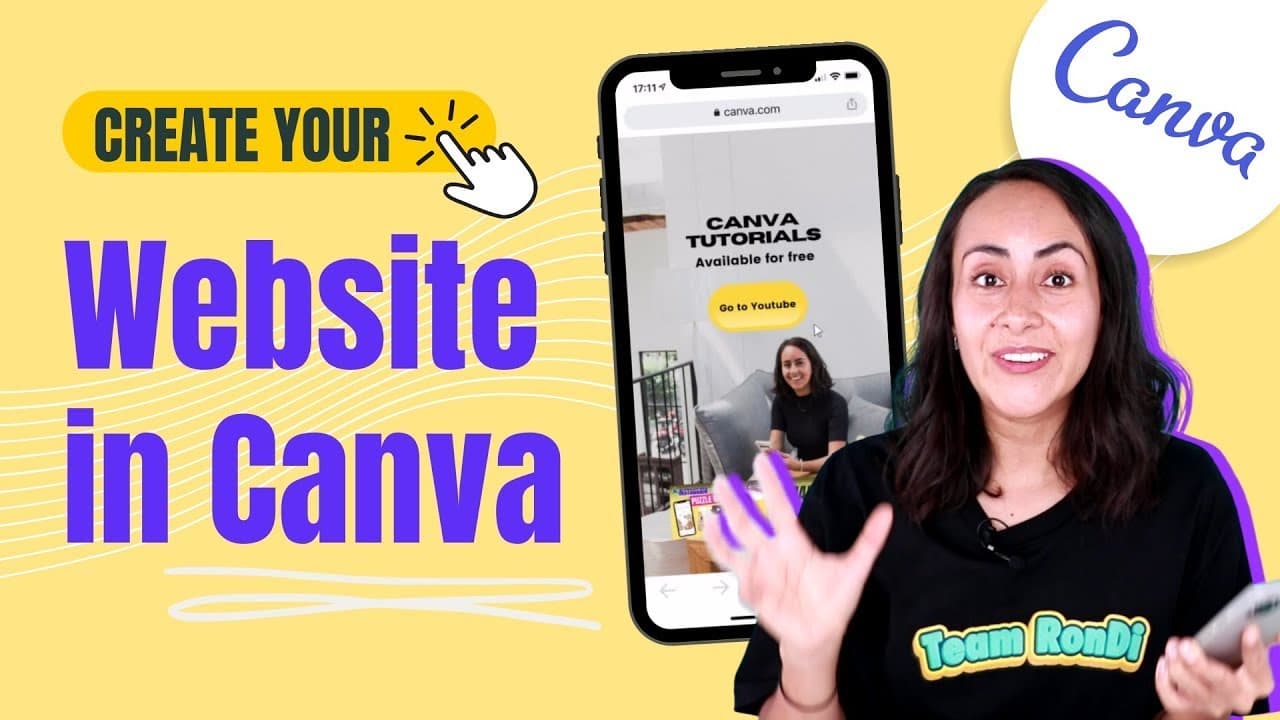
You can create a stunning website for free using Canva by selecting from various customizable templates. Start with a mobile-first or desktop template, add your own assets, and incorporate features like buttons and video embeds for enhanced interactivity. Canva websites are optimized for both desktop and mobile viewing, making them accessible and visually appealing.
Transcript
today we are going to learn how to create websites in camp these websites are going to be completely free so anyone with a camber free account or canva pro account can follow this tutorial and as you can see in the background these websites are going to look nice on desktop but also they are going to look nice on mobile so if you are ready for this... Read More
Key Insights
- 🥶 Canva provides a user-friendly platform to create free websites with customizable templates for different purposes.
- 👤 Users can ensure their website design is cohesive by using consistent fonts, colors, and styles across all pages.
- 🎮 The ability to embed videos, buttons, and animations adds interactivity and engagement to Canva websites.
- 👻 Sharing options in Canva allow users to publish their websites online for others to view without the need for complex hosting.
- 👤 Customizing templates and elements in Canva enables users to create unique and visually appealing websites tailored to their brand.
- 👤 Canva websites are optimized for desktop and mobile viewing, ensuring a seamless user experience across devices.
- 👻 Utilizing Canva's design features like stickers and code embeds allows for creativity and customization in website creation.
Install to Summarize YouTube Videos and Get Transcripts
Explore YouTube Video Summarizer or Get YouTube Transcript Extractor
Questions & Answers
Q: What are the different types of website templates available on Canva?
Canva offers templates for desktop, mobile, and landing pages, allowing users to create tailored websites for various needs without design experience.
Q: How can users customize the design of their websites on Canva?
Users can upload their images, change text and link URLs, adjust colors, fonts, and layout, ensuring a personalized and professional-looking website aligned with their brand.
Q: Can users embed external content like videos on their Canva websites?
Yes, users can easily embed videos from platforms like YouTube by copying the video link and pasting it into the Canva design, providing interactive and engaging elements on their website.
Q: How can users share their created websites from Canva?
Users can publish their Canva websites as a live version accessible via a unique URL, enabling easy sharing with others even if they don't have a Canva account.
Summary & Key Takeaways
-
Canva offers website templates for desktop, mobile, and landing pages.
-
Customize templates using your assets and design preferences.
-
Embed videos, create buttons, and enhance website design with animations.
Read in Other Languages (beta)
Share This Summary 📚
Summarize YouTube Videos and Get Video Transcripts with 1-Click
Try YouTube Summary with ChatGPT & Claude or YouTube Transcript Generator
Explore More Summaries from Design with Canva 📚






Summarize YouTube Videos and Get Video Transcripts with 1-Click
Try YouTube Summary with ChatGPT & Claude or YouTube Transcript Generator