How to Properly Toggle Classes in React?
TL;DR
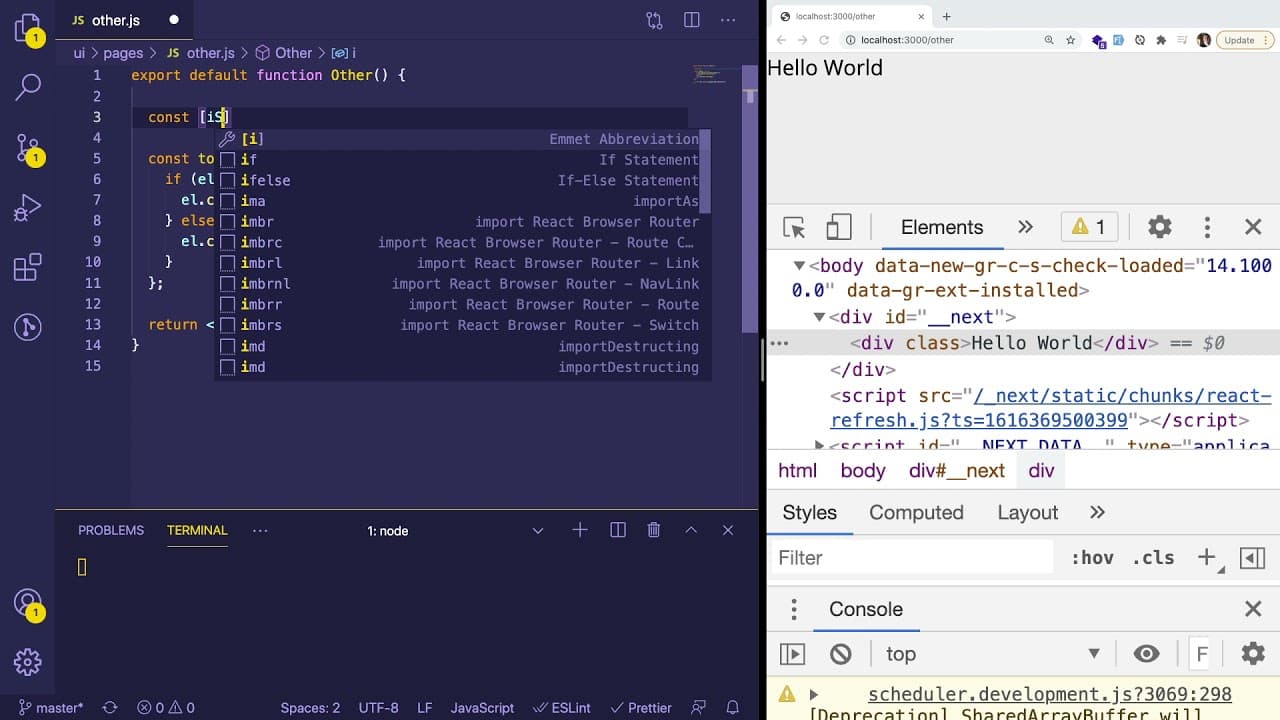
To properly toggle classes in React, use component state instead of directly manipulating the DOM. Create a state variable to manage whether a class is active, and dynamically bind the class name in your JSX. Avoid lower-level DOM manipulation to leverage React's declarative approach for better maintainability and readability.
Transcript
hey everyone hope you guys are having a great day welcome back to another web dev junkie video i wanted to share with you a little example of how you should probably not do react and kind of show you how to refactor it the proper way in react so one of my subscribers on discord asked me a question and kind of showed me some code and he showed me co... Read More
Key Insights
- 📁 Proper state management is crucial in React; direct DOM manipulation should be avoided.
- 🏛️ Dynamic class assignment can be simplified using state variables to reflect UI changes.
- 🏛️ Libraries like 'class names' can enhance code maintainability when dealing with conditional classes.
- 🧑🚒 Understanding the role of React refs can expand a developer’s capabilities for complex DOM interactions.
- 👨💻 Emphasizing readability and maintainability in React code is essential for long-term project success.
- 👻 React's declarative approach allows for smoother state-driven UI updates, simplifying the development process.
- 🥺 Effective refactoring can lead to improved performance and fewer bugs in React applications.
Install to Summarize YouTube Videos and Get Transcripts
Explore YouTube Video Summarizer or Get YouTube Transcript Extractor
Questions & Answers
Q: What is the main issue with the original code presented in the video?
The main issue with the original code is that it uses direct DOM manipulation by adding or removing classes through event handling. This contradicts the React philosophy of managing state and UI through component state and props, leading to code that may become difficult to maintain and debug.
Q: How can state be utilized to manage class names in React?
State can be used by declaring a state variable, such as 'isOpen', that determines the current visibility state. As the state toggles between true and false, the class names can be dynamically assigned in JSX, thereby providing a cleaner and more maintainable approach without resorting to direct DOM manipulation.
Q: Why is it recommended to use a library for class manipulation in React?
Utilizing a library like 'class names' simplifies the management of conditional class assignments by allowing developers to pass an object of classes directly. This approach reduces the complexity of writing lengthy conditional statements, making the code more readable and easier to maintain, especially when multiple classes are involved.
Q: What alternatives does the presenter mention for handling DOM manipulation in React?
The presenter discusses using React refs for more precise DOM element manipulation when necessary. This technique allows for direct references to DOM elements, enabling methods like classList.add or classList.remove, but it should be used sparingly to avoid breaking the declarative nature of React applications.
Summary & Key Takeaways
-
The video demonstrates a common mistake in React regarding direct DOM manipulation instead of using component state for managing class names.
-
It showcases how to refactor code by introducing state variables to dynamically control classes, promoting better React practices.
-
The presenter encourages the use of libraries like 'class names' for managing conditional classes effectively, while also hinting at using refs for more advanced DOM interactions.
Read in Other Languages (beta)
Share This Summary 📚
Summarize YouTube Videos and Get Video Transcripts with 1-Click
Try YouTube Summary with ChatGPT & Claude or YouTube Transcript Generator
Explore More Summaries from Web Dev Cody 📚





Summarize YouTube Videos and Get Video Transcripts with 1-Click
Try YouTube Summary with ChatGPT & Claude or YouTube Transcript Generator